dweezy
Members
-
Joined
-
Last visited
Everything posted by dweezy
-
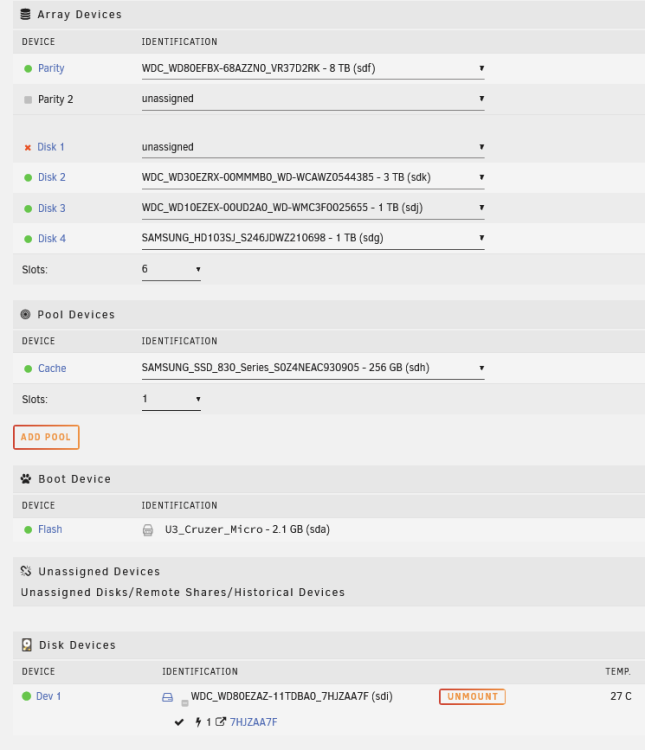
Understood. I started the array normally this time. artemis-diagnostics-20231115-1017.zip
-
Hmm, thought I had started it when I downloaded the logs. Maybe I grabbed them too soon. I did start it in Maintenance mode, if that mattered. Anyhow, here it is again: artemis-diagnostics-20231115-0950.zip
-
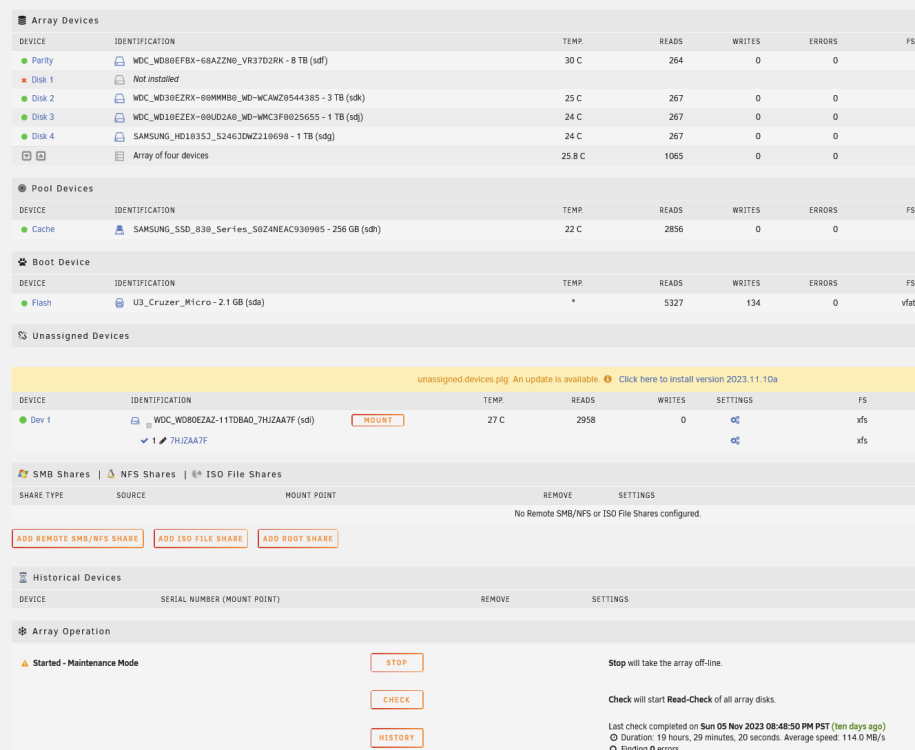
Ran diags; i left the unassigned disk alone, not assigned or mounted. artemis-diagnostics-20231115-0820.zip
-
As a precaution, I figured out how to share the unassigned drive across my network so that I can copy over data to my PC (just in case). If anyone comes across this thread and wondering how to do that, I did this: Enable shares for Unassigned Devices by: Settings > Unassigned Devices > SMB Settings > SMB Sharing: Anything other than `Disabled` Mount your drive Click into Settings for your unassigned drive (cogs icon) and toggle SHARE > click DONE Reboot Unraid Drive should show up on your network now ---------------------------------------- I believe next I'll be rebuilding the disk after assigning it back to the array? Awaiting guidance there before proceeding! TIA
-
Finally managed to squeeze in some time to open up my tower and reseat cables. So far so good; the missing drives are visible once more and after mounting the disabled/unassigned drive, it looks like everything is still there. I ran a short SMART scan and no errors. I'm not confident what could have caused the errors to begin with as nothing has changed. I attached the diagnostics after the array start. artemis-diagnostics-20231114-1252.zip
-
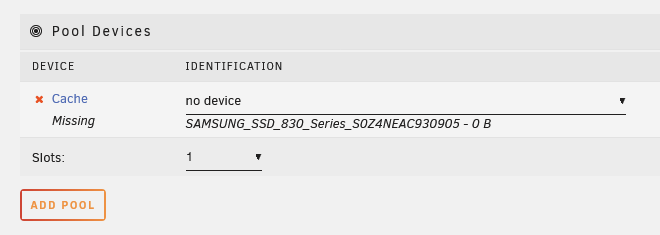
I also noticed my cache disk is now missing after a reboot. Is this an indication my psu is causing these failures? Seems like a weird coincidence. I'll shutdown the tower and call it a night as I've been pulling hairs for the past few hours skimming the forum and it's 3am here!
-
Thanks; I did some quick skimming of related threads but I didn't want to follow any guidance haphazardly when dealing with family photos. (Which I already did by not doing anything when I had the emulated disk available to me before I unassigned it, 'doh). The WD disk that failed(?) is still less than a year old so this came as a surprise. I'm now regretting not having a redundancy system in place. Which by the way, if anyone has suggestions for backing up to external storage, cloud (or both), that's user friendly and automated, I am now certainly all ears. Learning my lesson now!
-
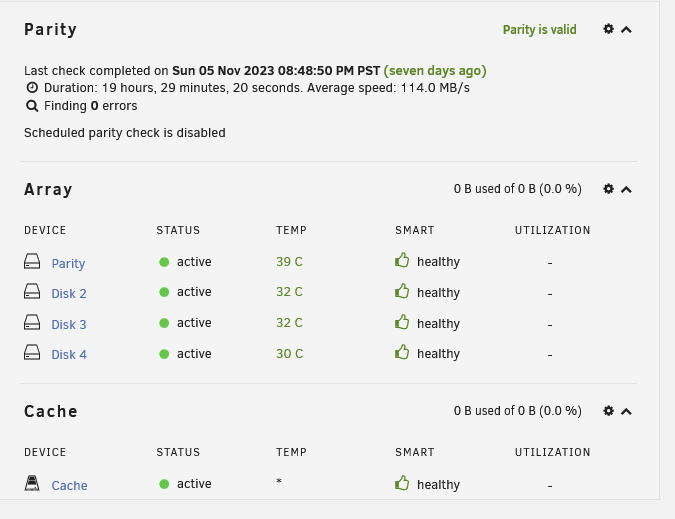
Also, this is a little concerning to me. I didn't realize it but my last parity check was about a week ago. Does this mean if my disabled disk is indeed done for, any rebuild from parity will only be when the parity disk was last checked? Or am I not understanding what the parity "check" is doing?
-
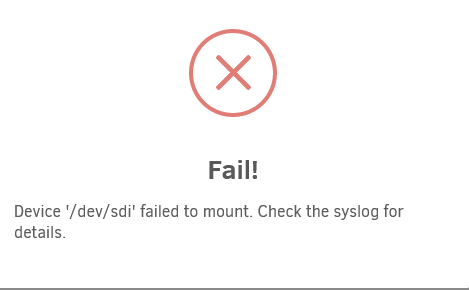
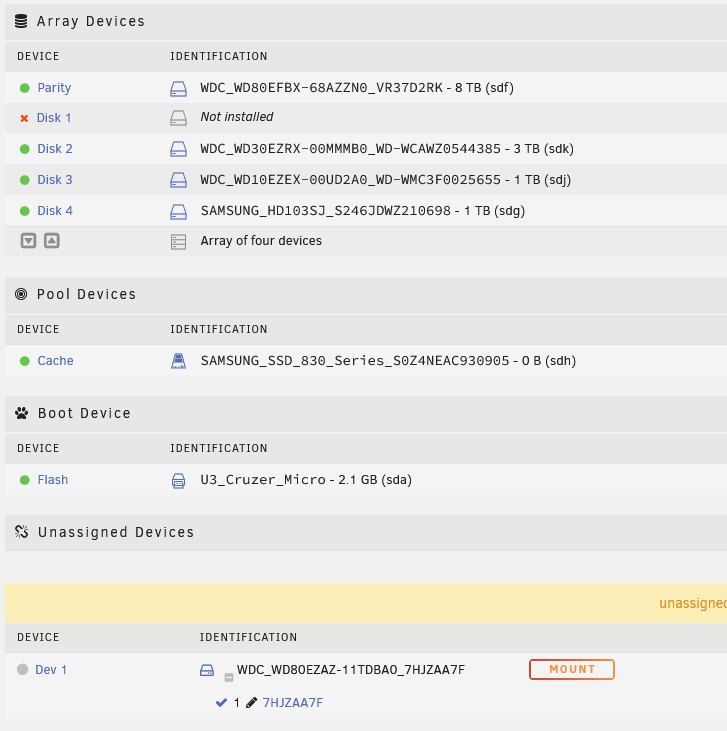
I'll state first I am a novice user. I was busy organizing family photos on a share and all of a sudden I was unable to create folders. I got a notification in the dashboard showing that a drive became disabled. I have one parity drive. In a slight panic, I looked up instructions on how to troubleshoot this problem. I downloaded diagnostics first. Then I followed instructions to stop the array and unassign the disk (I hope doing this didn't screw me over). Now I'm stuck here because I am unable to mount the array due to an error: My setup sits looking like this: I feel like I shouldn't have unassigned the device because I think the disk was being emulated, and I think I could've copied data at that point to an external source for good measure. But I had already unassigned the disk and can't reassign it. At this point, I am not sure what I should be doing and I'm afraid I am making things worse. I'd love to recover the data if possible. I am hoping that is what the parity will help me do. artemis-diagnostics-20231112-0126.zip artemis-syslog-20231112-0947.zip