





chema
Members
-
Joined
-
Last visited
Everything posted by chema
-
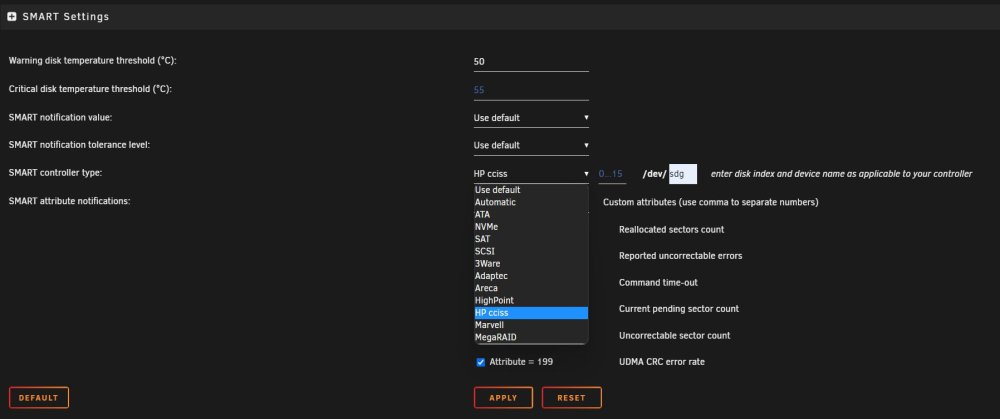
I Have Smart Array HP P822 in HBA mode. I have to select this? In that case, how can I know the index?
-
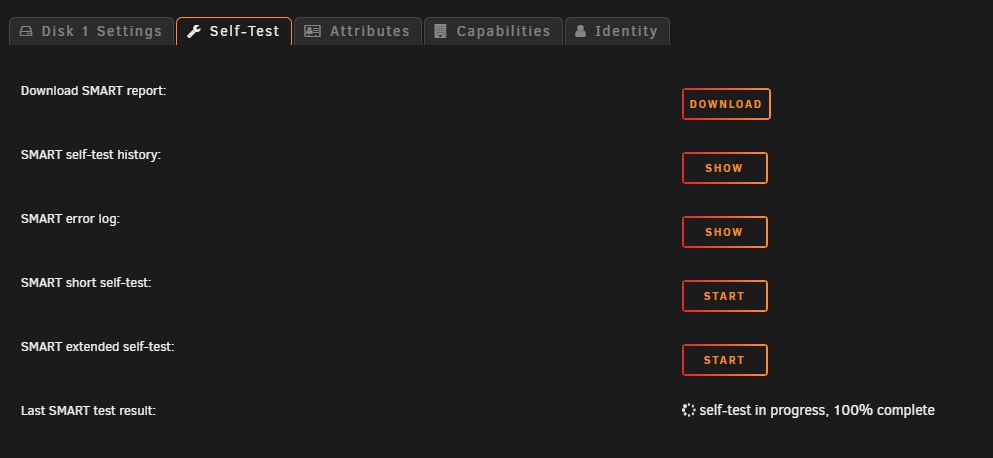
I Have observed that on the disks where I have problems, the smart test never ends
-
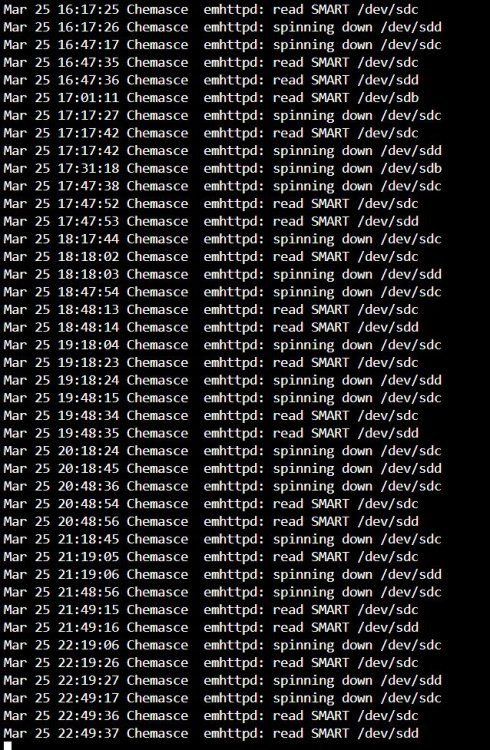
This happens on the disks in the array: (image) But when I press green ball in the pools, nothing happens in the log.
-
If I click on the green ball spin down in array, but in pools not working It is very strange
-
If I configure them to enter spin down, they do so without any problems. After a few minutes, they wake up without any statistics of reading or writing. The plugin "file activity" also does not register any disk access. Additionally, the disks in the pools never enter spin down.
-
I can't solve the problem. I've tried everything I can think of and I can't do it. Does anyone have any idea what it could be? I'm desperate.
-
Thanks for the reply. The disks in the array spin down without problem. I think it is compatible with spin down. The problem happens in pools. Additionally, disk 1 and parity wake up every few minutes for no apparent reason.
-
Hello everyone. Since I have added an HP smart array P822 card I have a problem with the disks. Only the disks in the pools cannot be spin down. It doesn't work manually either. The disks in the array do spin down. But disk1 and parity wake up after a short time from sleep for no apparent reason. I have tried new config, change the cable, delete the pools and create it again. stop the dockers and VM etc. I don't know what else to try. Any ideas?? Thank you diagnostics-20230312-2048.zip

