BoogieSD
Members
-
Joined
-
Last visited
-
Hey i just wanted to thank you for your help. I got it to work correctly (i think?) by following your suggestions. I recreated a Win 11 VM and dropped it into the domains share then just configured my scratch disk to just pass through to the VM.
-
After i setup the disk in native Linux format is it simply as easy as copying it over and configuring my Win 10 VM path to that location under /mnt/disks or would it live here /dev/disk/by-id? Appreciate your guidance.
-
Yes this is correct. I chose NTFS out of familiarity and in case my box went to hell I could still grab files from it. Is this configuration running a VM on a UD disk formatted with NTFS not supported? Should it be on a different format?
-
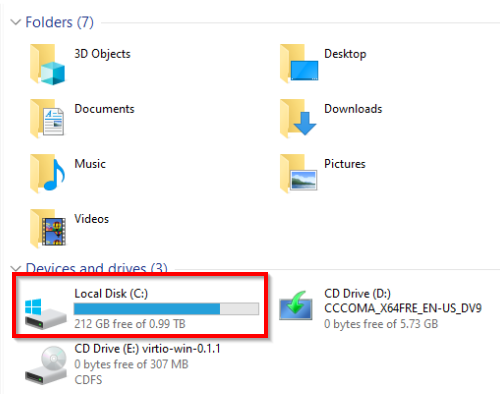
Good evening, does anyone know why my UD NTFS SSD shows incorrect free drive space vs the Windows 10 VM running from it? Thanks in advanced.