yan059
Members
-
Joined
-
Last visited
-
thanks a lot @Kilrah, the fix is working 😊
-
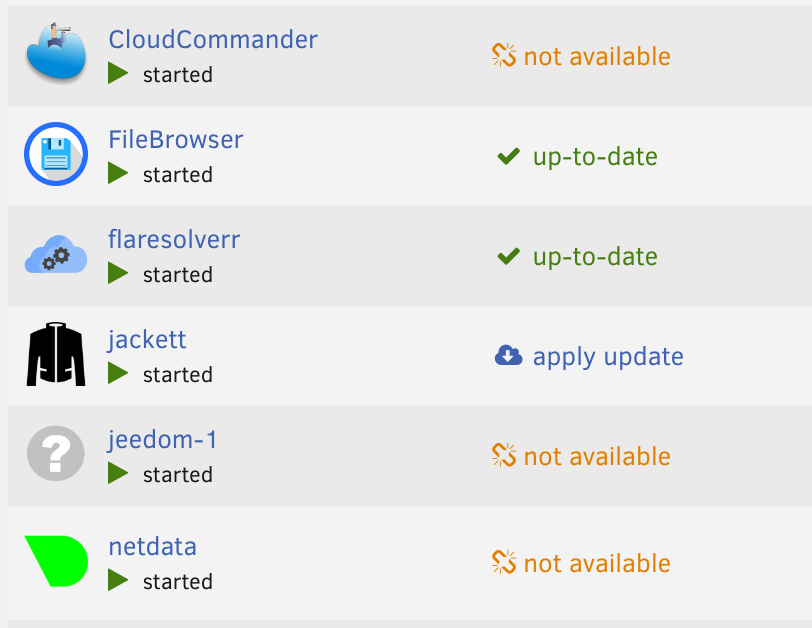
same for me for those containers
-
Hello Fantucie, merci pour ton retour , même si l'ajout des variables indiquées n'a rien changé .... tu m'a mis sur la bonne piste je cherche....
-
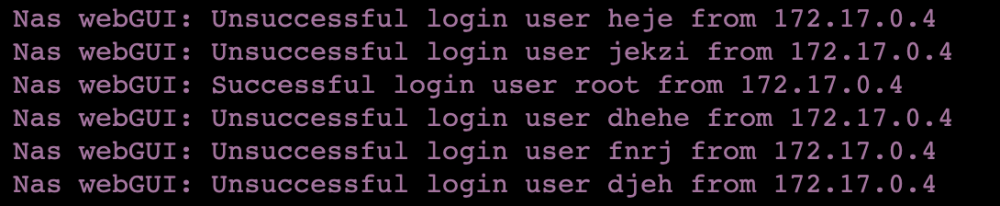
Hello cher communauté, je fais mes premiers pas dans UNRAID , je rencontre un problème potientiel, j'ai regardé la sécurisation pour l'accés WEBGUI de unraid , j'ai donc activé le SSL mappé le port avec reverse proxy NGINX ... jusqu'ici tout va bien , je regardais pour mettre en place un F2B , et en faisant qq test je remarque qu'il y a déjà un blocage par défaut au bout de 3 tentatives infructueuses par défaut : ok, donc je fais le test avec mon tel en 5G je rentre 3 fois un mauvais couple login/pwd sur le web gui de UNRAID avec mon NDD en SSL , je check dans le /var/log/pwfail et en fait la tentative est bien bloqué sauf qu'il reconnait toutes les ip wan exterieures comme l'ip Bridge de mon container comment régler ce point ? afin de ne pas me faire couper l'accés par d'eventuel attaque bot? d'avance merci en espérant avoir été clair bonne soirée à tous