Harrdy
Members
-
Joined
-
Last visited
-
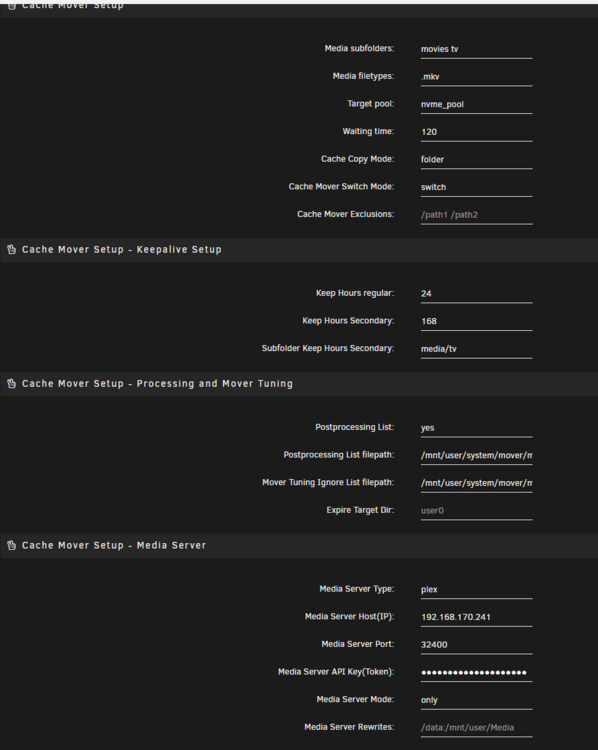
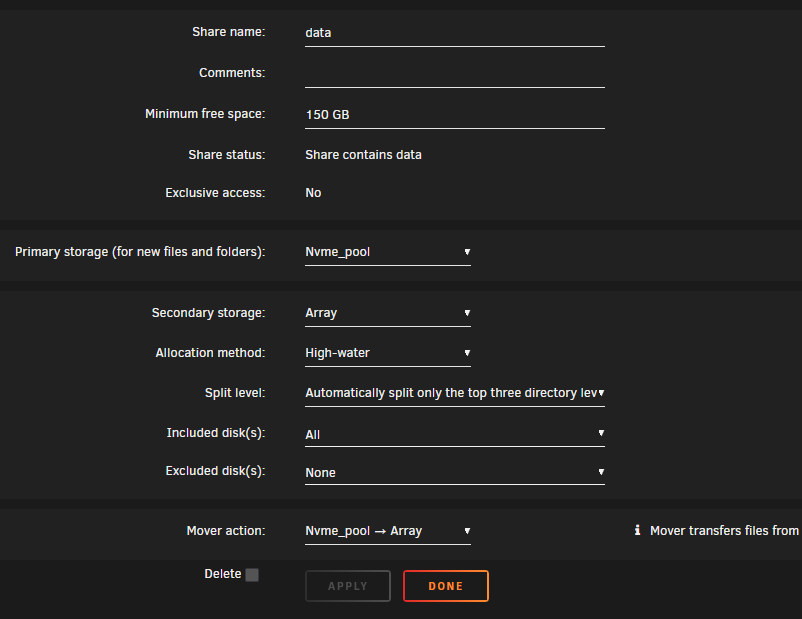
I'm trying to get the move-cache plugin to work, but unfortunately, it's not working. I'm getting an error in the syslog. I've already tried debugging the issue myself, but I can't really figure out what's causing the problem. Does anyone have an idea? Feb 2 16:42:03 Tower root: cache-mover: /usr/local/emhttp/plugins/cache-mover/scripts/cache_mover1: line 122: [: ==: unary operator expected Feb 2 16:42:03 Tower root: cache-mover: update access time pool only dir: /mnt/user/data/media/tv/Suburbia - Women on the Edge (2015) imdb-tt4352342/Season 01 Feb 2 16:42:03 Tower root: cache-mover: touch: cannot touch '/mnt/user/data/media/tv/Suburbia - Women on the Edge (2015) imdb-tt4352342/Season 01': Not a directory root@Tower:/mnt/user/data/media# ls -l| grep -E "(movies|tv)/$" drwxrwxrwx 1 nobody users 3 Feb 1 22:08 movies/ drwxrwxrwx 1 nobody users 4 Feb 2 16:32 tv/