





OhShiro
Members
-
Joined
-
Last visited
-
Under the assumption that you mean that port 80 would need to be forwarded I went ahead and did that. I also forwarded 1337 as thats the port I enter when making the profile. After making these changes nothing has changed. Same error message. If I misunderstood feel free to correct me. As a note, I'm still new to all this and have no prior knowledge on what I'm doing. I'm simply following guides and learning on the way.
-
As I now am awake and have time to upload logs attached will be said logs. letsnotworkepicfail.log
-
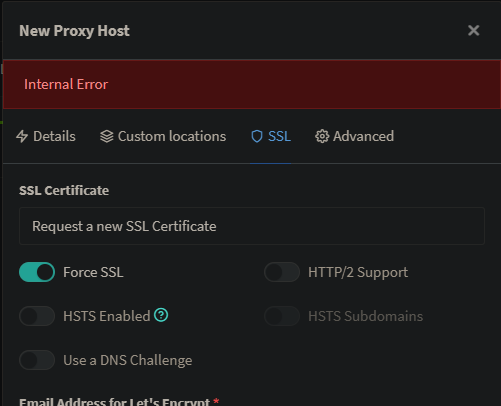
Hi, So I've been trying to force SSL on my subdomain for a proxy. I have changed my subdomain atleast 10 times. Uninstalled, reinstalled. The works. I even went as far as to completely remodeling my server lol. But for some reason itll still Shoot the same error "Internal Error" Its been driving me nuts. At the time of posting this I'll be going to bed so if any logs are needed feel free to lmk and I'll get around to it tomorrow.
