Skip to content
View in the app

A better way to browse. Learn more.

Unraid

A full-screen app on your home screen with push notifications, badges and more.

To install this app on iOS and iPadOS
  1. Tap the Share icon in Safari
  2. Scroll the menu and tap Add to Home Screen.
  3. Tap Add in the top-right corner.
To install this app on Android
  1. Tap the 3-dot menu (⋮) in the top-right corner of the browser.
  2. Tap Add to Home screen or Install app.
  3. Confirm by tapping Install.

mansley

Members
  • Joined

  • Last visited

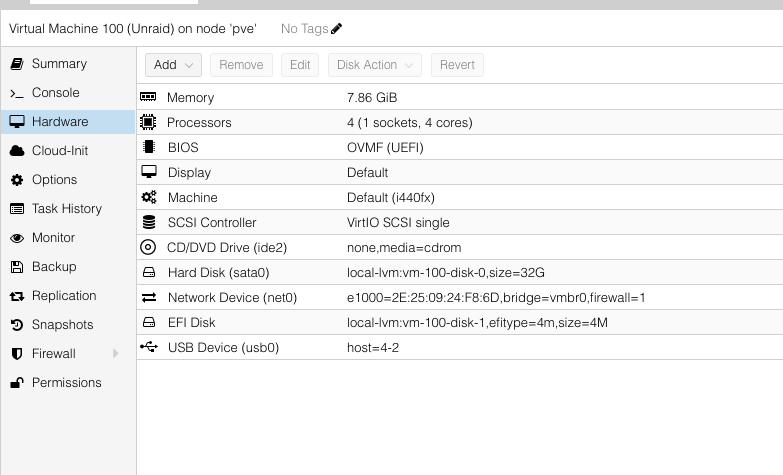
  1. Pass through. I would suspect, since unraid’s MO is to be able to move your usb and drives to new computers without loss, then you could move everything over to the unraid VM in proxmox. You would need to install proxmox on a unused drive or partition, spin up an unraid vm with usb and pci controller for the hard drives as passthrough. However, this is my first time using unraid so heed and precautions needed.
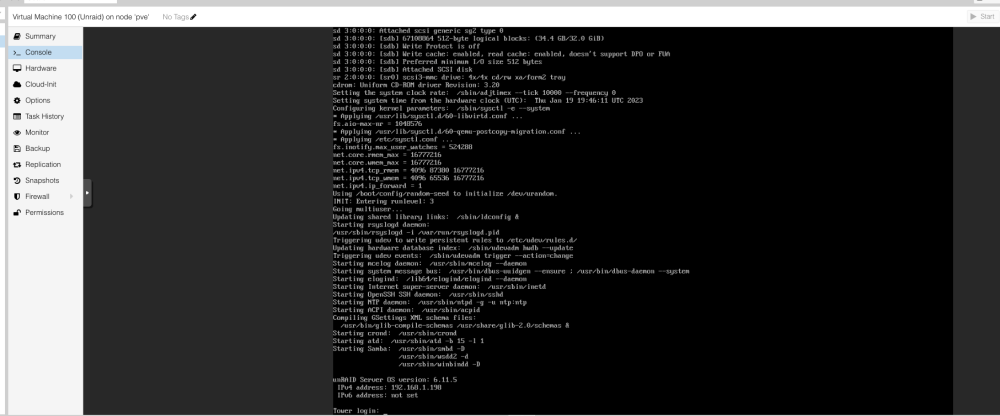
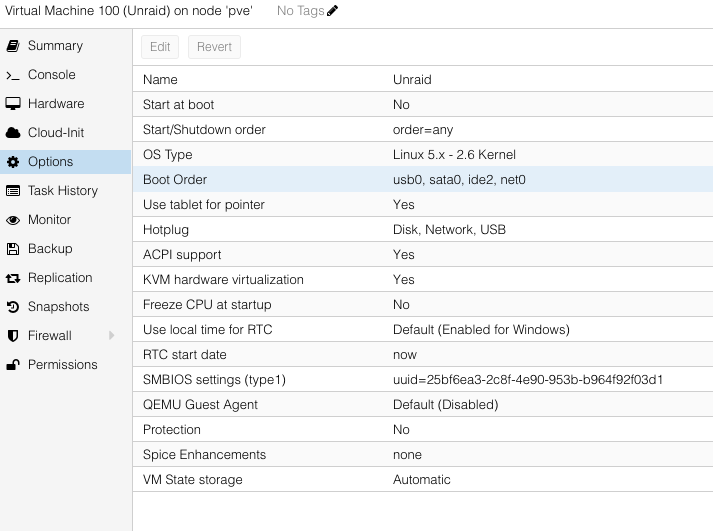
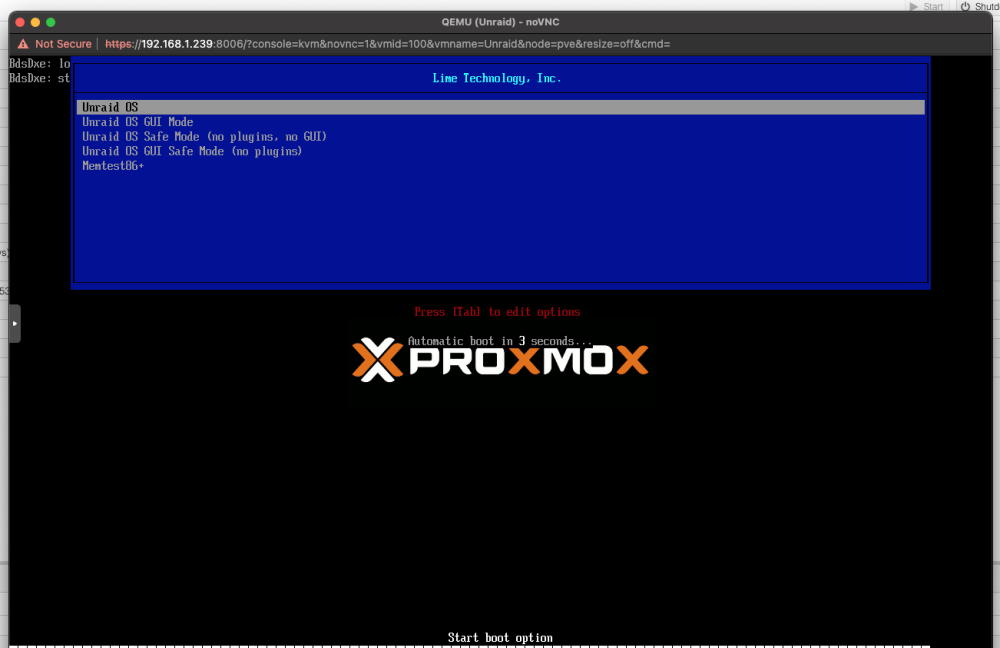
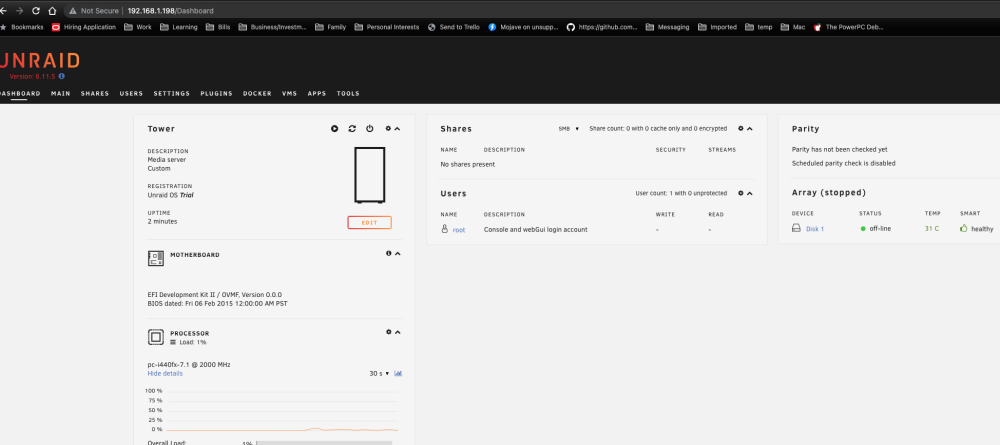
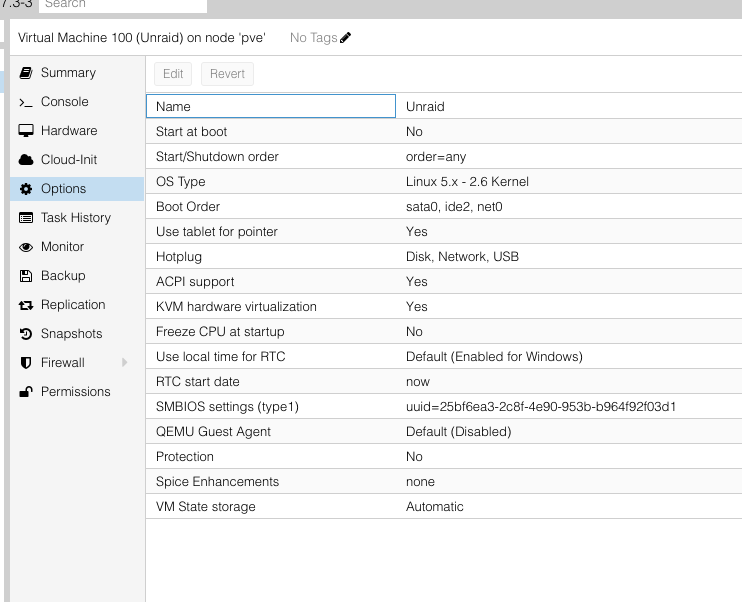
  2. I don't know if this is of interest to you, but yesterday I tried and got the same issue on my 5,1. I installed proxmox and virtualized Unraid and I was able to get it to boot. I am waiting for some hard drives to come and I need to test passthrough of host processor and other things - with hope I don't get the kernel panic.
Account

Navigation

Search

Search

Configure browser push notifications

Chrome (Android)
  1. Tap the lock icon next to the address bar.
  2. Tap Permissions → Notifications.
  3. Adjust your preference.
Chrome (Desktop)
  1. Click the padlock icon in the address bar.
  2. Select Site settings.
  3. Find Notifications and adjust your preference.