muddyclapton
Members
-
Joined
-
Last visited
-
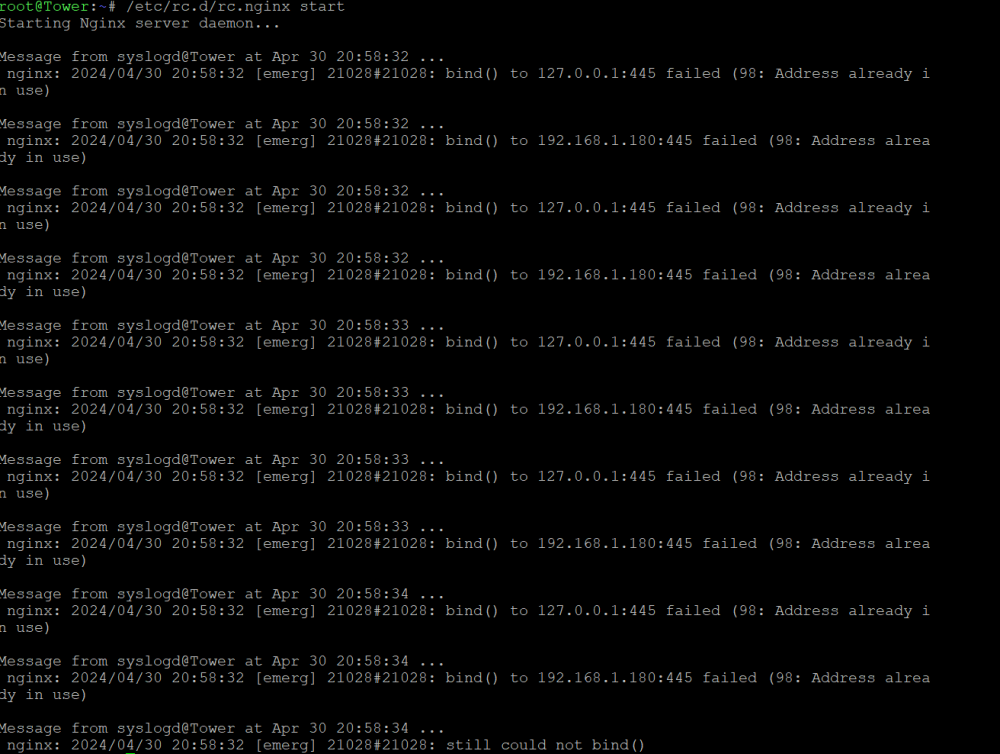
Sorry for the late reply I was occupied at work --quote-- what is the contents of the extra folder on unraid: /boot/extra# ls screen-4.9.1-x86_64-1_nerdtools.txz --unquote-- I'm not quite sure what you meant by this. Is this something I should be looking for in the unraid flashdrive? I tried it in putty but nothing came out of it. The <tailscale down> command didnt work, but I managed to kill it with <docker kill> command. At this point I tried the nginx STOP/ START commands but got same error messages as previous post:




-
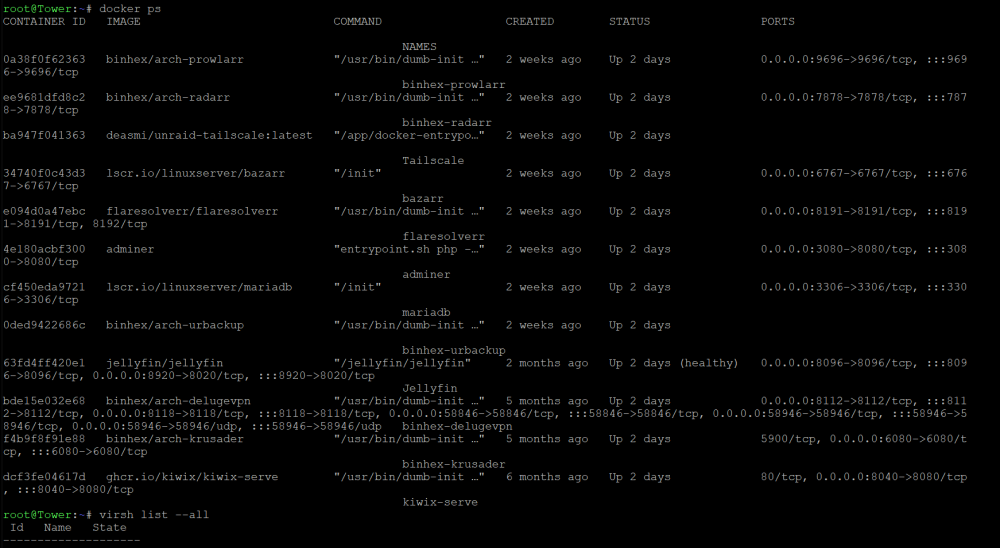
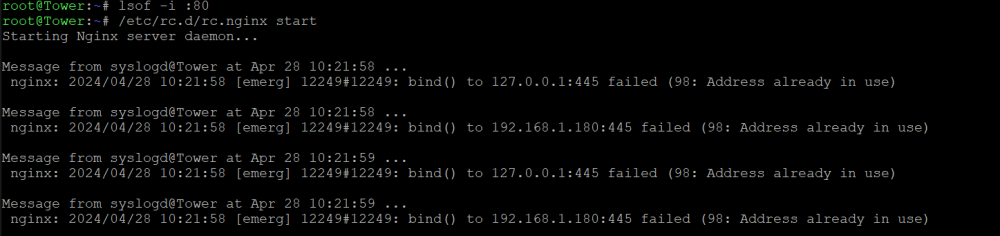
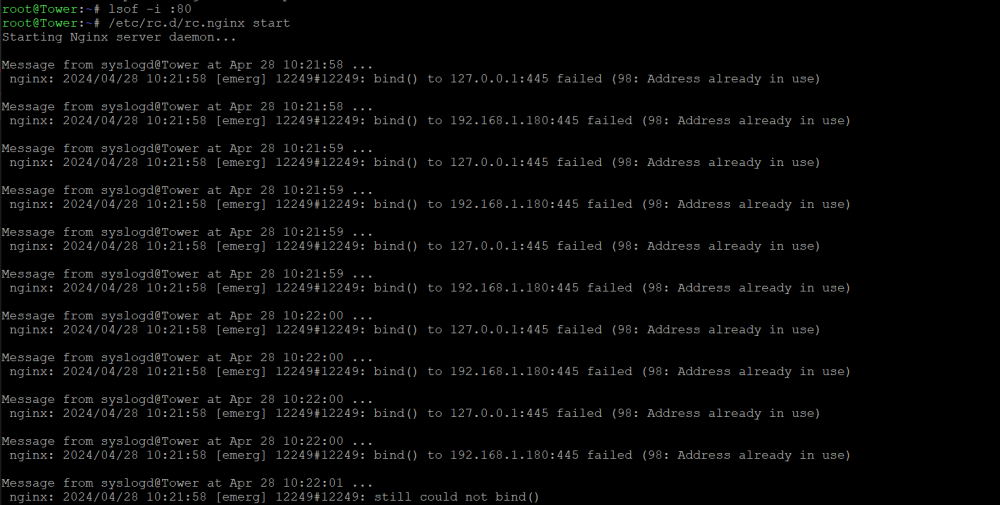
Following your suggestion here's what I got I confirm no docker is taking the :80 port and I'm not running any VMs. so isof command shows one instance - tailscale docker, and i killed it. After confirming tailscale is killed using lsof command again (nothing shows up), I tried to start nginx but it still showed address in use.... btw i also tried lsof -i:445 and the output is as follows in case it helps with your further diagnose. Kindly let me know if I followed all the steps correctly? Thank you so much sir!


-
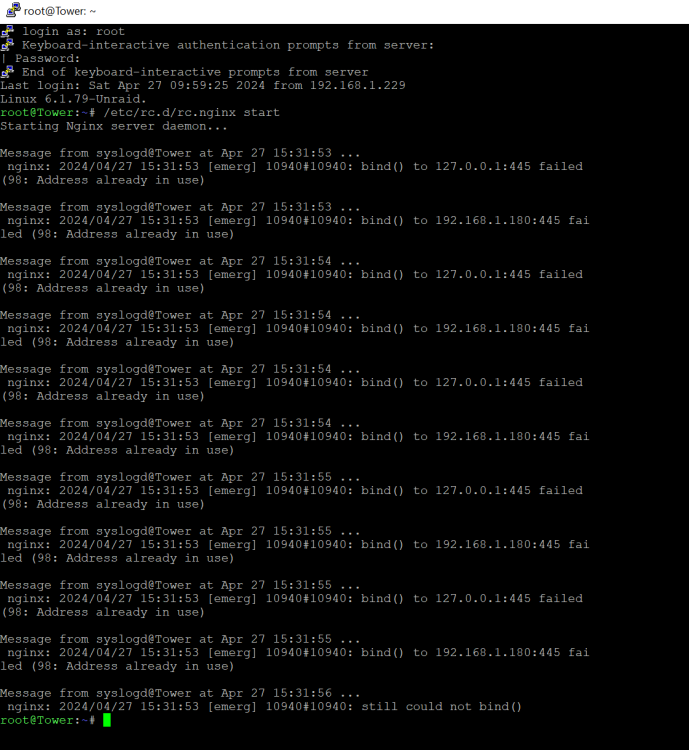
hi first of all just wanted to say a big thank you for guiding me through this. Following your advise this is what I got. doesnt look like nginx started.
-
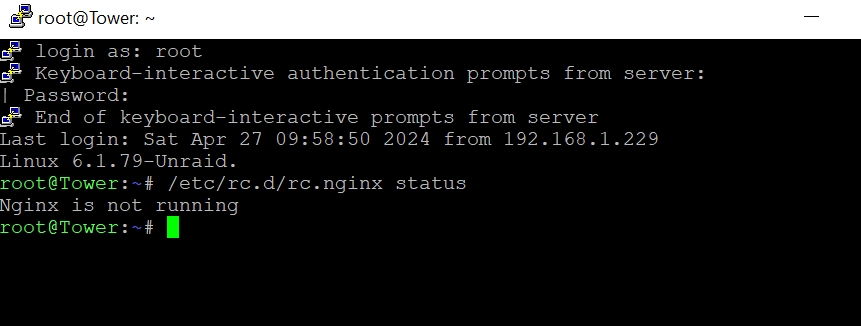
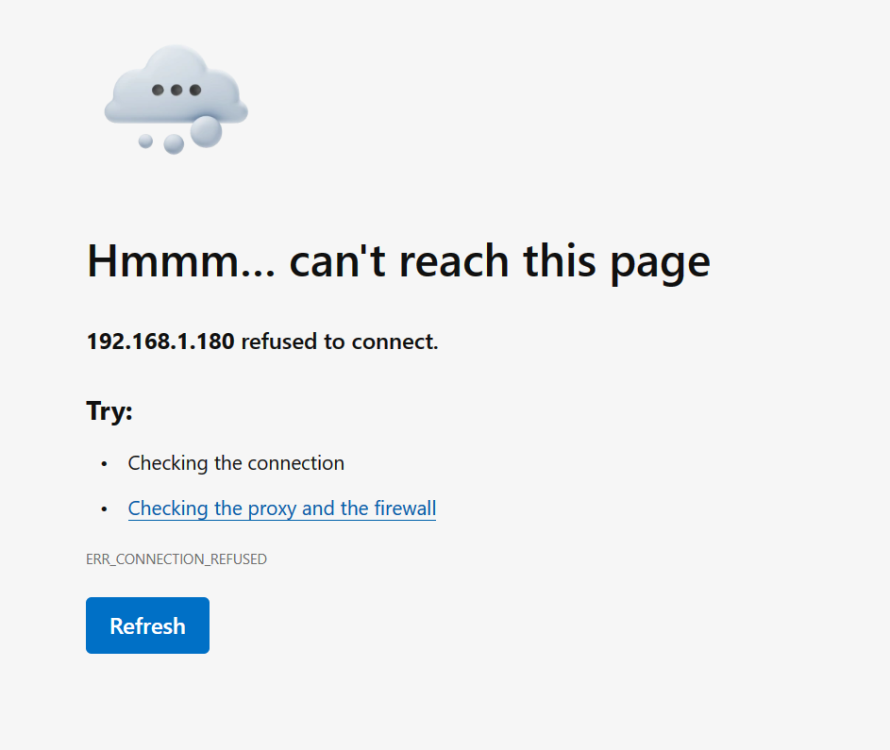
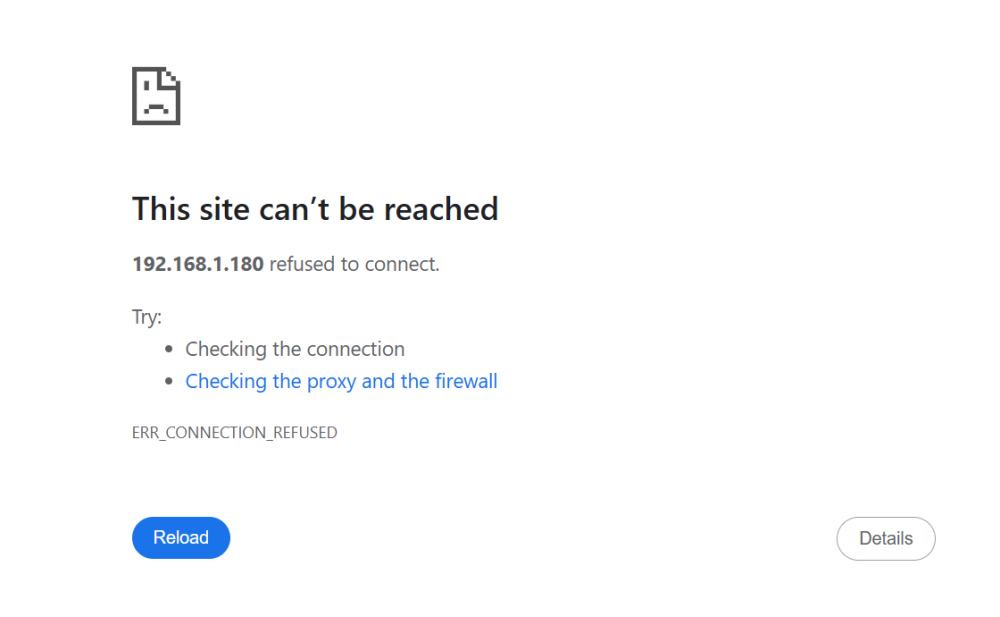
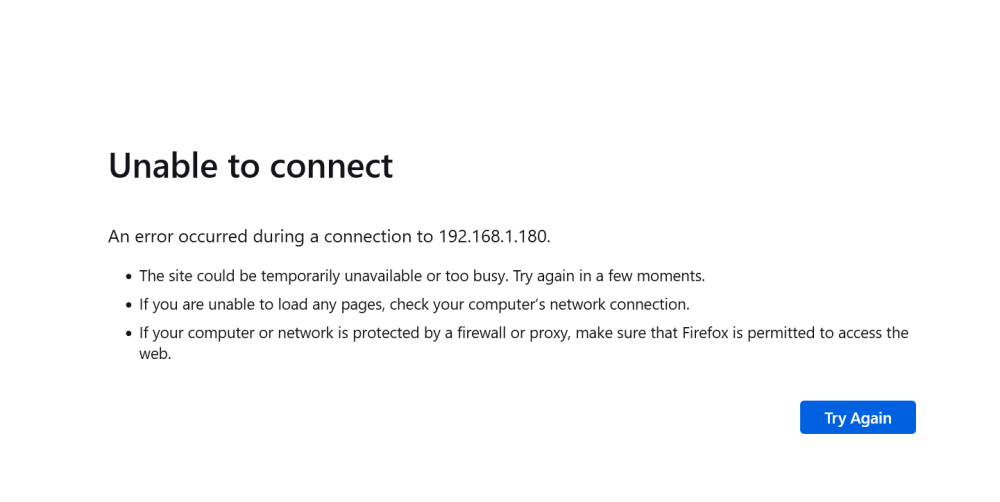
I tried on firefox, chrome and edge but none worked on any of these addresses. As for the output you asked here you are:
-
I confirm the ip address is set to Unraid server's mac address. I also tried your previous suggestion on deleting network.config file and rooting. Unfortunately it did not work. Anything else I should try?

-
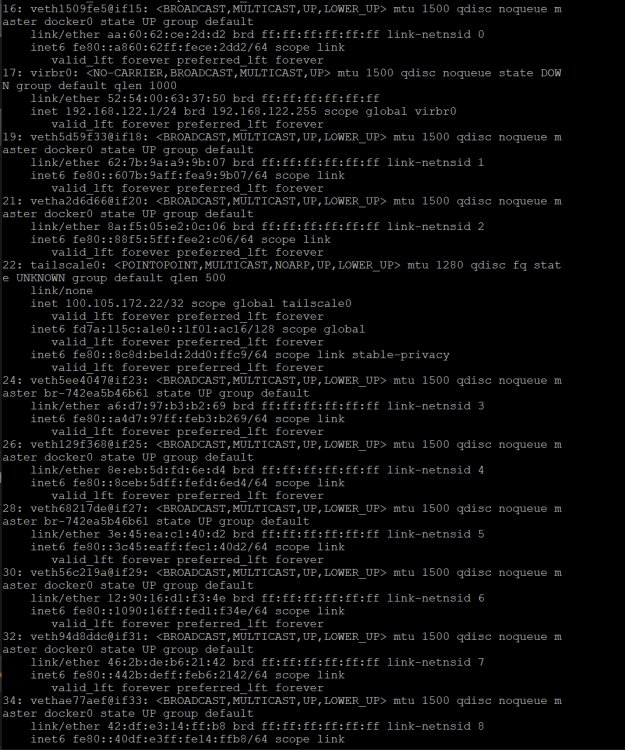
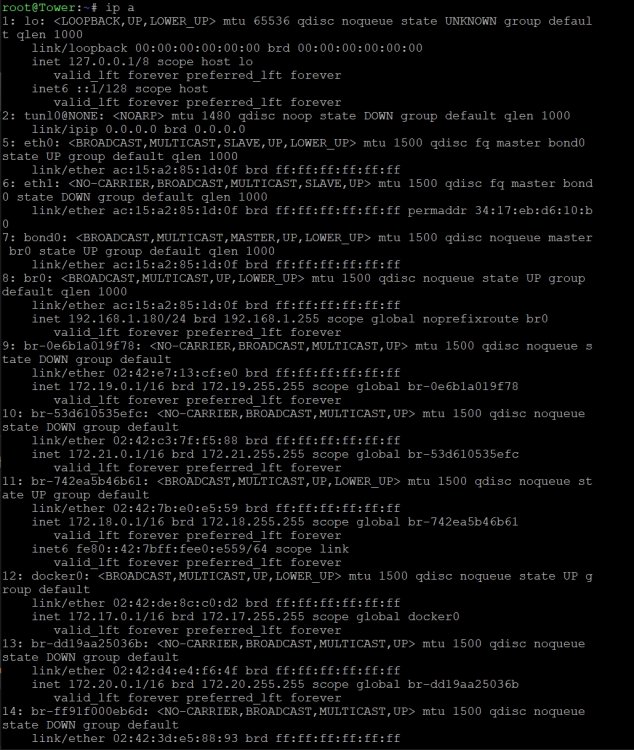
Gotcha! Thanks for bearing with a noob. This is what i got from ip a. No idea what I'm looking at. Do I want to go ahead and delete network config file?

-
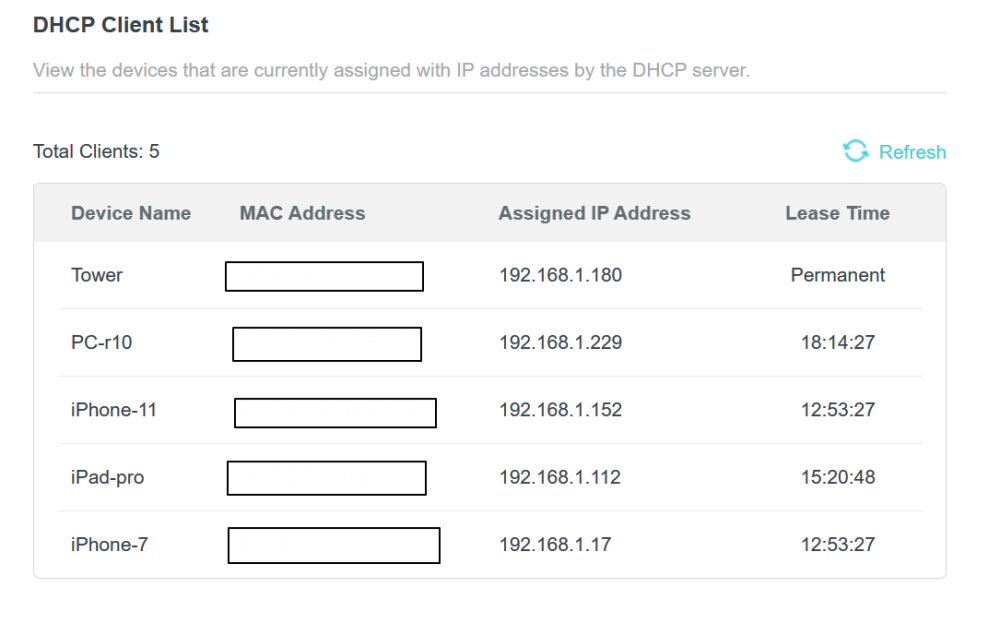
Here's a screenshot from my router if it helps
-
Hi bmartino1, I did reboot the system several times since amongst other things to no avail. whats the current output of terminal command ip a Not sure what this means but I have set a fixed Ip address 192.168.1.180 from my router. I'm 100% certain that this address is not used by any other devices in my home network. Do you think reassigning to a different ip address could be the solution?
-
Hello! I'm farily new to this and would really appreciate your help here. Until recently, I had no problem accessing the Web UI either through the the static IP address or tower/main. Since a power outage few months ago I have not been able to access it whatsoever. The browser just shows "connection refused" (see attached screenshot). I can access SMB on my win machine and connect via SSH/putty (attaching the diagnostics here). I researched all the forum threads but none of the solutions works. Can someone please help? Let me know if I could provide any additional info. thank you!!! tower-diagnostics-20240424-1914.zip