





tsq456
Members
-
Joined
-
Last visited
Everything posted by tsq456
-
Thanks for your help. I had solved the problem
-
I have OpenWRT installed in Unraid's docker and openwrt is used as a bypass route. Some days ago I modifIed the gateway of openwrt because of network problems and I found that the Unraid service was inaccessible. After the problem occurred, I tried to set the gateway of the computer device to the address of unraid and the address of openwrt, and the result is still inaccessible. What should I do to solve this problem, can anyone give me some advice?
-
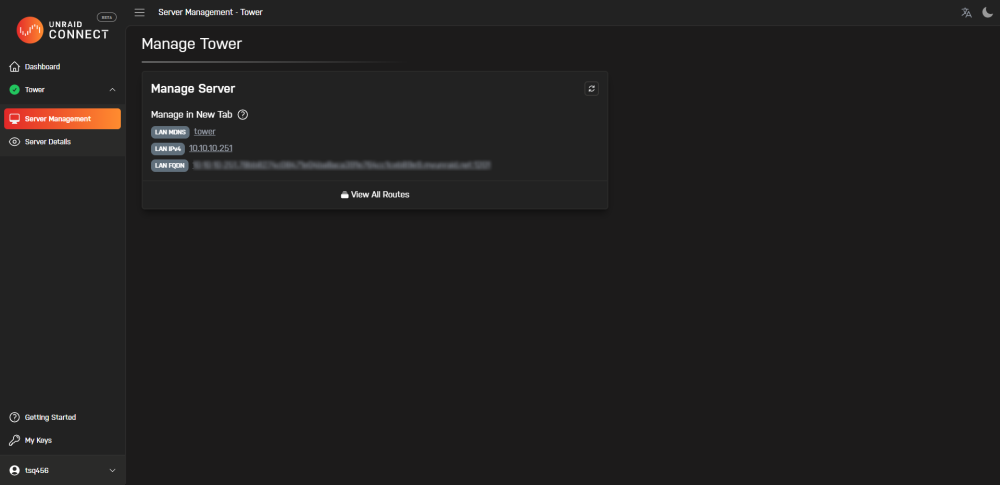
Why does my unraid connect in the server management sometimes directly display the unraid webui, and sometimes only show the LAN and WAN address information? I don't know where the problem lies.
-
Thanks a lot!
-
Can you tell me in which file under which folder I should modify this property? Thanks very much.
-
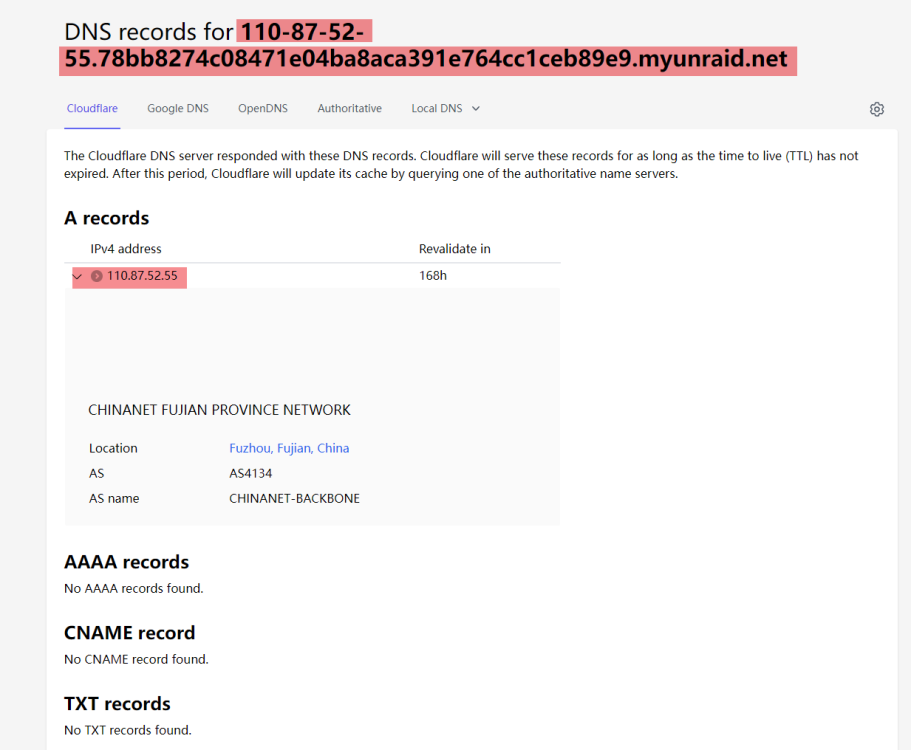
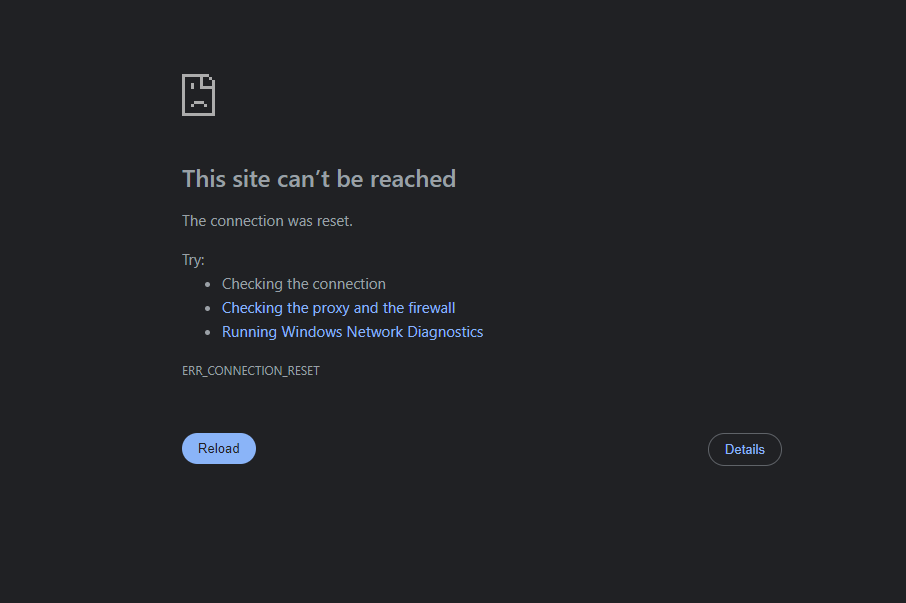
And why is it that when I check the port accessibility after configuring My server, it shows no problem, but my address is not remotely accessible? I used the IP lookup tool to look up this URL: https://110-87-52-55.78bb8274c08471e04ba8aca391e764cc1ceb89e9.myunraid.net:1201/ and it shows that it is IP resolvable, but I just can't access it
-
No, I didn't turn on SSH before, is there other solution?
-
How can I edit this property as I can't get into the gui anymore.
-
I can't get into unraid to change the settings now, what should I do to fix this problem?
-
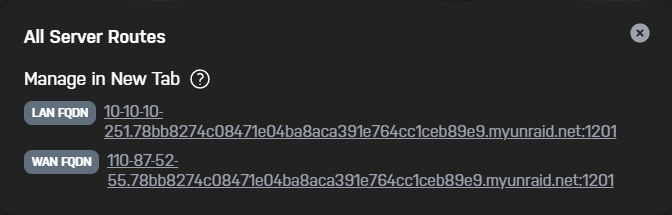
update: After I set SSL to STRICT mode in Manager, now either typing in the LAN address, or tower/, I get redirected to an inaccessible address, my LAN and WAN links are shown below, both are inaccessible.
-
I tried tower.local and found that I was able to log in and access it, but I can't log in using the local IP (it doesn't prompt an incorrect password, it just refreshes the page after clicking the Login button), so how do I fix this problem?
-
I turned off SSL in settings after connecting to My server today (before that SSL was on), after that I can't log in to unraid on LAN with my original account password, I don't know what happened in between? And how to solve this problem.
-
It's okay now! thanks a lot for ur help!
-
The reboot goes well and this is the most new diags tower-diagnostics-20230209-1200.zip
-
The array is actually stopped, but the status is always STOPPING, because vms have prompted "Array must be started to view Virtual Machines" syslog: syslog.txt what can I do with this problem? I can not do file check again because of it.
-
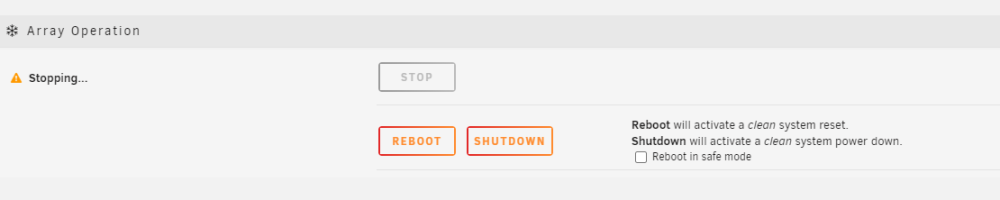
I just tried file check with -L flag. After it, I found that SHARES can displayed and VMS could be started ( Docker service still could not be started). Now I tried to stop the array and check it again, but I found that the array is stopped in STOPPING state and can't really stop completely
-
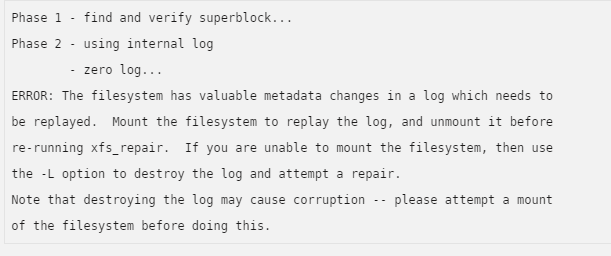
Just remove the flag, or use another flag? I remove the -n and it reports an error with message:
-
this is the new diagstower-diagnostics-20230208-1923.ziptower-diagnostics-20230208-1923.zip
-
Thank you for your reply, There was a similar operation before, but this problem did not occur...
-
The unraid device didn't shut down early before my home power outage today, and the contents of the share disappeared after booting, and neither Docker nor VMS would start. I tried to reboot the device several times and it didn't solve the problem, here is my diagnostic file. tower-diagnostics-20230208-1820.zip
-
背景:今天把家里电箱断电了下,忘记事先把unraid关机了,我的双软路由都挂在unraid下面 现象:先是发现没网络了,看了下unraid下的虚拟机里面显示“libvert服务无法启动”(docker也无法启动),然后再去看原来的共享都不见了(“没有可导出的用户共享”),但是阵列显示正常。重启几次也没用 这会儿用手机打的这段文字,求救




