ohjay86
Members
-
Joined
-
Last visited
-
Okay Danke für den Tipp
-
Das scheint es tatsächlich zu sein. Ich habe einen sonoff Zigbee Stick per passthrough an die VM weiter gereicht. Wenn ich den abziehe sinkt die Leistungsaufnahme auf ca. 15W. Die 3W Differenz ist dann wohl die VM CPU Auslastung. Dann werde ich wohl doch mal docker testen wie sich das im Vergleich schlägt.
-
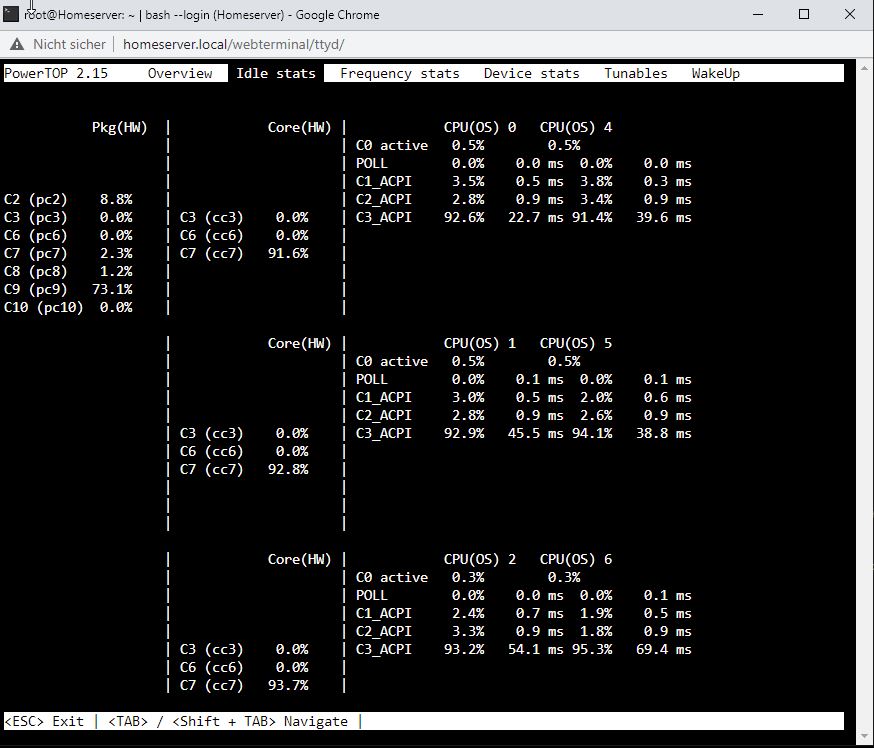
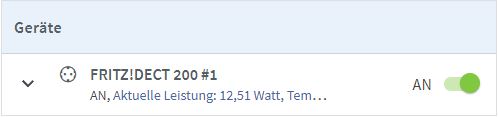
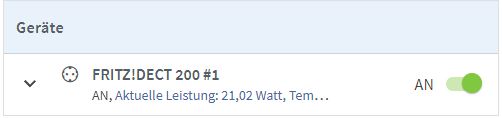
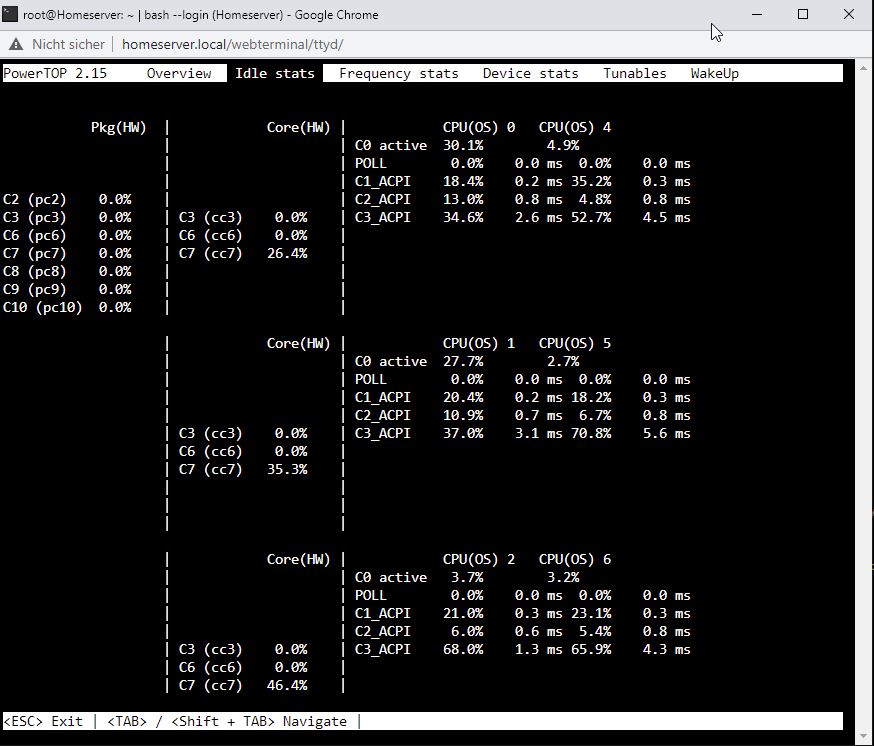
Hallo in die Runde, Ich habe mir einen kleinen Unraid Server mit aktuell diesen Komponenten aufgebaut: AsRock B560m Pro4 Intel Core i3 10100 32GB RAM 2x4TB HDD 1x120GB SSD Auf der SSD liegen Docker und VM's. Nun zu meinem Problem. Nachdem ich alles eingerichtet hatte, hatte ich im Idle Modus (Festplatten im Spin Down) einen Verbrauch von ca. 12W. Im powertop in den Idle Stats habe ich C9 erreicht. Dann habe ich mit eine VM für Home Assistant eingerichtet. Sobald diese läuft hat sich mein Idle Stromverbauch (Festplatten im Spin-Down) auf ca. 21-22W fast verdoppelt und im Powertop erriche ich gar keine C-states mehr. Woran kann das liegen? Habe ich in den VM Einstellugen eine Möglichkeit da was anzupassen? Vielleicht gibt es ja noch nen Tipp an welcher Stellschraube ich da drehen muss um das zu optimieren?