danomite
Members
-
Joined
-
Last visited
-
So apparently, I freaked out for nothing. I just spent time rebooting (over and over and over) and mounting the array a bunch of times. Not sure what I did to cause the problem or fix it, but it seems to be resolved for the moment. All my shares are present, and mover is functioning as it should be.
-
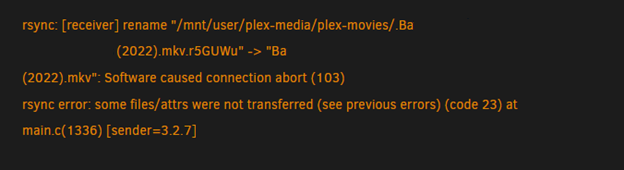
Hello knowledgeable unraid community members 🙋♂️ NGL I've only been tinkering with unraid for a couple weeks and come to a problem above my paygrade 🥲 I was getting some errors and I wasn't cognizant enough to save them before I did a system reboot (maybe thinking they were being saved to a log file and not just ram). After rebooting and initializing the array, my /mnt/user/ folder is gone and so are my shares. I've attached a copy of the diagnostics that I did after the reboot 🤦♂️ Your patience and grateful tutelage will be most appreciated. plutus-diagnostics-20230219-1340.zip