





Wadert3
Members
-
Joined
-
Last visited
Everything posted by Wadert3
-
2 Things, I was in the middle of a move and accidently hit the update button in a seperate tab, did this screw up my move? I assume it did but Im hoping theres some way that its fine Second the button to open the gui isnt working anymore? Is this a known issue or something I broke?
-
Sorry for getting back to you so late, havent been on my server for a while. It looks like that did it! Great fix It looks like it working perfect after switching the networks and getting a forced update. You the man!
-
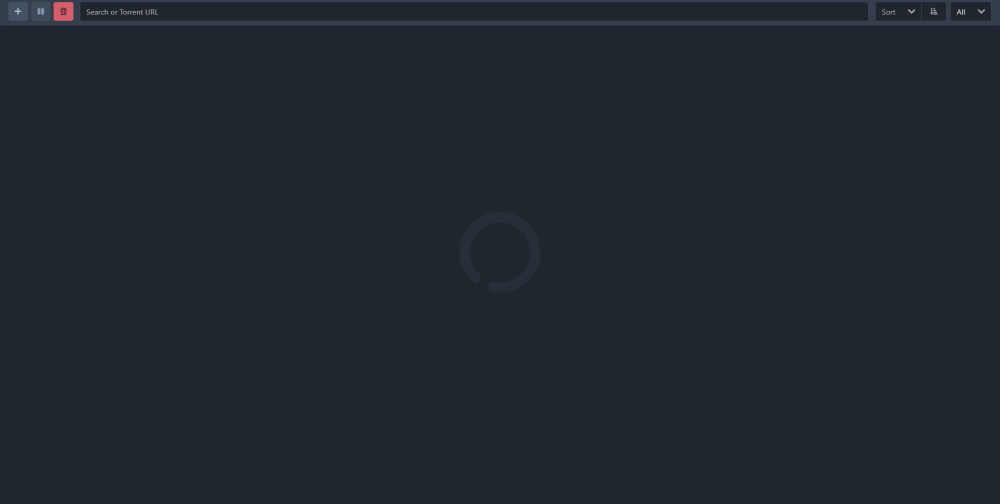
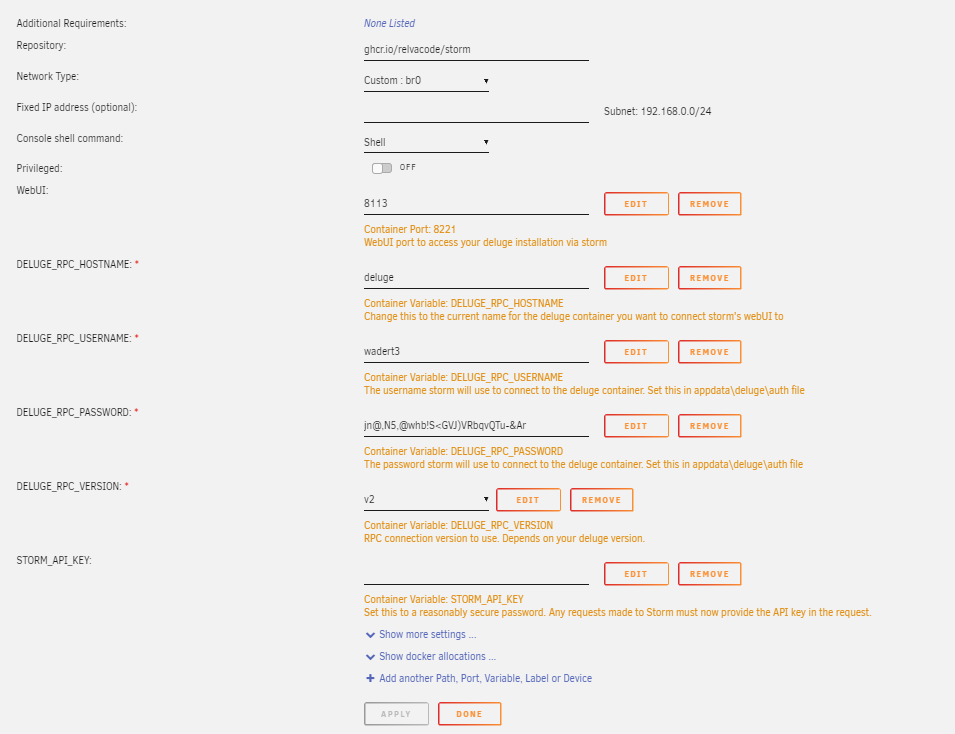
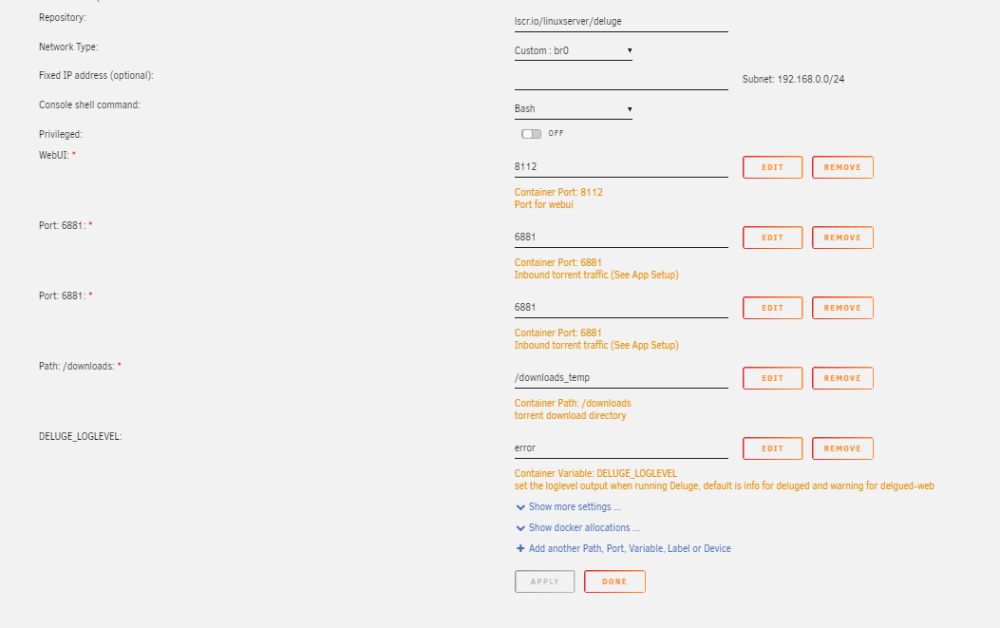
Switched to a custom network and yes the user and pass are setup in the auth file heres a screenshot as an example Still getting a load and it doesnt look like theres any connection to the main app. Heres what Im seeing in storm:

-
Storm: Deluge:
-
I know this is an old thread but was hoping I could get a little assistance. Love the UI. I just got it installed and running on the docker along side deluge and can access it but it seems to be stuck in a perpetual loading state and doesnt allow me to add any torrents, is that an issue with it not connecting to deluge properlyI know this is an old thread but was hoping I could get a little assistance. Love the UI. I just got it installed and running on the docker along side deluge and can access it but it seems to be stuck in a perpetual loading state and doesnt allow me to add any torrents, is that an issue with it not connecting to deluge properly



