





Aimzor
Members
-
Joined
-
Last visited
Everything posted by Aimzor
-
<3 Thank you.
-
Thanks for the assist, guys. Much appreciated!
-
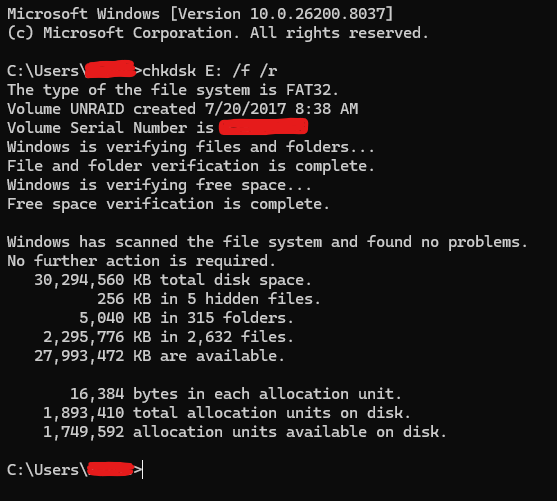
Well, now I'm even more confused. I pulled the boot drive, and this was the result from the validation test under Windows: Put it back in, rebooted, and everything is back to normal. I've also pulled the logs, which are now attached to this post. Do you think it's worth migrating to the recently released internal boot, or is it still a bit early to jump ship, given potential bugs, etc.? I already have a pool of drives set up in anticipation of such a move. tower-diagnostics-20260411-1137.zip
-
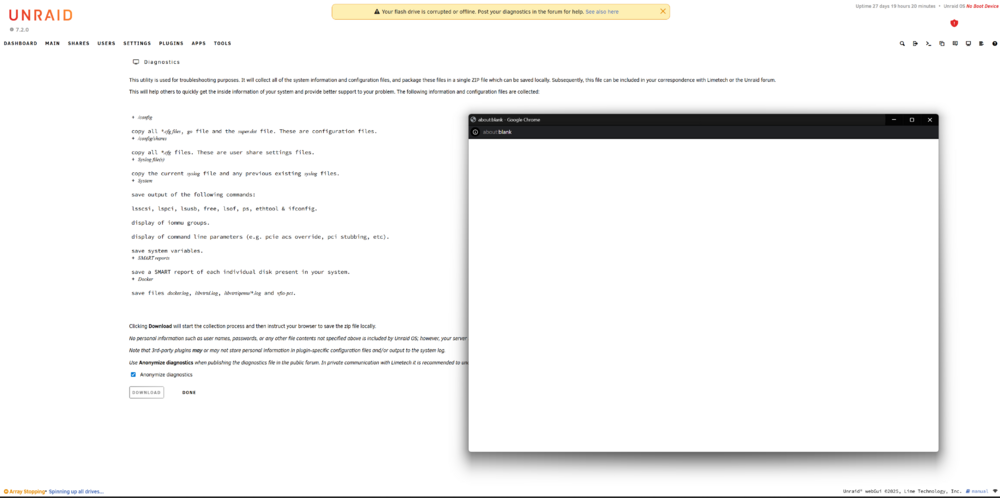
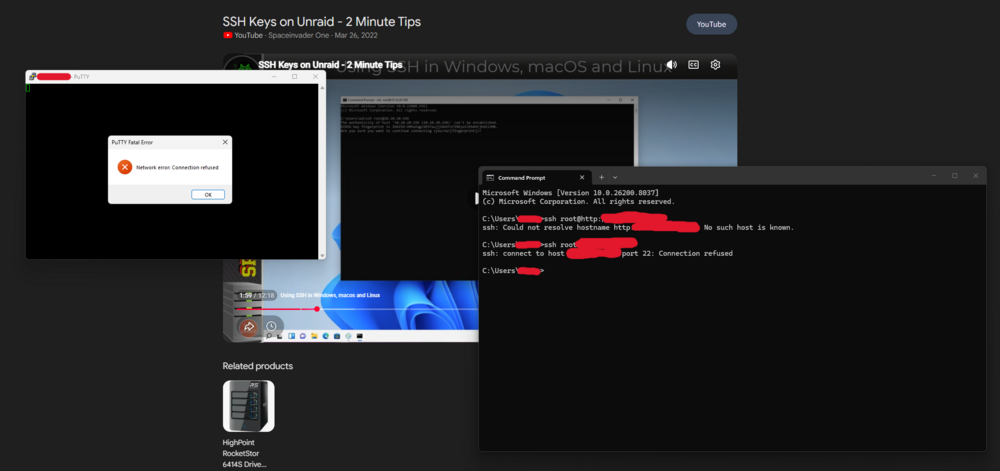
Doesn't look like I can pull them via the typical methods.
-
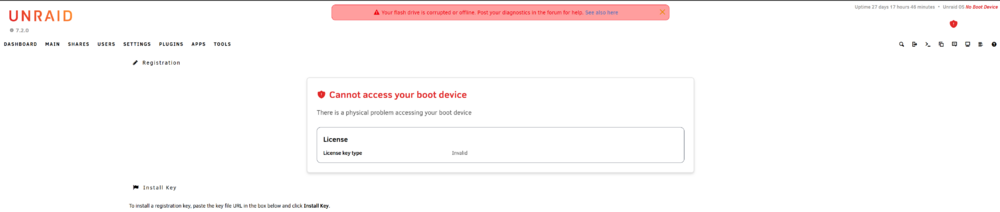
Good morning, all! I ran into an odd one this morning when attempting to update a couple of community-installed applications, Plex and FileBrowser in this case. The update process was taking far longer than at any point previously. After 5+ minutes, I decided to simply close the browser tab and log back in to the GUI. That worked without issue, but then I was presented with the following screen: I was able to recover the"Key File URL" and paste it in the requisite field, but nothing happened when I clicked "Install Key". Any thoughts on how to remedy this issue? I'm hesitant to reboot as my Docker applications are currently functioning as expected. Thanks in advance!
-
Thanks, Jorge, is there a job aid for making additional copies of the flash drive just so I've got a backup kicking around just in case?
-
Good afternoon, All, I've been running this software for the past couple of years without a single issue, until now. If anyone has previously dealt with the "Your flash drive is corrupted or offline" issue, I would very much appreciate some guidance. I'm currently trying other ports, I'll update my post as I work through that process. I did try to repair the USB drive on my desktop PC, but no luck. I also attempted to copy the contents of the boot drive to another flash drive, also unsuccessful. It could have been user error or perhaps there are some other restrictions there that I am not aware of. Thanks in advance. aimzornas-diagnostics-20240719-1415.zip


