jdbriant
Members
-
Joined
-
Last visited
-
Can anyone help with USB passthrough. I'm trying to passthrough an iPhone but the MacOS VM is not recognizing it. Unraid sees it and I have configured the device for passthrough, but nothing inside the VM. Works for Windows easily. Is there a trick to passing through to Mac? I've tried on BigSur and Sonoma. Also I know you're going to say get a USB card but I'm on an itx board so it's either GPU or USB.
-
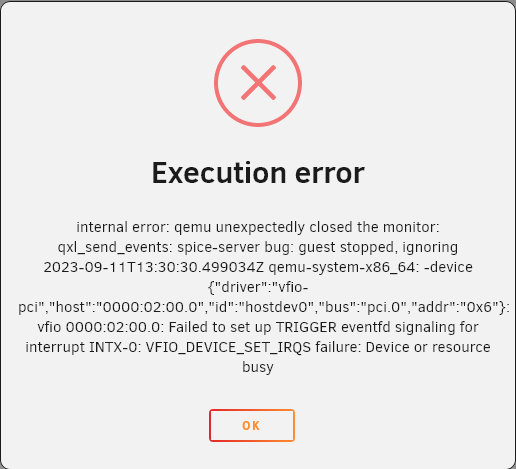
I have a working Firewire card on a baremetal PC. I want to put it into my Unraid server so I can get rid of a computer tasked with one thing, recording VHS to digital. I've set up my Windows 10 VM, tried Windows 11 and Unbuntu, all have the same error. It is isolated in it's own IOMMU group, I have it binded to VFIO at boot, selected in the VM as Other PCI Devices But when I start the VM, I get "internal error: qemu unexpectedly closed the monitor: qxl_send_events: spice-server bug: guest stopped, ignoring 2023-09-11T13:30:30.499034Z qemu-system-x86_64: -device {"driver":"vfio-pci","host":"0000:02:00.0","id":"hostdev0","bus":"pci.0","addr":"0x6"}: vfio 0000:02:00.0: Failed to set up TRIGGER eventfd signaling for interrupt INTX-0: VFIO_DEVICE_SET_IRQS failure: Device or resource busy" I've been googling this for days and haven't found a solution. I feel like it could be something simple that I'm missing. Any help would be appreciated. unraid-diagnostics-20230911-1026.zip