Skip to content
View in the app

A better way to browse. Learn more.

Unraid

A full-screen app on your home screen with push notifications, badges and more.

To install this app on iOS and iPadOS
  1. Tap the Share icon in Safari
  2. Scroll the menu and tap Add to Home Screen.
  3. Tap Add in the top-right corner.
To install this app on Android
  1. Tap the 3-dot menu (⋮) in the top-right corner of the browser.
  2. Tap Add to Home screen or Install app.
  3. Confirm by tapping Install.

willembaby

Members
  • Joined

  • Last visited

Everything posted by willembaby

  1. 万能重启, 就好了
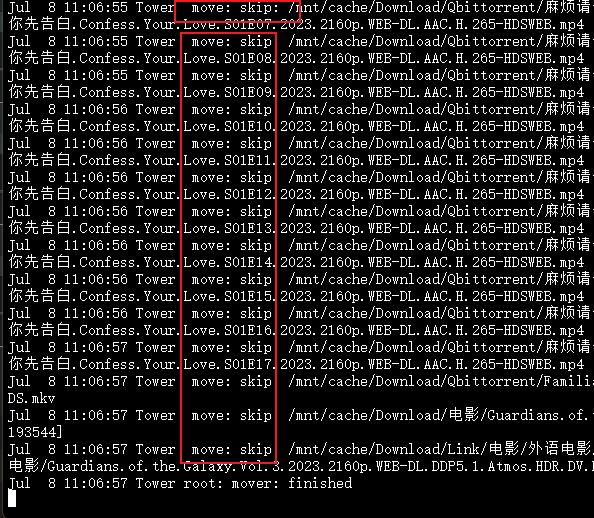
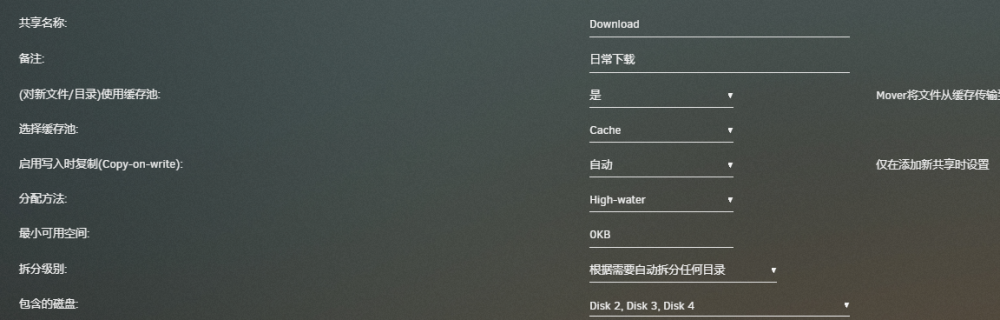
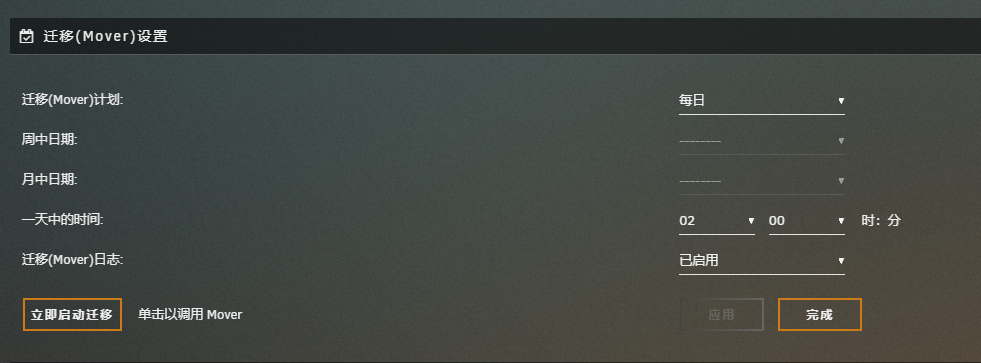
  2. 大神帮忙看下,设置了缓存盘,mover 怎么都skip了,没法移到阵列盘中,这是什么问题? 系统是 6.11.5
  3. 我给你一样也是这样的,一半英文一半中文,也懒的折腾,看你发出来,顶你下
  4. 已解决,自己好了😁😁
  5. 提示如下: 在 get_content 期间发生了错误 Post the ENTIRE contents of this message in the Community Applications Support Thread OS: 6.11.5 Browser: Mozilla/5.0 (Windows NT 10.0; Win64; x64) AppleWebKit/537.36 (KHTML, like Gecko) Chrome/110.0.0.0 Safari/537.36 Language: zh_CN No data was returned. It is probable that another browser session has rebooted your server. Reloading this browser tab will probably fix this error 浏览器缓存,电脑也都重启过 ,还是这个提示进不去 ,请问是什么问题啊??

Account

Navigation

Search

Search

Configure browser push notifications

Chrome (Android)
  1. Tap the lock icon next to the address bar.
  2. Tap Permissions → Notifications.
  3. Adjust your preference.
Chrome (Desktop)
  1. Click the padlock icon in the address bar.
  2. Select Site settings.
  3. Find Notifications and adjust your preference.