tzionscall
Members
-
Joined
-
Last visited
-
JonathanM and JorgeB. Thank you so much! My vpn interface is now back up. I will try to find the guide to configure it again.
-
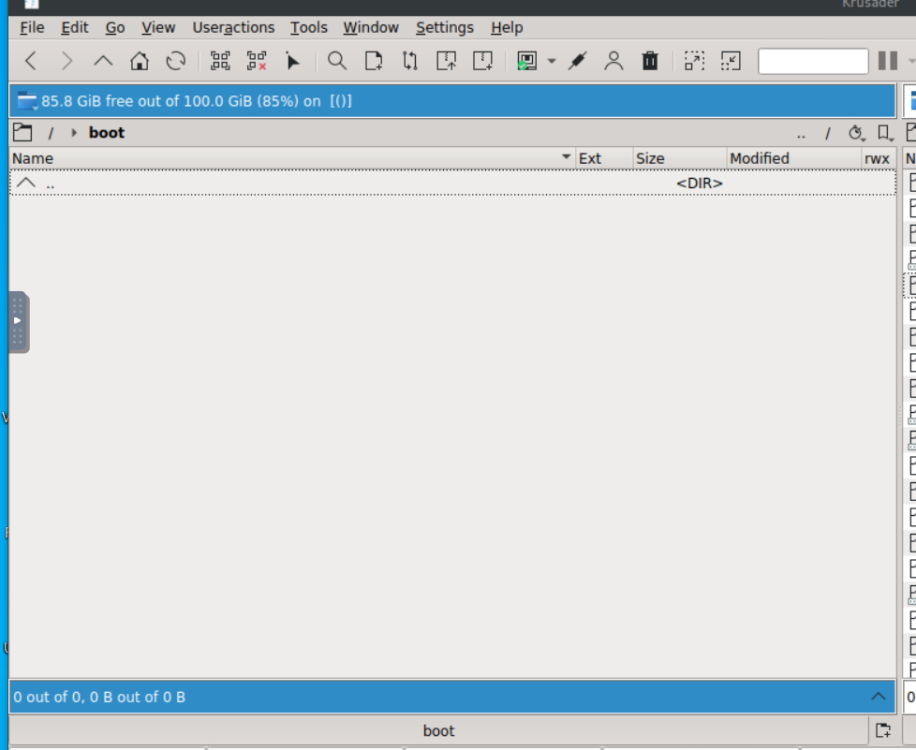
It looks like my boot folder is empty for some reason.....
-
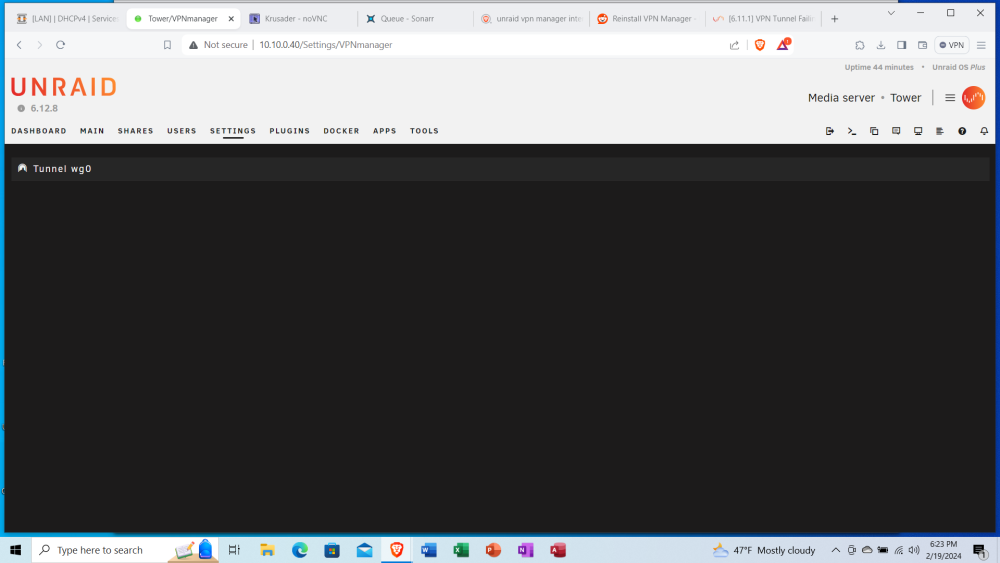
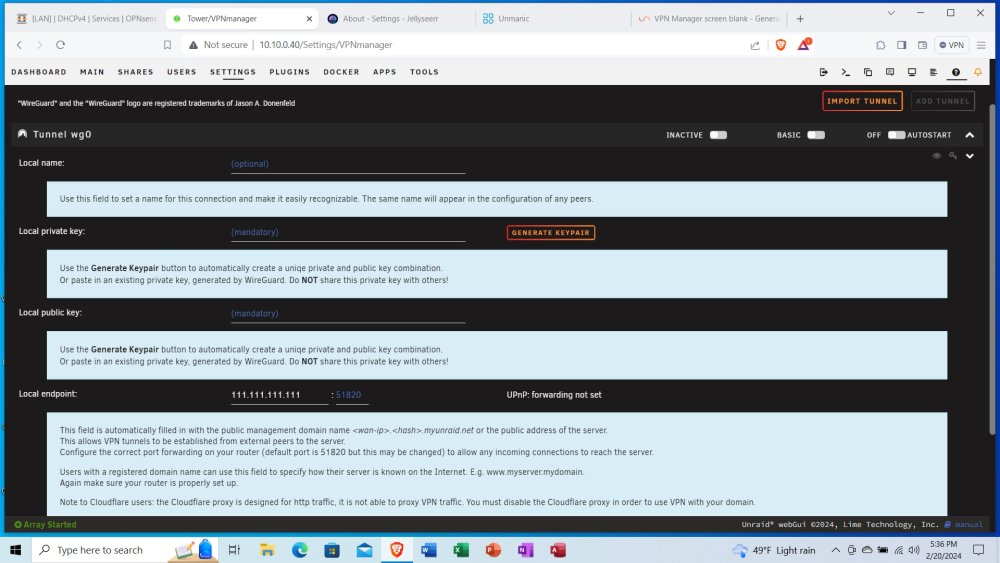
Hello everyone, This is my first post here. I will admit that my knowledge level is just enough to be dangerous. I seem to have screwed up my VPN manager interface (as you can tell by the attached picture. I tried to follow a guide on youtube to create a wireguard tunnel to send all of mt torrent traffic through (because the vpn versions of qbit and deluge wont work for some reason) but I could not get it to work. I somehow ended up duplication a bunch of configurations, and then i found away to delete them, but now nothing shows up. I have no idea what to look for in the log window. This happened some time ago and I have been searching online trying to find out how to fix it but have come up empty. I have no idea how to access logs from weeks ago. I would appreciate if someone can at least point me in the right direction. Thanks