sharkaccident
Members
-
Joined
-
Last visited
Everything posted by sharkaccident
-
Will do!
-
I've uninstalled CA mover and everything seems to be working with default Unriad Mover utlity.
-
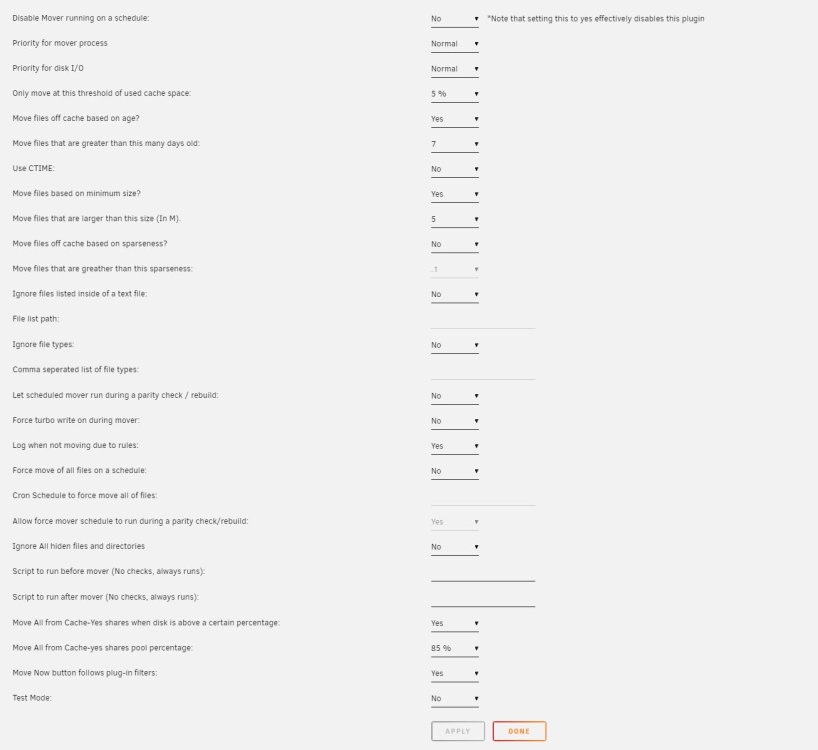
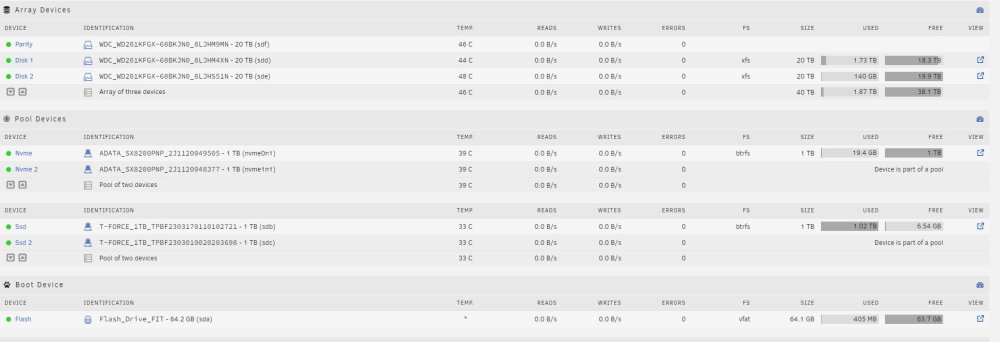
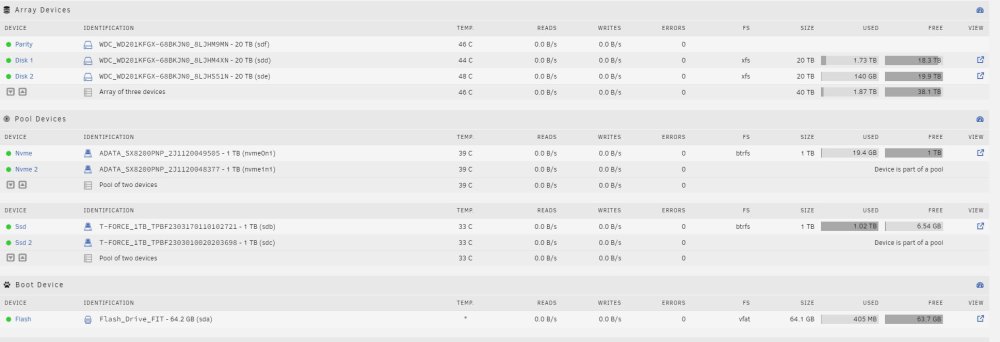
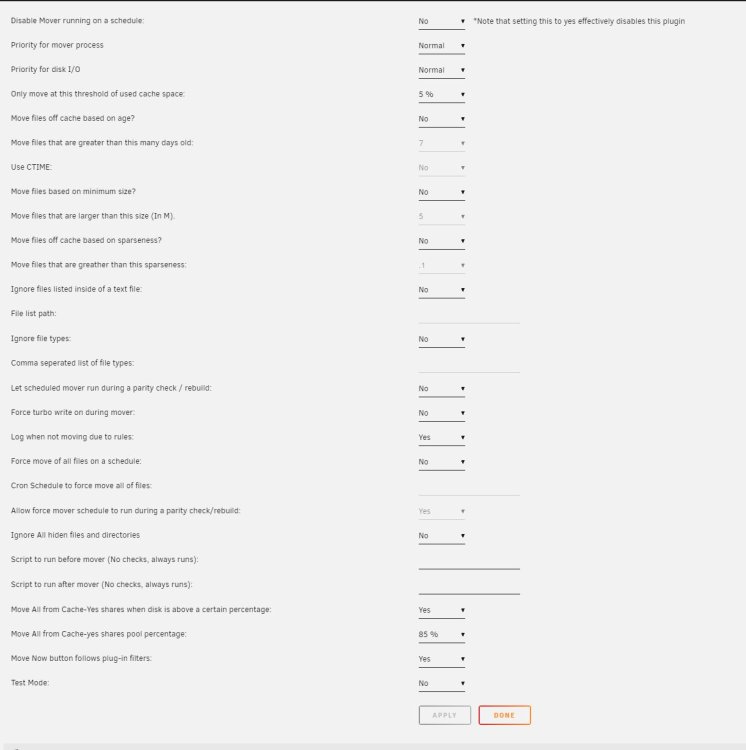
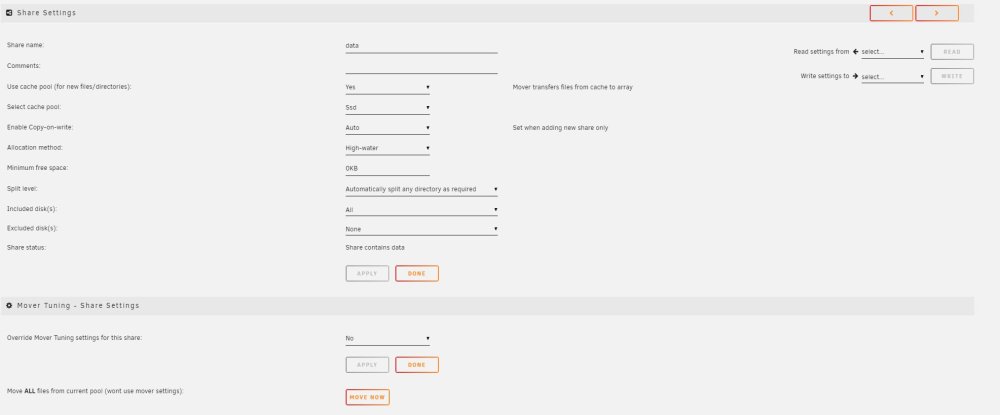
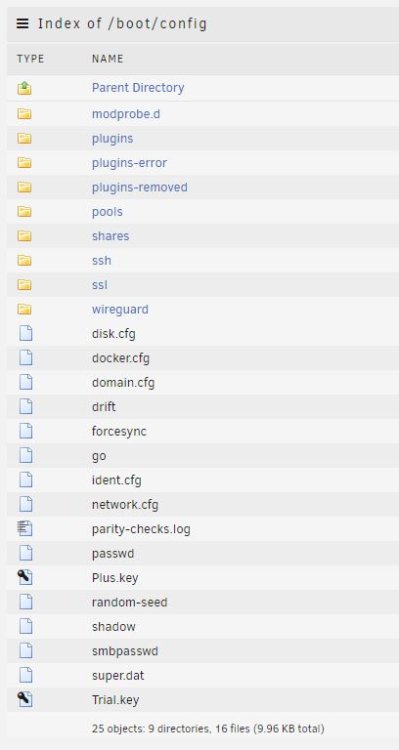
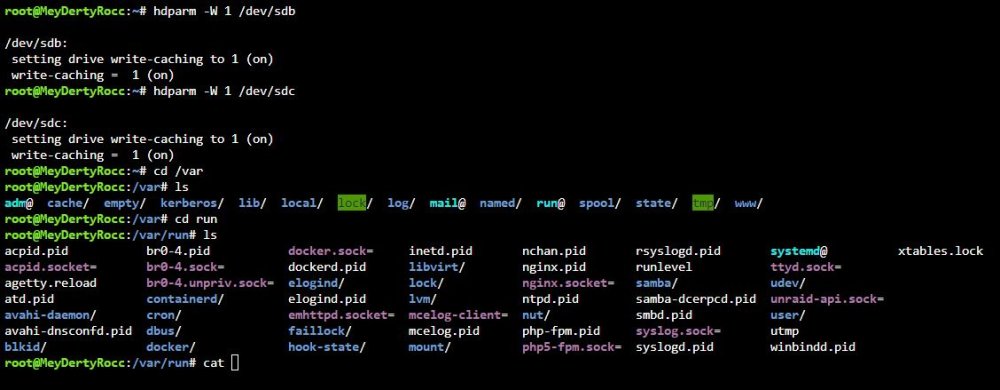
I am having issues with mover not "moving". Troubleshooting so far: Removed age requirement Lowered cache space threshold Stopped docker tried to execute mover Setting share "use cache pool" from yes to no, then back to yes Looked for shareCacheEnabled="yes" in /config/share.cfg but my usb does not have that file? Looked for mover.pid but again not on my system? I've read some people suggest that dual drive cache eventually creates problems for mover. I don't know why since it is just in RAID1 config basically right? meydertyrocc-diagnostics-20230722-1259.zip
-
Even if I remove age threshold, nothing gets moved.
-
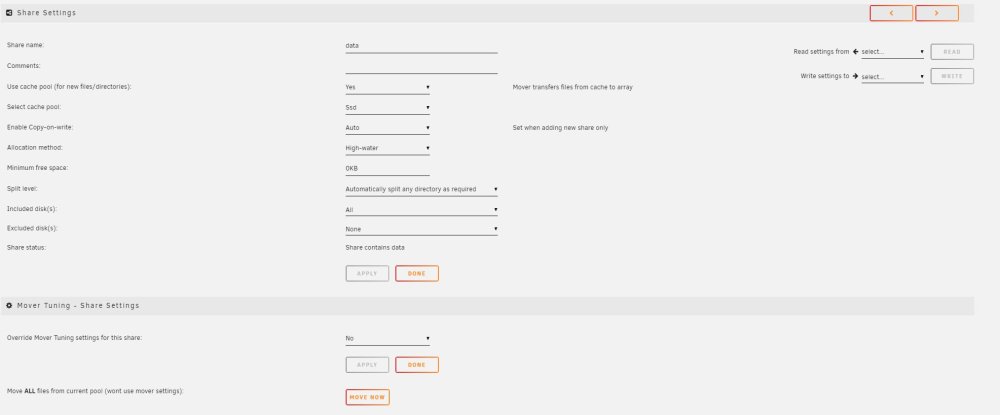
Using dual SSD as cache pool for 2 shares on my array. Issue is that CA mover does not seem to be working. From searching forum I've tried two things so far: Setting share "use cache pool" from yes to no, then back to yes Changing "Only move at this threshold of used cache space:" to 5% Verify that shareUseCache="yes" is in share.cfg When I manually invoke mover it looks like it starts but nothing gets moved off SSDs to Array. Don't know what I am missing... meydertyrocc-diagnostics-20230721-1357.zip