Aerya
Members
-
Joined
-
Last visited
-
Update: everything runs smooth. Don't understand what went wrong.
-
I installed 6.12.3 using the tool, copied /config and booted , still no mount. Here are the logs extracted from the "diagnostics". EDIT: call me "noob". I didn't look for the WebUI. Could login and start the array. Gotta go work, i'll update tonight. Thus i'm still wondering what messed up. Thanks @itimpi! EDIT: syslog removed
-
Hi, I wanted to restart a Docker ruTorrent (dealing with the array). When clicking on it /Stop the WebUI freezes and I couldn't get to it in another browser tab. I couldn't neither ping my server nor get it on SSH. I hard rebooted and it seems UNRAID doesn't load: no WebUI, no disk/share mounted. Filesystem Size Used Avail Use% Mounted on rootfs 17G 1.7G 15G 10% / tmpfs 34M 545k 34M 2% /run /dev/sda1 16G 827M 15G 6% /boot overlay 17G 1.7G 15G 10% /lib overlay 17G 1.7G 15G 10% /usr devtmpfs 8.4M 0 8.4M 0% /dev tmpfs 17G 213k 17G 1% /dev/shm tmpfs 135M 439k 134M 1% /var/log tmpfs 1.1M 0 1.1M 0% /mnt/disks tmpfs 1.1M 0 1.1M 0% /mnt/remotes tmpfs 1.1M 0 1.1M 0% /mnt/addons tmpfs 1.1M 0 1.1M 0% /mnt/rootshare tmpfs 3.4G 0 3.4G 0% /run/user/0 I don't feel good enough at using UNRAID to find the problem with my diagnostic files. Thanks for any help. EDIT: diag removed
-
i was
-
Hi, rebooting from another browser did the job on my side: switched from Firefox to Chromium. Mates told me about a bug using Firefox. Thanks for kind and fast help!!
-
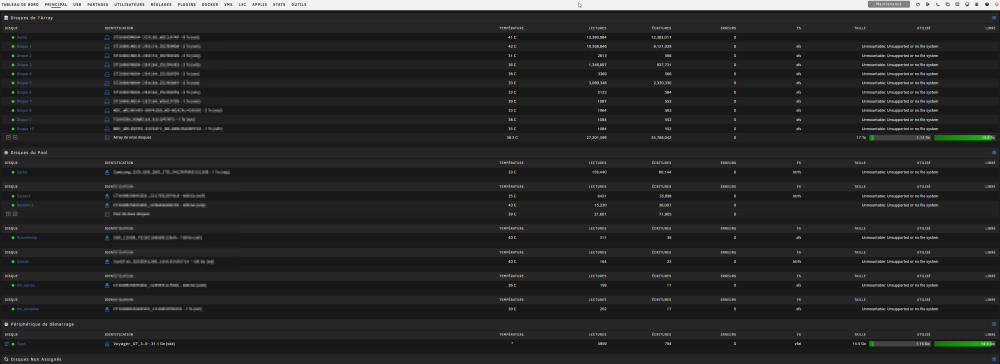
Hi, Same here. Everything works great except i'm in Maintenance mode due to Unsupported or no file system. homebox-diagnostics-20230619-0727.zip