





mb2unraid
Members
-
Joined
Everything posted by mb2unraid
-
Sorry the delay in response. To answer your first question, yes, I ran the direct to LAN IP query immediately after running the curl command against the domain and TS IP queries. I haven't touched the app or run the curl command in over a day. Just did so now using direct to LAN IP and the result is interesting, as this time it was not quick like it was last time. CPUs did spike, two of them and remained pegged for about 30s. And this time around, I got an error I didn't get before. Result below: curl: (23) Failure writing output to destination, passed 160 returned 4294967295 HTTP 504 total=60.020533s Open to a Test Flight, sure, I just need to send my email privately.
-
Sure. So the first result is accessed with a custom domain I've configured to access the server via Nginx through a Tailscale network. HTTPS enabled with a Let's Encrypt cert. HTTP 504 total=60.647549s Second result is just HTTP direct to the Tailscale IP for the server HTTP 504 total=60.020259s Final result via HTTP direct to the internal LAN IP from a local machine in my network HTTP 200 total=0.022652s Total shares and storage devices is 50. A lot, I know, I have a lot of storage devices. I decided to try using just the internal LAN IP in the app while in my home network and it won't load any storage info, but it won't crash. Just spins for a minute than reports "0 Shares." Interestingly, if I close the app entirely (swipe up and close it), then I open the app and attempt to access the Storage tab, it will spin for about minute and then report "0 Shares", but while it's doing that and I'm looking at the Unraid dashboard through the web admin, one or two CPU cores are pegged at 100% and won't stop until I force close the app again. It takes probably 30s to a minute before core utilization normalizes after closing the app. It's consistent, I've watched it for about five minutes without using the app at all and CPU utilization doesn't do that until I open the app and browse to the 'Storage' tab.
-
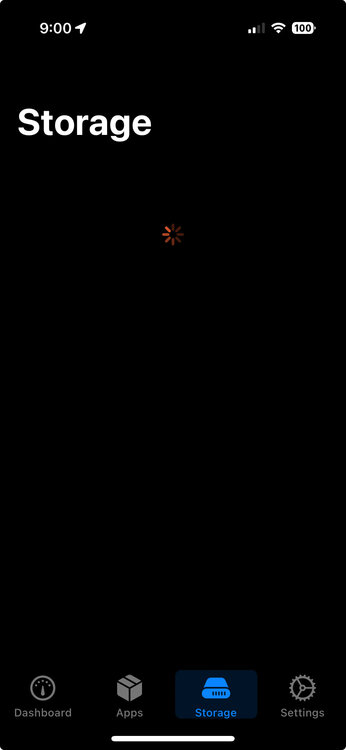
Sure. It happens each time when browsing the Storage tab in the app. Or, at least it did until I check it today and suddenly it works. So these things go. It's previous behavior would be to stall when you tap Storage, it would hang for more than a minute, then crash. Anyway, I'm attaching a screenshot of what I used to see before the whole app would crash. I'll say the behavior when it's accessing storage info is slow, usually between 30s to a minute before unassigned devices and user shares appear. If you have a way to export a log, I can provide that too. I just downloaded the app from the App store yesterday, so it's whatever latest you've published.
-
Really nice app. For some reason, this doesn't show up when searching for 'unraid' in the App Store (or if it did, it wasn't at all visible from a simple search), and I just happened upon this when looking for something unrelated. Anyhow, tried it out, works great except it won't browse shares / storage. Just hangs and then crashes. Unraid 7.2.4, no array, just ZFS pools, not sure if that makes a difference.
