Raidseeker
Members
-
Joined
-
Last visited
-
thank you
-
I had a device that failed with an unleased key. The device was returned to the manufacturer with the USB and a new device with a USB was sent Options in the GUI Start Free 30 day trial Purchase Key Redeem Activation Code Recover Key I want to use the unleased key that I Have paid for on the new device. Please advise
-
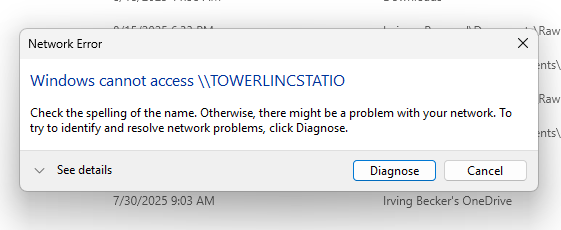
Win 11 PC message
-
Finished Sync PC towerlincstatio-diagnostics-20250818-1904.zip
-
Uploading Attachment...towerlincstatio-diagnostics-20250818-1138.zip
-
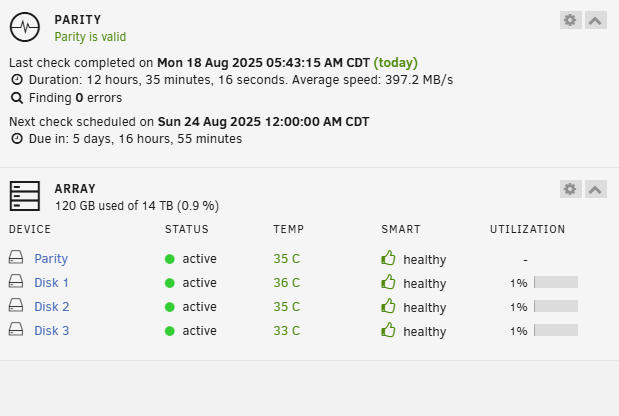
I have a new system and I have a Parity is invalid error My win 11 PC will not connect to it but it is in file explorer

-
Yes i mean a 2nd unraid server. How do I see it to set up and once set up how do I log into it if the first server is active?
-
I have an existing unraid device. I am setting up a new device. To see the new device do I need to disconnect the existing device from my network? Do I then set up the new device? Once both are set up how do i use the GUI to see each of them?
-
Discovered that the array was not active and restarted it all is fine now
-
Also rebooted the PC with unraid running
-
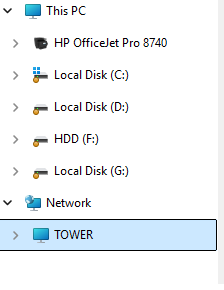
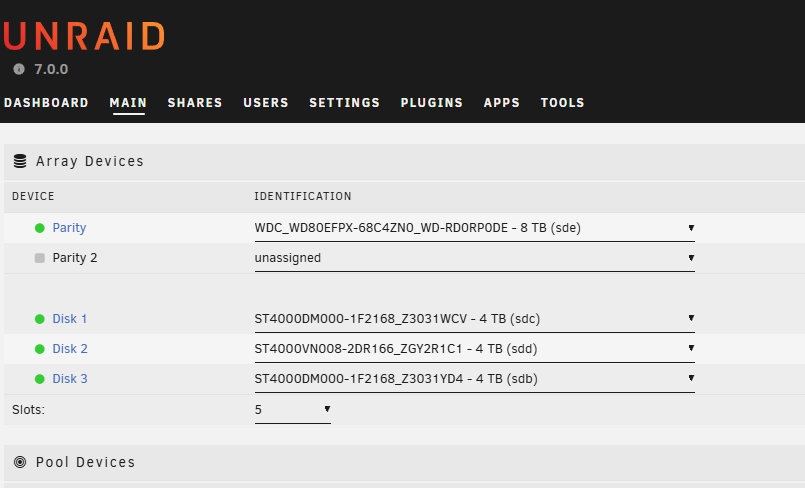
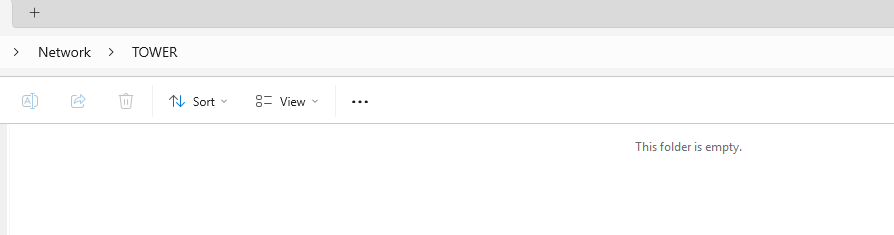
I had the Unraid drive mapped as a network drive. There was a power failure The Windows PC booted up The Unraid device did not. restarted the Unraid device. Am able to log into the Unraid device in a web browser in file explorer the network shows Tower but has no content
-
I am looking for prebuilt unraid hardware, I currently have a tower that is at least 10 years old. Is there such an item as a pre built small to medium form for 4 drives?
-
Well I finally figured it out I needed to add a "Shares Access" User Thanks to all that helped
-
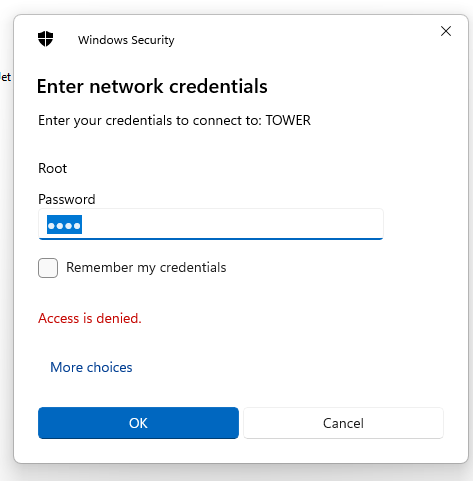
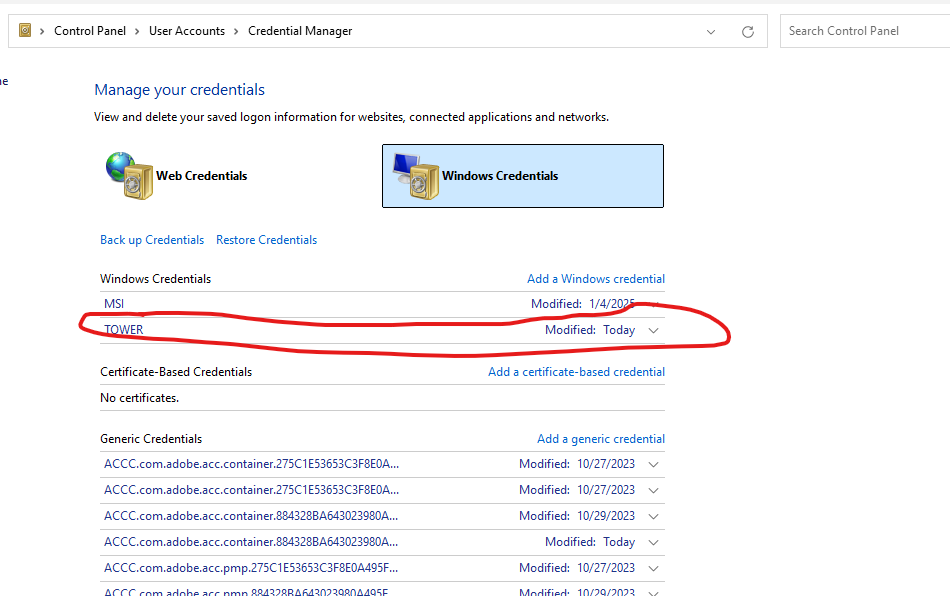
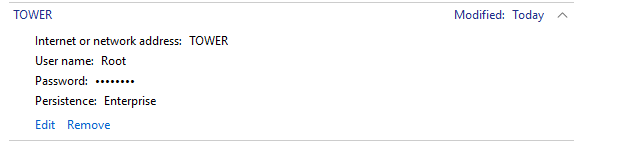
I went to Credential manager and set up Tower With the same name and password for the GUI Accesss denied
-
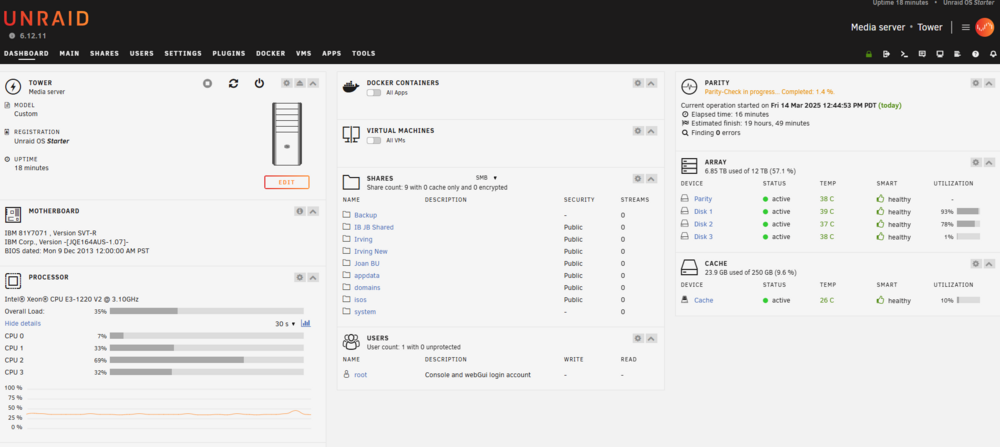
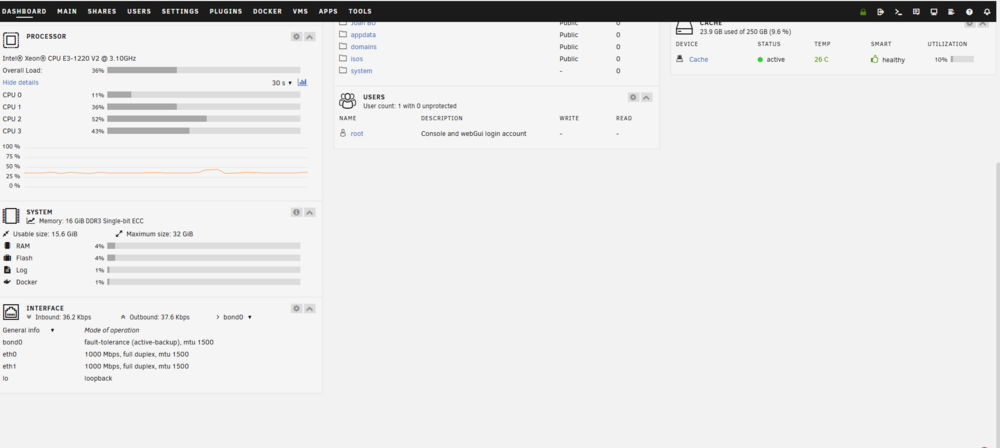
Thanks for the advice. on my file explorer i can see "Tower" I get an error message that Windows cannot access ||Tower I can log into the GUI Dashboard See below What else do I need to do???