





Raidseeker
Members
-
Joined
-
Last visited
Everything posted by Raidseeker
-
thank you
-
I had a device that failed with an unleased key. The device was returned to the manufacturer with the USB and a new device with a USB was sent Options in the GUI Start Free 30 day trial Purchase Key Redeem Activation Code Recover Key I want to use the unleased key that I Have paid for on the new device. Please advise
-
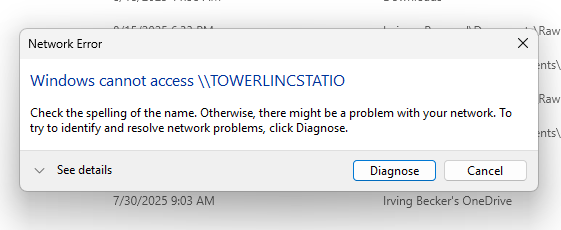
Win 11 PC message
-
Finished Sync PC towerlincstatio-diagnostics-20250818-1904.zip
-
Uploading Attachment...towerlincstatio-diagnostics-20250818-1138.zip
-
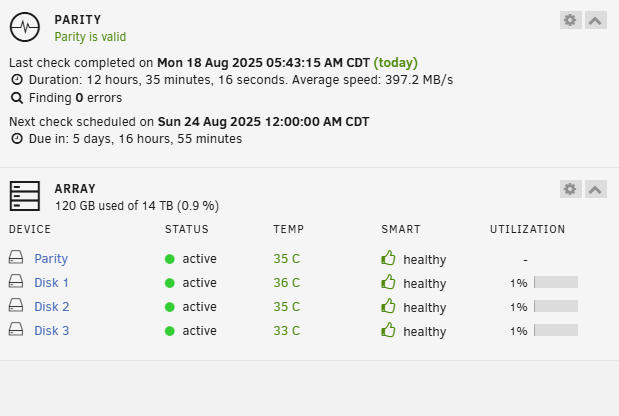
I have a new system and I have a Parity is invalid error My win 11 PC will not connect to it but it is in file explorer

-
Yes i mean a 2nd unraid server. How do I see it to set up and once set up how do I log into it if the first server is active?
-
I have an existing unraid device. I am setting up a new device. To see the new device do I need to disconnect the existing device from my network? Do I then set up the new device? Once both are set up how do i use the GUI to see each of them?
-
Discovered that the array was not active and restarted it all is fine now
-
Also rebooted the PC with unraid running
-
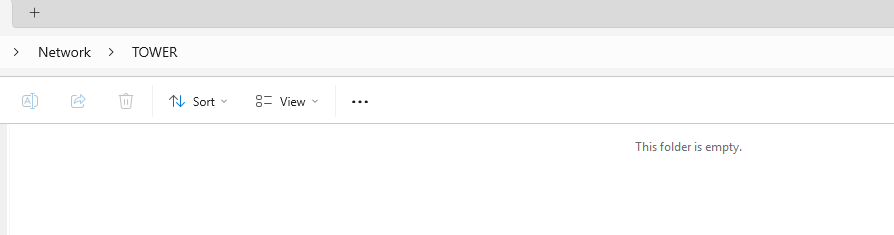
I had the Unraid drive mapped as a network drive. There was a power failure The Windows PC booted up The Unraid device did not. restarted the Unraid device. Am able to log into the Unraid device in a web browser in file explorer the network shows Tower but has no content
-
I am looking for prebuilt unraid hardware, I currently have a tower that is at least 10 years old. Is there such an item as a pre built small to medium form for 4 drives?
-
Well I finally figured it out I needed to add a "Shares Access" User Thanks to all that helped
-
I went to Credential manager and set up Tower With the same name and password for the GUI Accesss denied
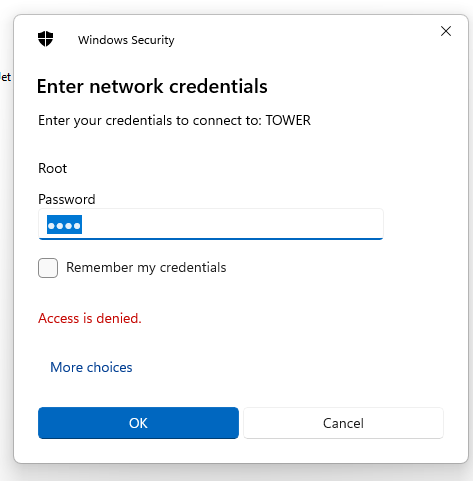
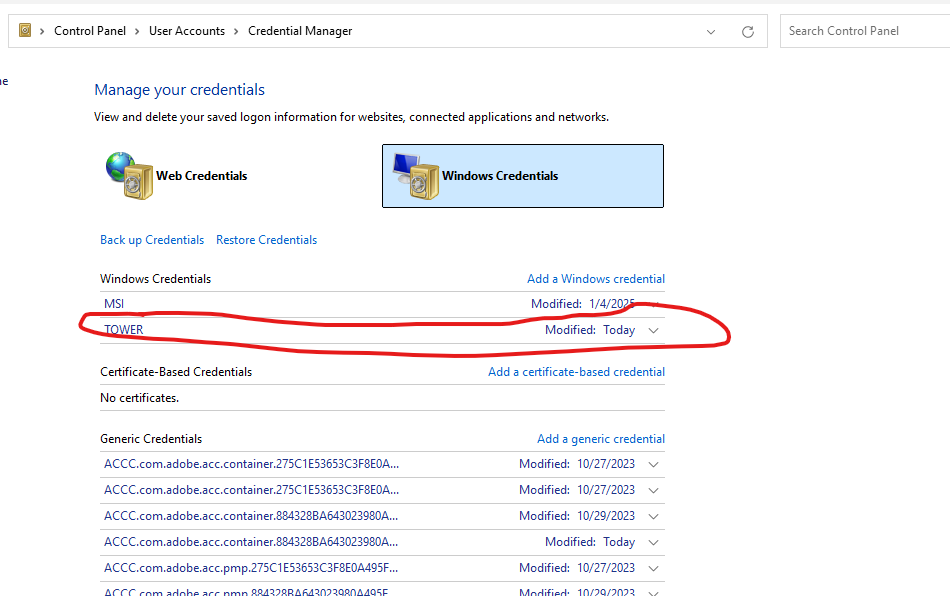
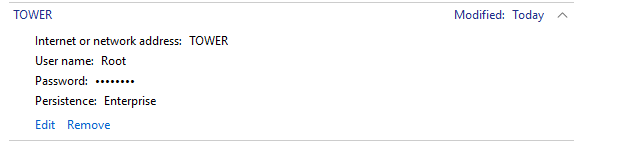
-
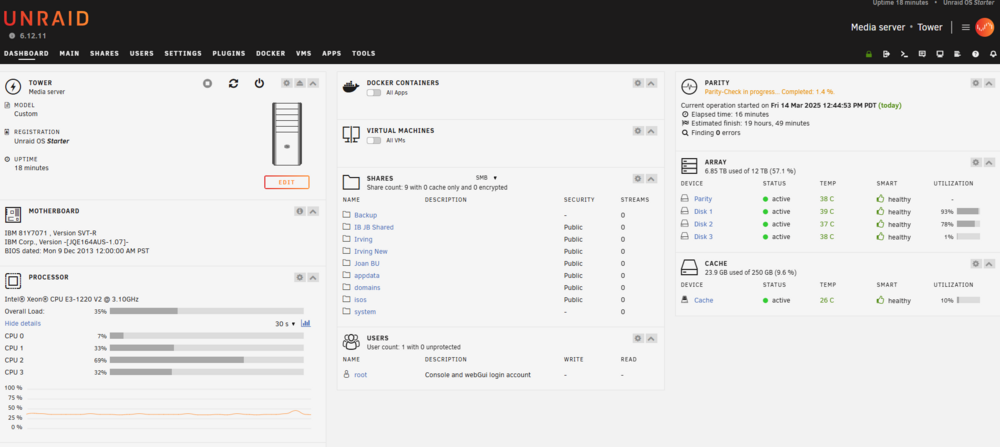
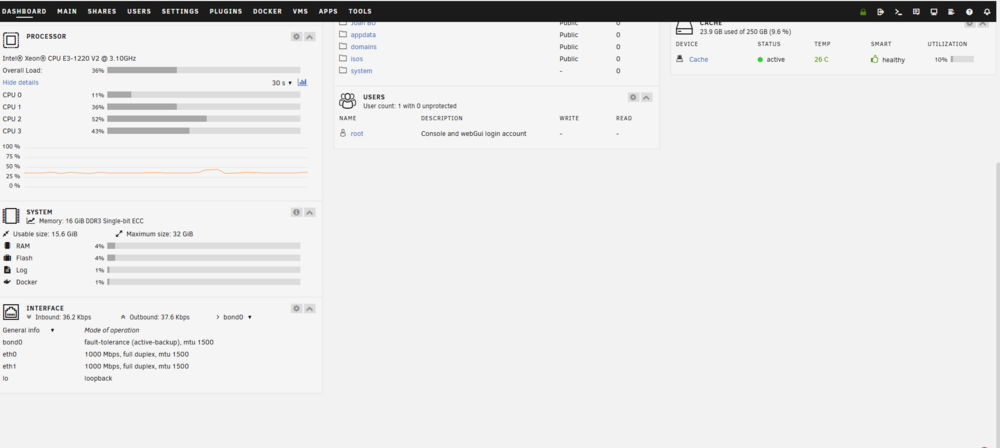
Thanks for the advice. on my file explorer i can see "Tower" I get an error message that Windows cannot access ||Tower I can log into the GUI Dashboard See below What else do I need to do???
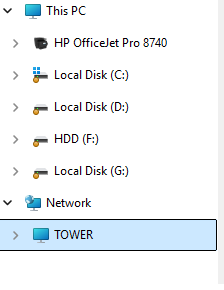
-
Thanks for the advice. on my file explorer i can see "Tower" I get an error message that Windows cannot access ||Tower I can log into the GUI Dashboard See below What else do I need to do???
-
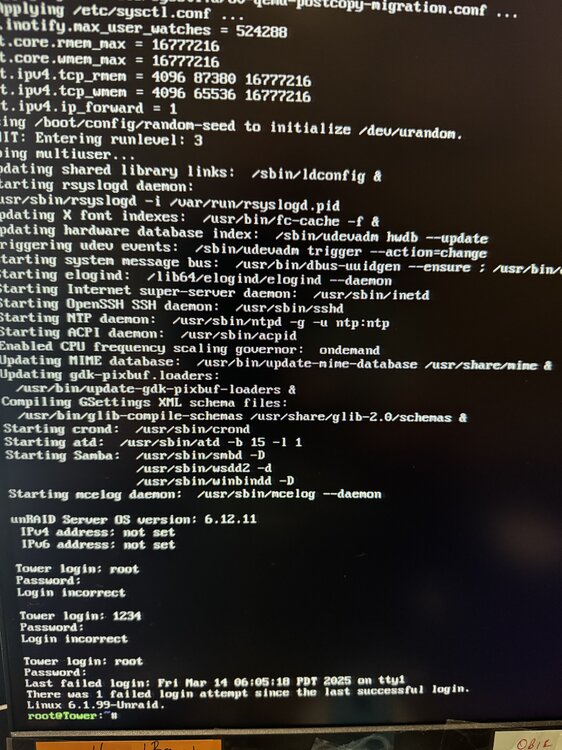
Now I have the following on the Unraid device See Picture And see diagnostics file tower-diagnostics-20250314-0610.zip
-
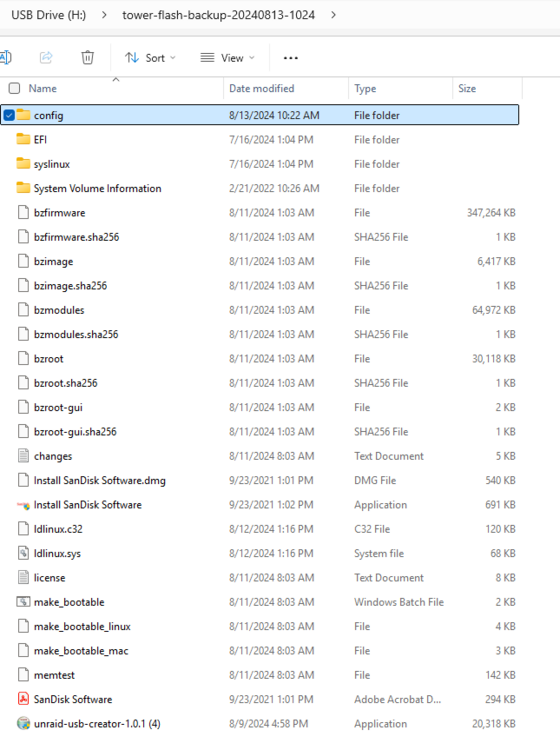
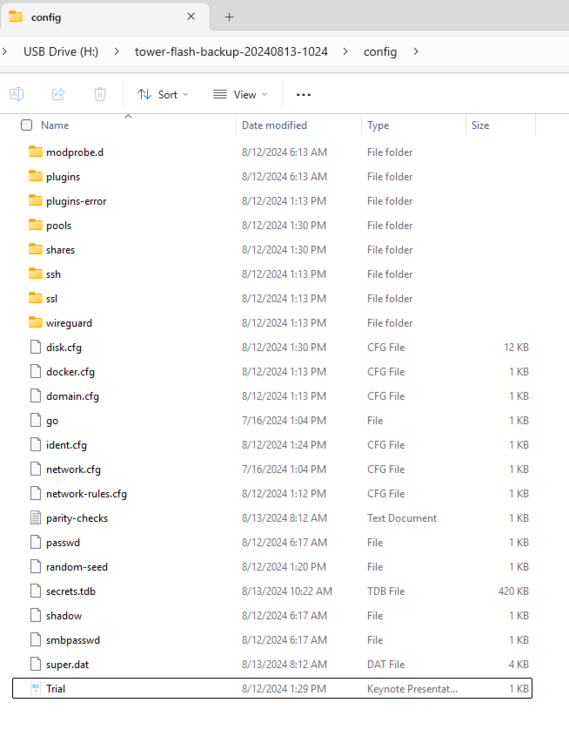
I can see that the Unraid machine does boot from the USB but it is not in the network, After the Unraid boots up the screen shows a white nonmoving cursor. It was working fine but after some reboots on my Win 11 device it was no longer in the network. I removed the USB and placed the backup USB in the Unraid device and still not visible USB
-
are there instructions on this in the documents?
-
The share does not show in file explorer. Do I need to do something in Unraid?
-
In Win 11 I attempt to map a network drive and I can see Tower. That will not add as a network drive. What else do I do in Unraid to allow for mapping.
-
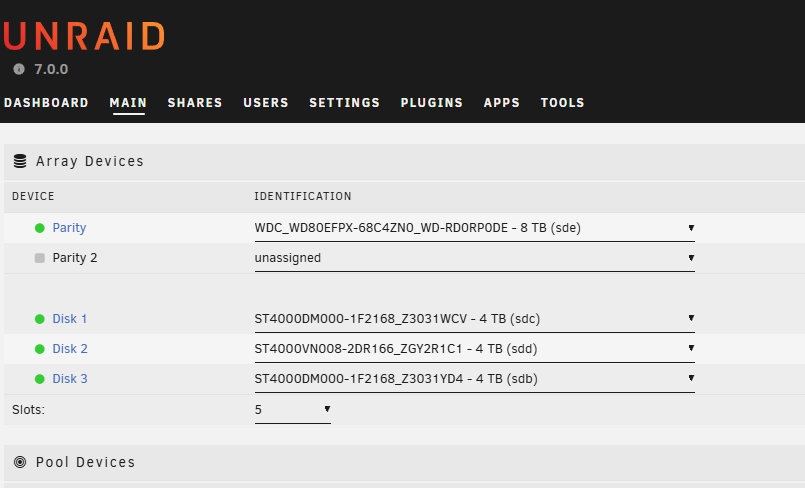
I have 2 4tb drives for data and I want to replace the parity drive to create a new one. Do I just insert the new drive, assign it and go. That seems to give errors.
-
I have been able to assign the unmounted disk as parity, Now it says the parity is incorrect. Is there someone in the North Dallas Area that can actually take my device and fix it at a reasonable cost.
-
When using USB Creator the program Runs Pick OS Storage. - My USB drive shows as Mounted H but cannot be picked It is a ScanDisk 16GB 3.2 device
-
When using USB Creator the program Runs Pick OS Storage. - My USB drive shows as Mounted H burt cannot be picked It is a ScanDisk 16GB 3.2 device


