komang
Members
-
Joined
-
Last visited
-
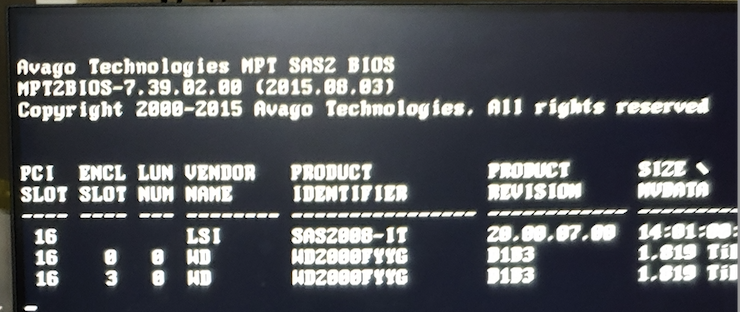
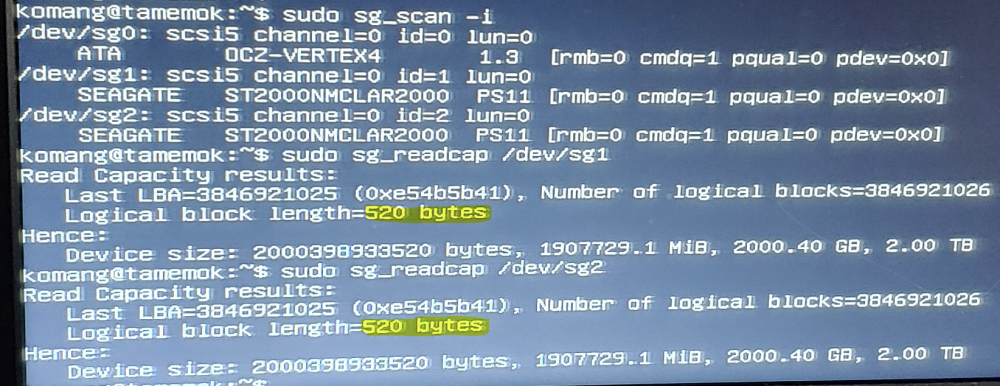
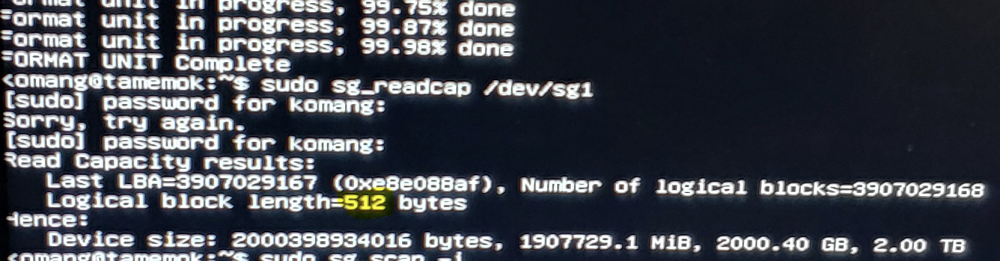
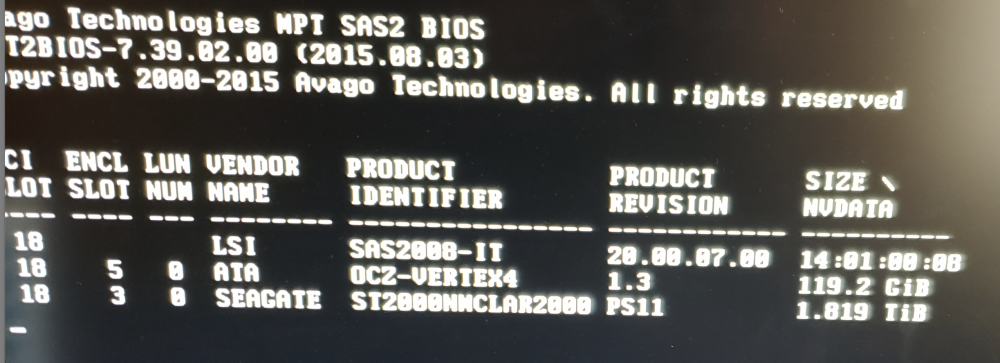
This is probably stickied somewhere in the forum but I somehow missed it. TLDR: 520 byte block size, needs 512. How to fix The problem was the block size. The disks were pulled from an EMC device and had a 520 byte block size. Installed Ubuntu Server 22.04.2 amd64 and didn't need to install ligsgutils2 & sg3-utils. Formatted disk to 512 Disk finally detected on startup ie Slot 3 ST2000NMCLAR2000 PS11
-
komang changed their profile photo
-
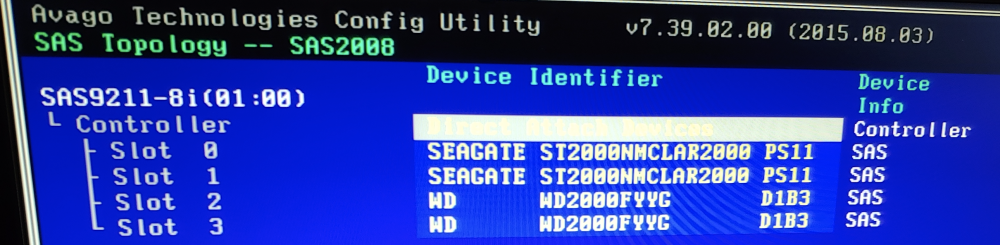
I've recently purchased 2 x SAS drives from ebay and connected them to a Fujitsu 9211-8i. On startup, the disks are not detected. But they show up inside the Avago Config Utility ie Slots 0 and 1 (ST2000NMCLAR2000 PS11, but has ST2000NM0001 on the label ) I've successfully formatted them using the config utility, but still the same issue. I tried other breakout cables and connected to an HPE H240 HBA but still no luck.