trek74656
Members
-
Joined
-
Last visited
Everything posted by trek74656
-
OK, I’ll copy what data I can off the cash drive. Do you recommend I reformat as BTRFS again, or change it to xfs or zfs? Don’t know much about zfs I ran memtest on each stick individually and three of four sticks passed and the fourth one failed. I’m going to try to warranty it out. Right now I’m just running two sticks for a total of 32 gigs. I did another memtest with just two good sticks in and they passed. I noticed the parody errors after I posted this. Every time I did do a parody sync. It showed no errors so this is new.
-
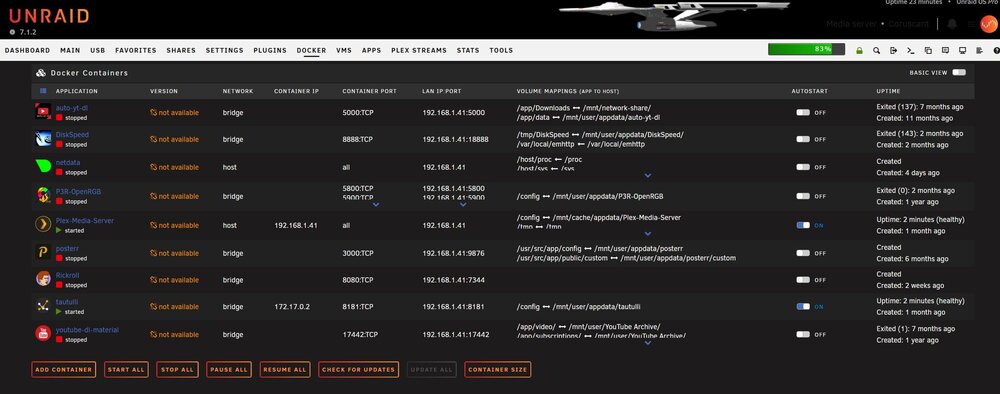
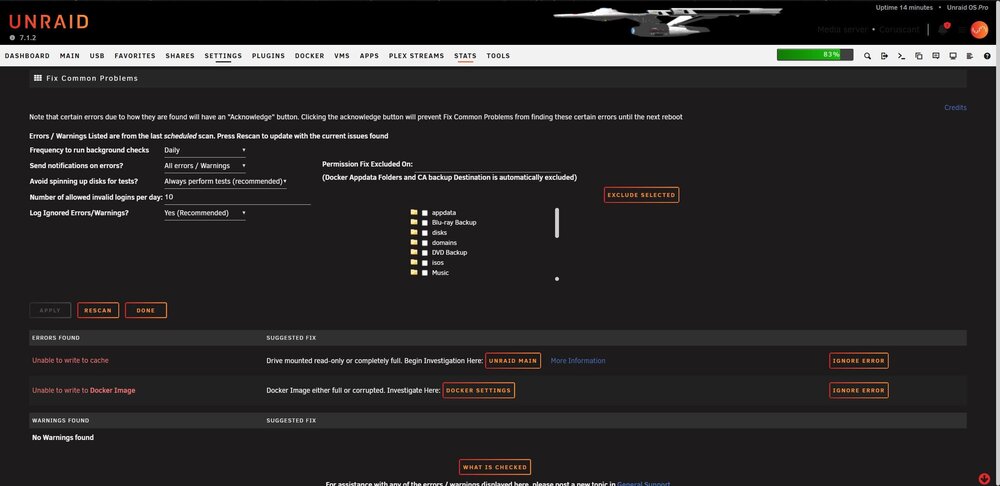
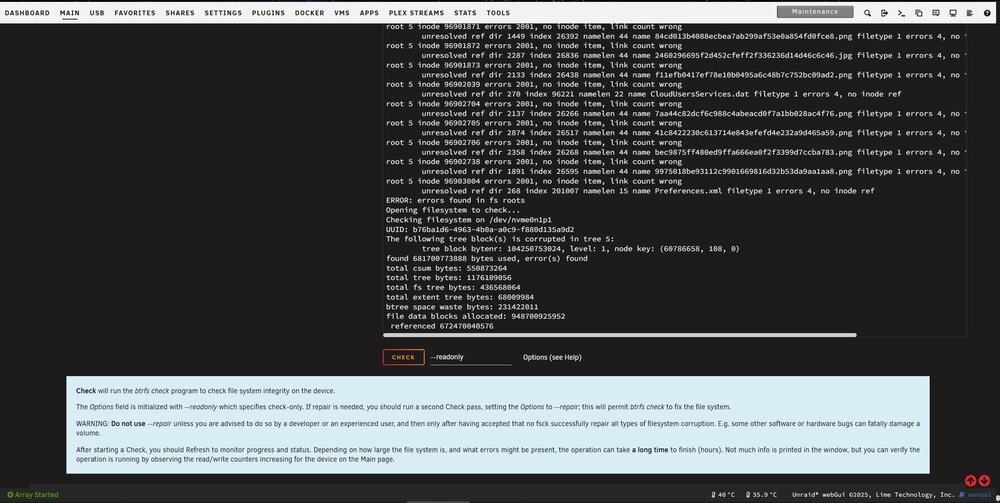
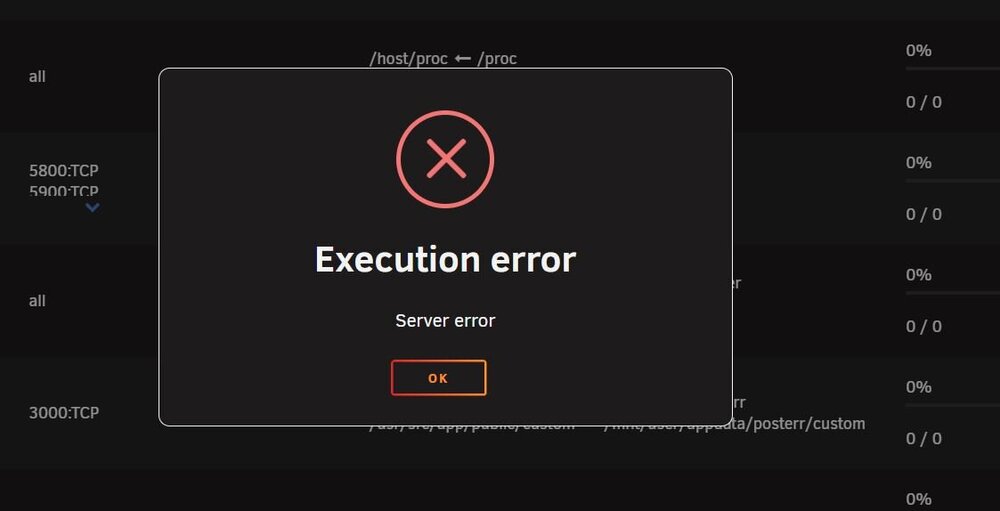
Hello, I am in desperate need of help. I’ve been using Unraid for Plex for 2-3 years and had no issues up until a month ago. I have noticed that Plex and Unrald GUl would freeze up and become unresponsive after being on for 1-3 consecutive days, forcing me to hard restart, triggering a parody sync just it to get Unraid and Plex working again. But now docker and my all containers are completely unusable. I can’t launch any containers or even delete/update them. Only Plex starts up because I have it set to launch automatically when the array is started. But once I stop it, I cannot re-launch it. When it’s running, I can view my library like normal, but when I play something, I get a playback error. I’ve tried disabling and re-enabling docker in docker settings and that did nothing to fix my problem. I ran memtest86+ off of a separate flash drive and found 1 of 4 of my ram sticks to be bad with several thousand errors. So I think I found the cause of my problems. I will try to warranty my bad ram stick and run just two sticks for now, but I think it caused problems with my NVME 2TB cache drive file system. I ran a file system check on the drive and it shows a lot of errors. it gives me an option to “repair it“, but it says don’t do it unless told by someone in the community with experience or someone from Unraid. I’ve posted a screenshot of what it says and a text file of the complete file system check report. Also, the plug-in “fix common problems” says that the drive is in read-only or full. Check Filesystem Status- btrfs check status.txt I am uncertain on what to do. Do I need to try to copy my app data off the drive and reformat it and start fresh, or is there a way I can fix it? Any suggestions and steps will be greatly appreciated! I am a novice when it comes to Unraid and Linux. If it wasn’t for YouTube, I wouldn’t have been able to set up Plex at all on Unraid. I have attached the diagnostics below. Thanks. coruscant-diagnostics-20250519-2335.zip