andreey
Members
-
Joined
-
Last visited
-
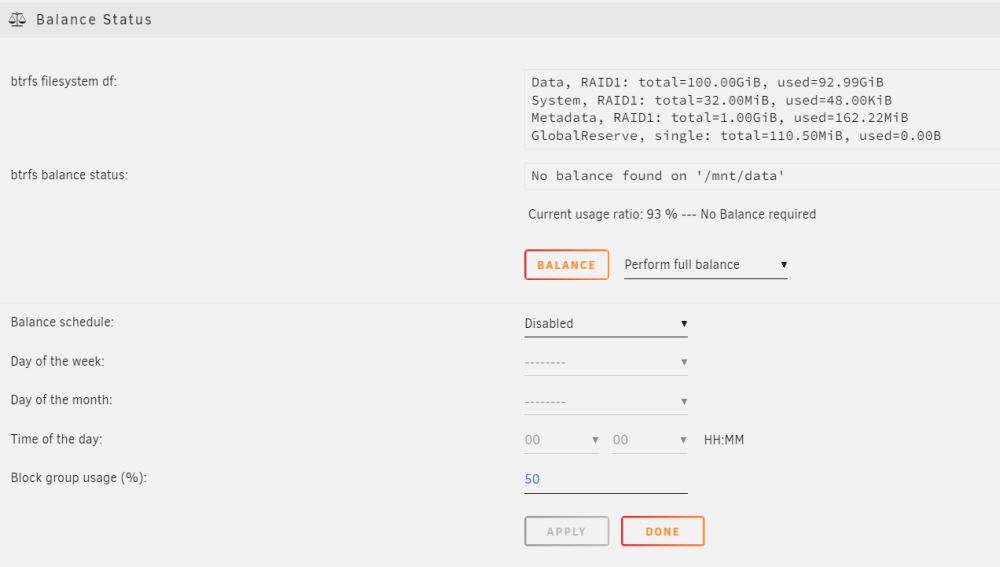
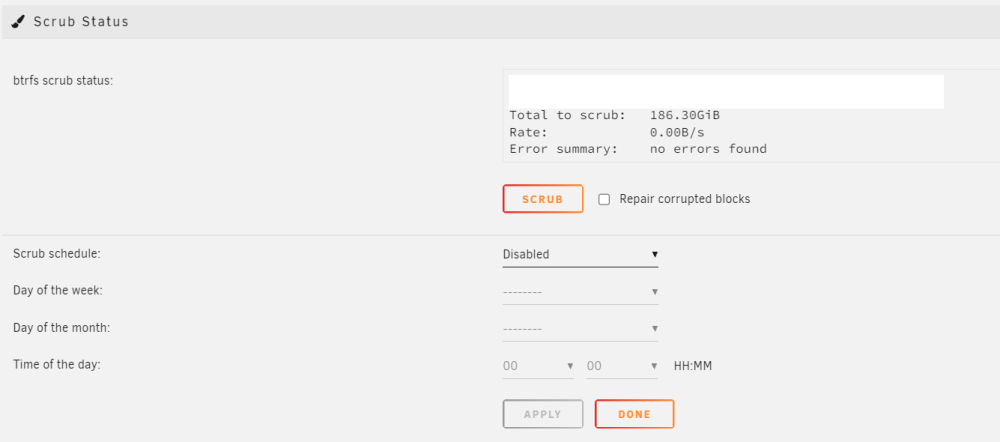
I believe I have incorrectly configured my data pool. Here's how I set it up: I have a cache drive that serves as a cache for the hard drives, and 2 SSDs configured as Raid 1 Btrfs for Docker containers. I've now realized that I can only use 100GB from the pool. Is there a way to change this? And if so, how should I best proceed? I have taken a few screenshots so you can get a better understanding. best regards, andre

-
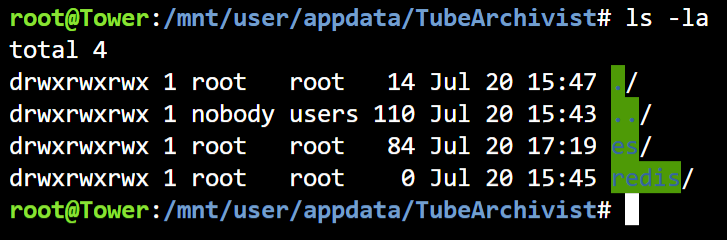
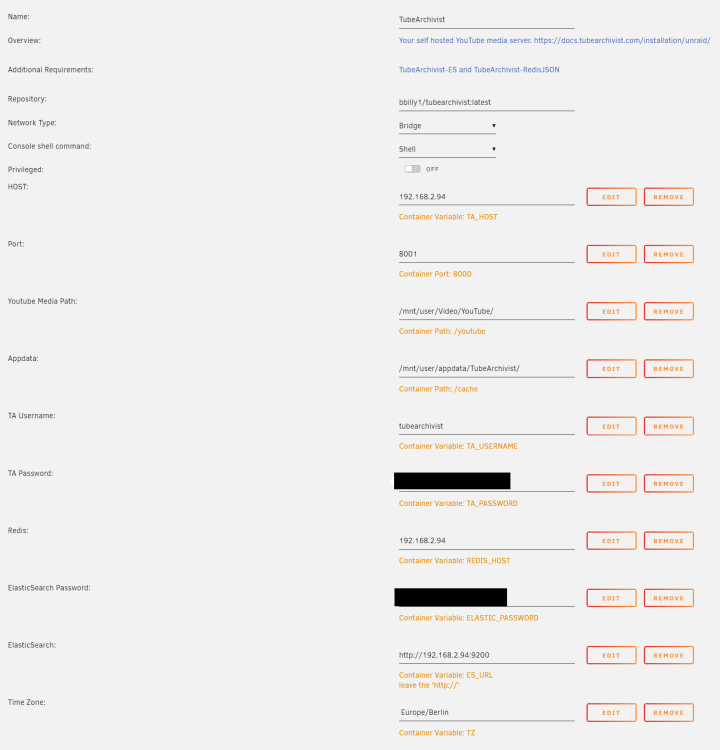
So I setup the containers according to: https://docs.tubearchivist.com/installation/unraid/ The redis and ES container are running fine, no erros in the logs. But everytime I try to start the TA container it just stops itself immediately. I also checked the permissions of the folders: The TA config I checked the ES Password multiple times and it's definitely correct. Then I changed the port to 8001 hoping that maybe there's an issue with another service running on 8000 which prevents the container to start. It's hard to identify the problem because I can't inspect the logs.