Atheism
Members
-
Joined
-
Last visited
-
Sorry for a long wait on the response. I had no config changes since changing the server from running base linux to unraid. I have concluded that my card may have been flashed with a bad firmware....I have purchased a replacement/more updated card. Thank you for your time/suggestions.
-
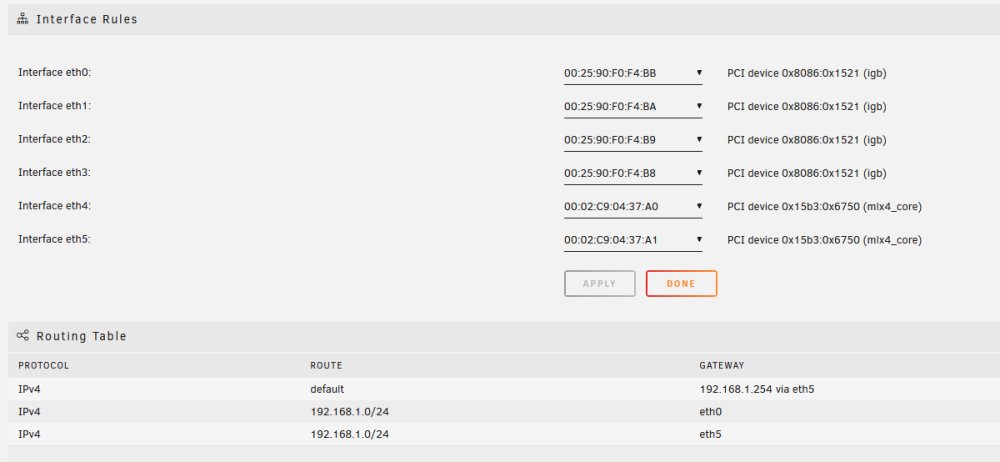
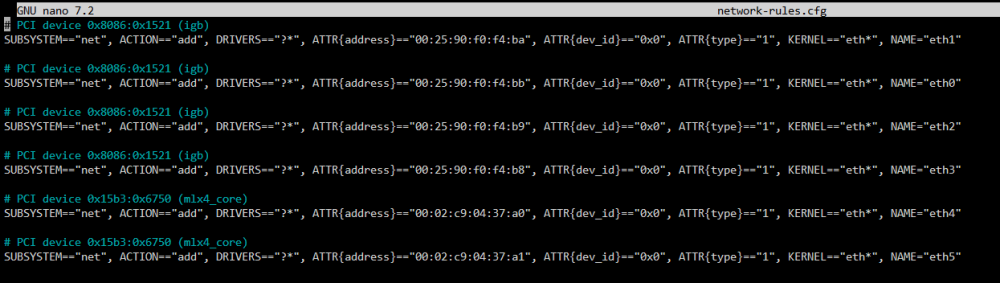
Thank you. I decided to completely remove both the eth5 option and make the only connection eth0, which is under the mac address:00:02:C9:04:37:A1 Resulted in not connecting or loading. I'm wondering if my generation of mellanox connectx card is not compatible. Thank you for your suggestion.
-
I have tried this option prior to the post and have tried it again. This didn't work. Do you have any other ideas? Thank you for your reply.
-
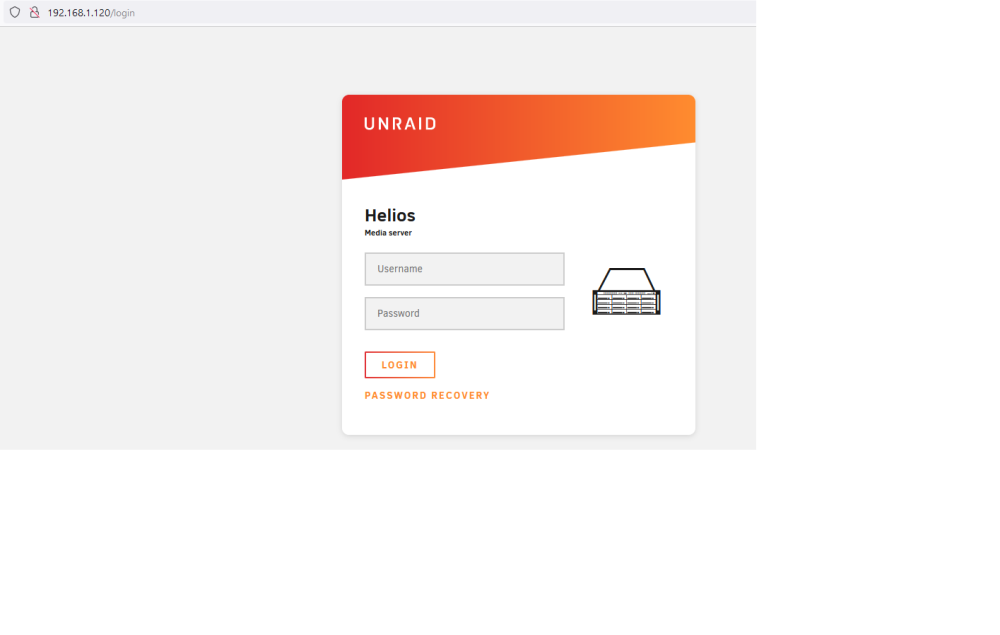
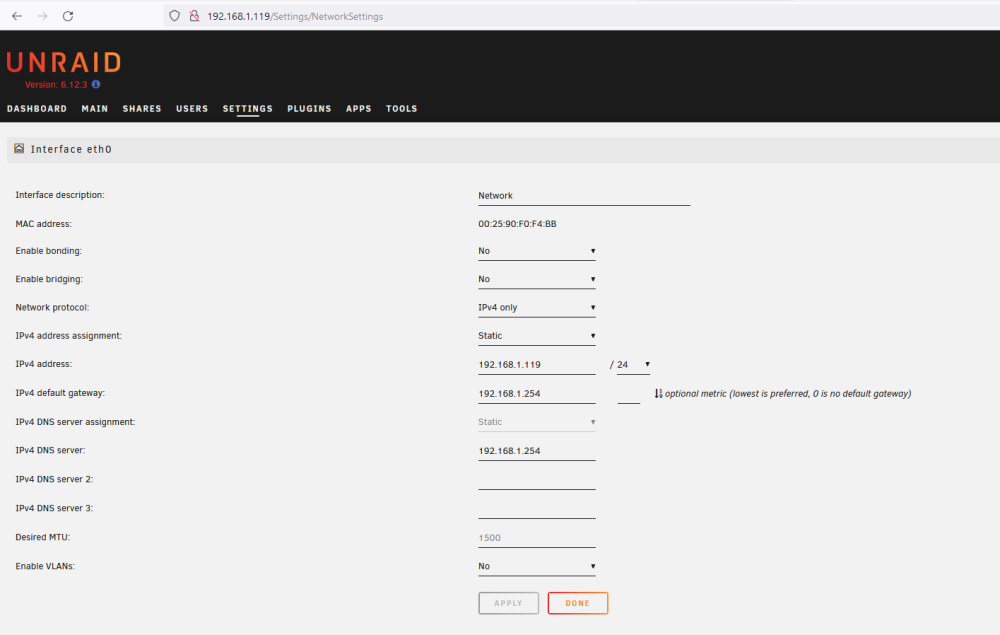
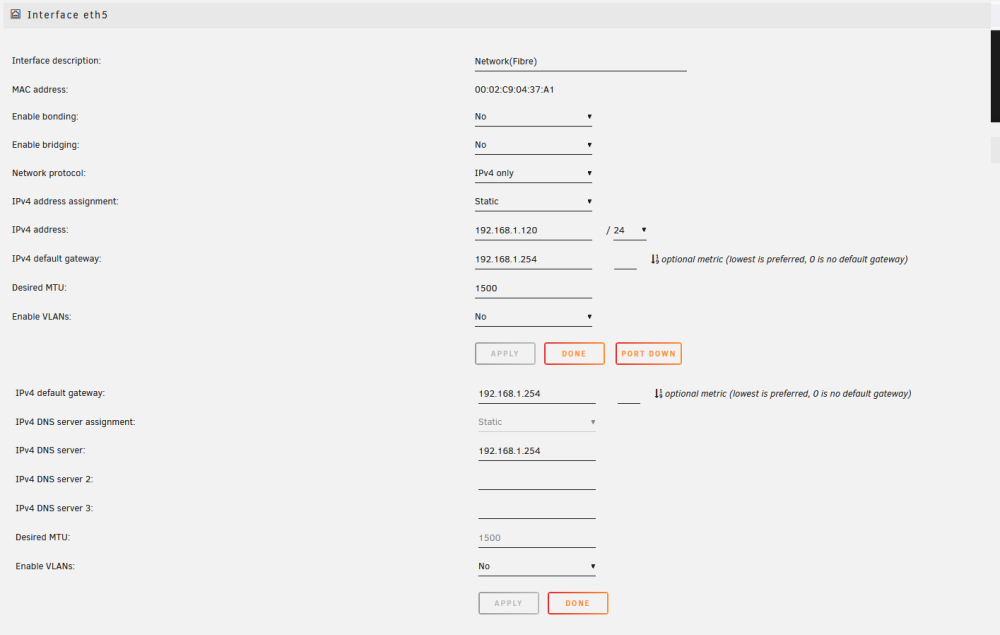
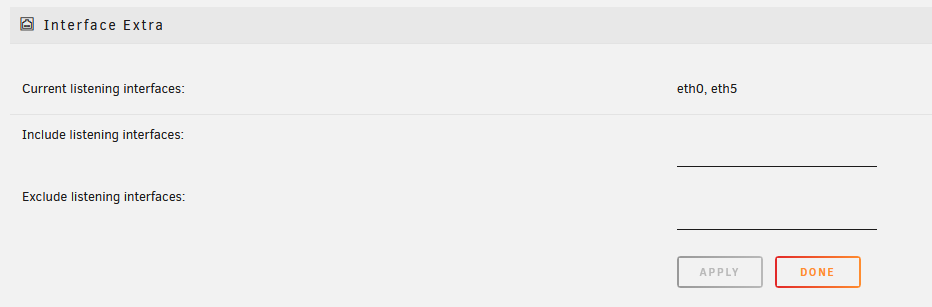
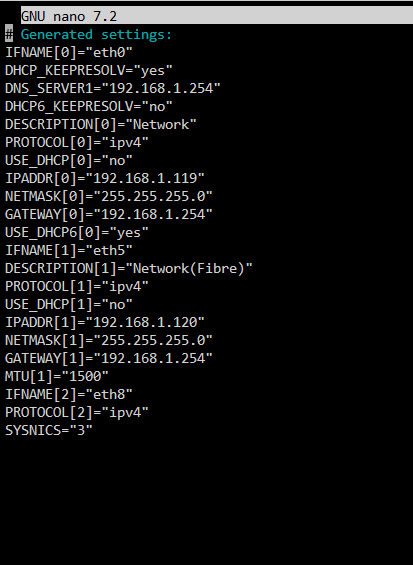
I am trying to assign my unraid server to a 10Gb Nic. Once I assign its mac address to the interface eth0, it will not connect to the dhcp server nor load anything. So far, I am able to assign it to another interface (eth4, eth5) under a different ip as the server. Upon testing to see if the server is accessible from that IP, I am able to load the unraid web interface. Now to start testing to see if data is flowing via the original 1Gb Port or the new 10Gb Port, I remove the data link (fibre) from the 10Gb port and the web interface is still able to load from that ip again(Data flows from 1Gb port). Screenshots to show my config.