tejasgadhia
Members
-
Joined
-
Last visited
-
Ah yes, sorry, I should have included that before.
-
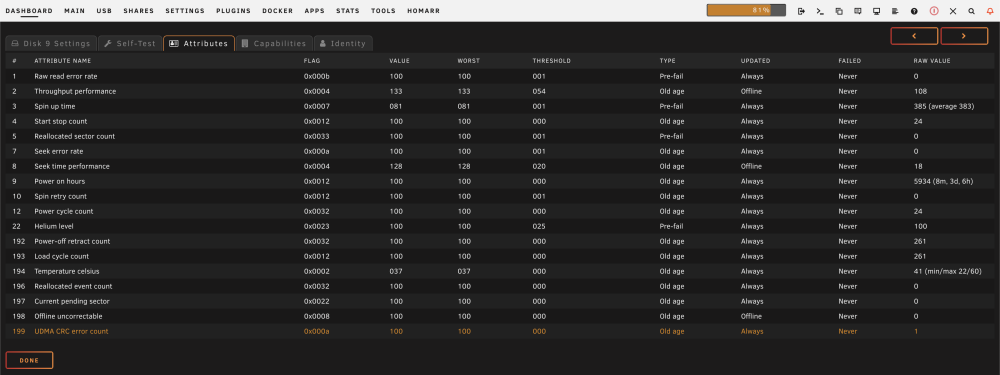
I've also attached the downloaded SMART report. WDC_WD140EDGZ-11B1PA0_Y6GE6Y3D-20240418-0824.txt
-
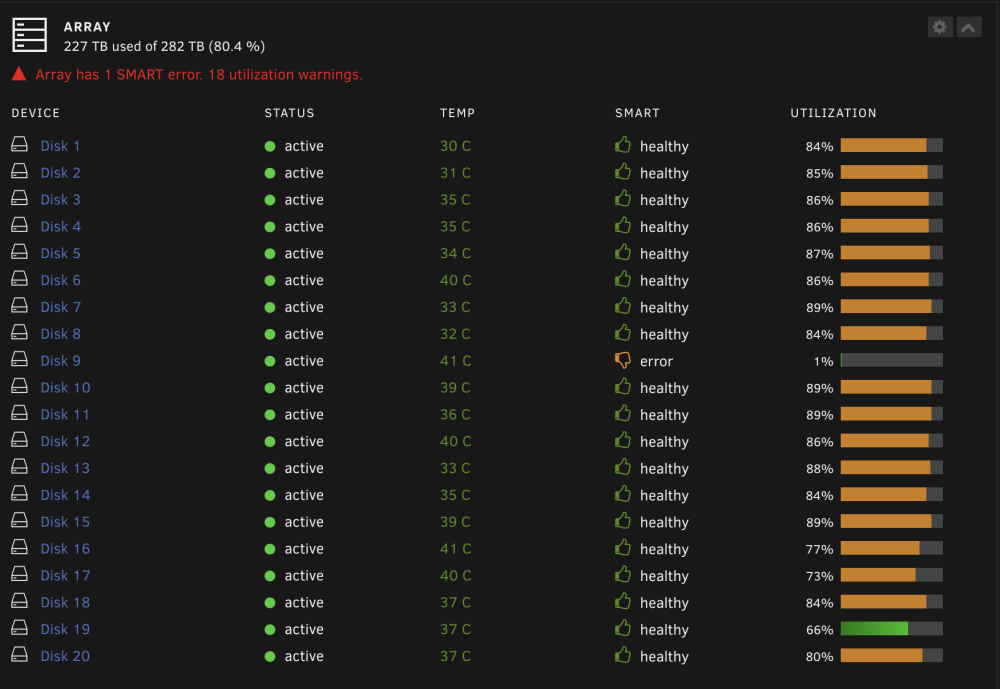
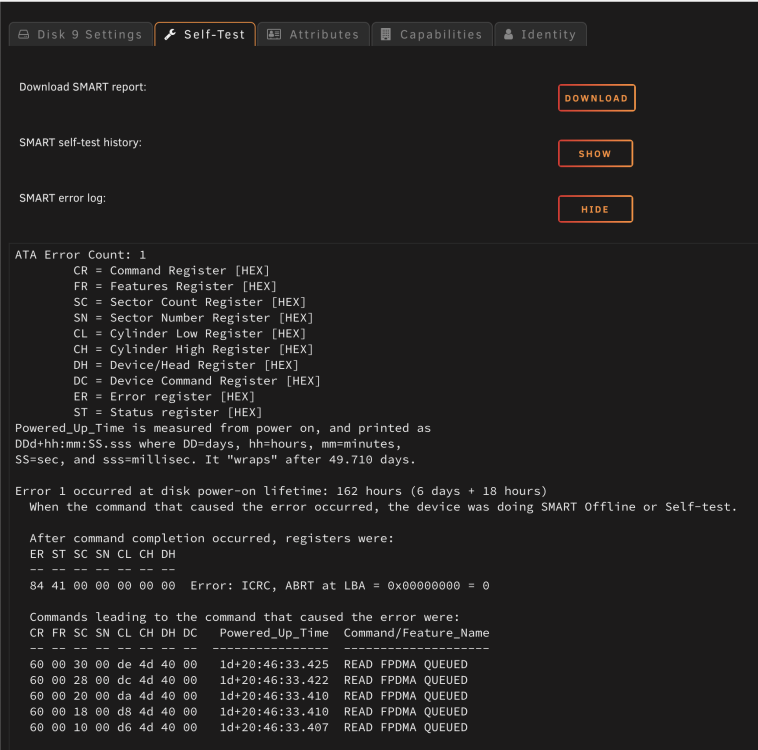
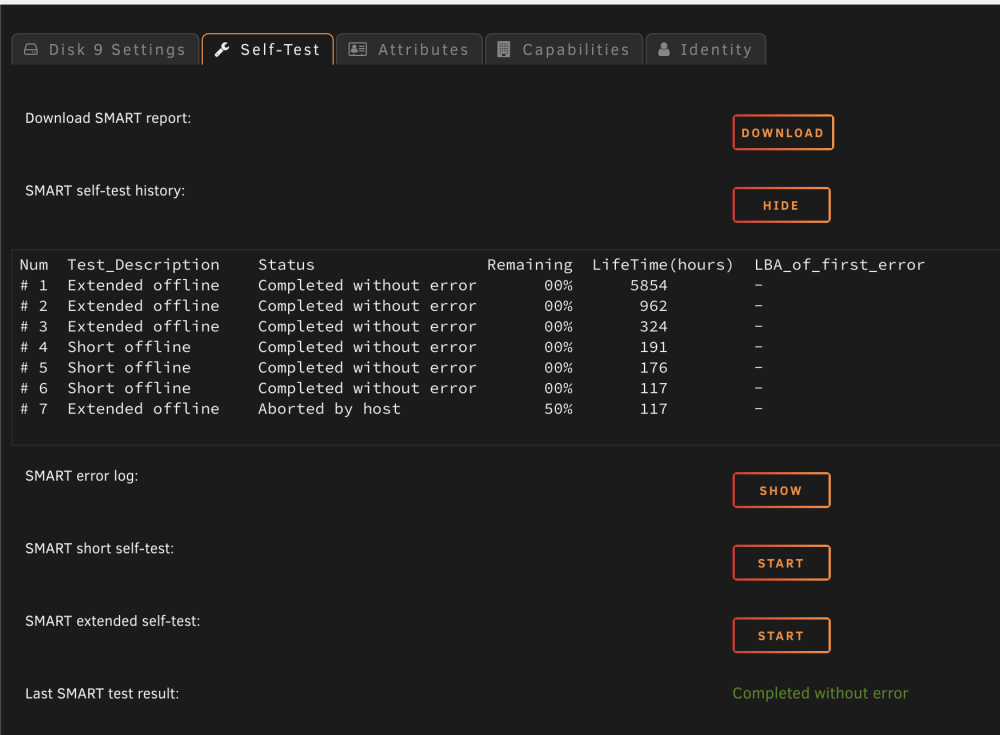
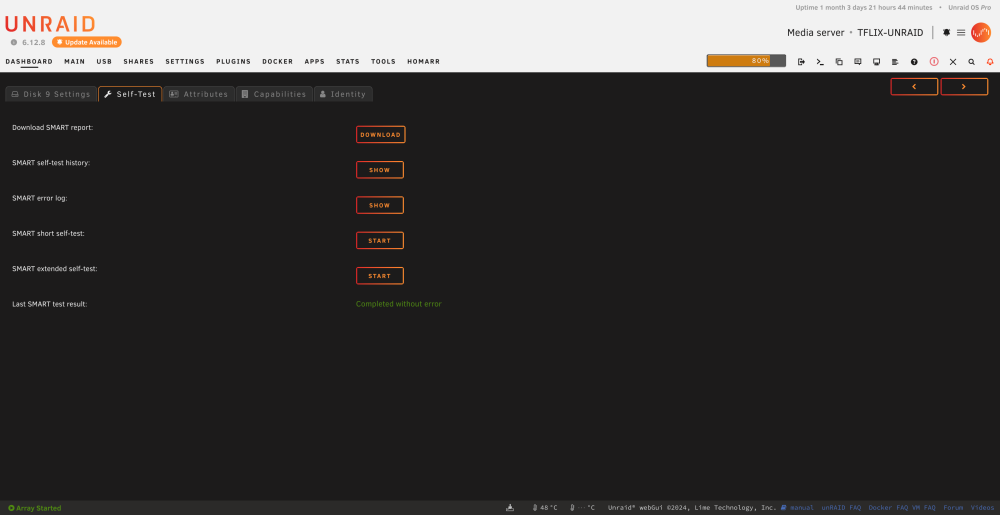
I'm trying to figure out how bad shape this drive is in. I've cleared out the drive to be safe for now, it doesn't appear any new files are being written to the drive, so I assume Unraid knows that the drive is not healthy. Any advice that could be provided would be greatly appreciated. Thank you! On my dashboard, my disk9 is showing an error: however when I go into disk details it says completed SMART test without error: When I look at the history and log, I see this:
-
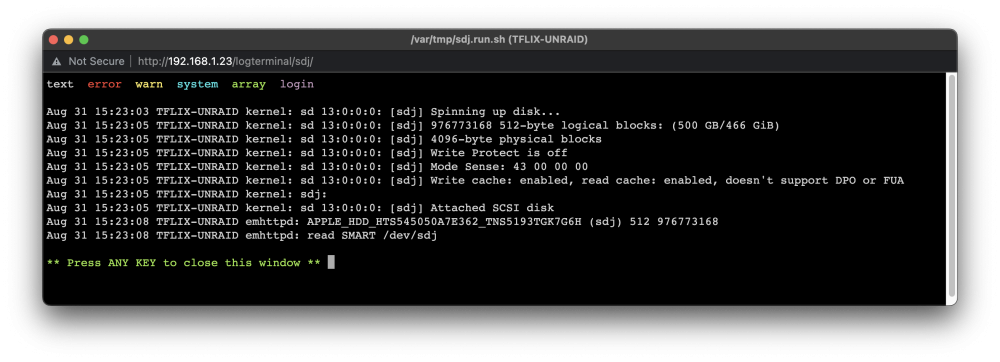
I'm having a weird issue I can't seem to find an answer for. I attached an SSD (APPLE_HDD_HTS545050A7E362_TNS5193TGK7G6H) but I'm unable to format the drive. I've attached images of the issue. Open to any suggestions someone may have. Thank you in advance!