Skip to content
View in the app

A better way to browse. Learn more.

Unraid

A full-screen app on your home screen with push notifications, badges and more.

To install this app on iOS and iPadOS
  1. Tap the Share icon in Safari
  2. Scroll the menu and tap Add to Home Screen.
  3. Tap Add in the top-right corner.
To install this app on Android
  1. Tap the 3-dot menu (⋮) in the top-right corner of the browser.
  2. Tap Add to Home screen or Install app.
  3. Confirm by tapping Install.

jeremiahchurch

Members
  • Joined

  • Last visited

  1. absolutely, please let me know if you need anything else. Really appreciate you taking the time! jcserv-diagnostics-20230923-1815.zip
  2. jeremiahchurch changed their profile photo
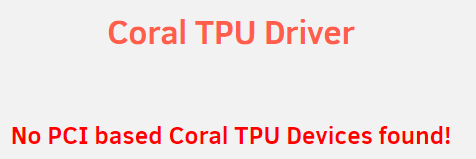
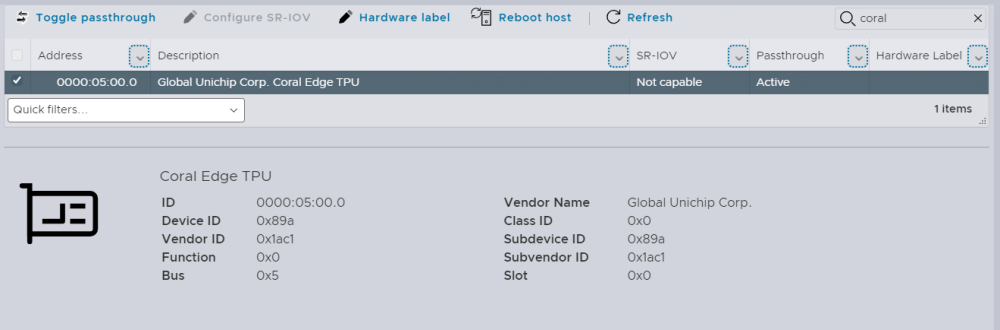
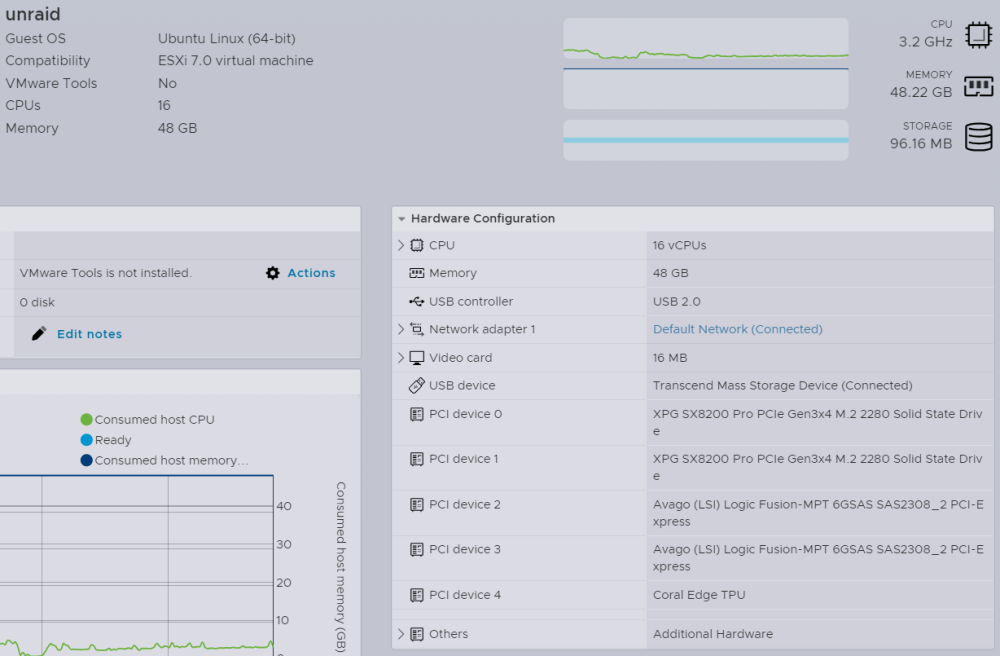
  3. Would love some advice on getting mini pcie coral up and running. underlying hardware might be causing issues - unraid is running virtualized on esxi 7 on a dell r730. coral is passed through to unraid shows up in system devices - driver is installed but *doesn't* show on coral driver status screen, subsequently doesn't show in frigate container. driver version installed is 2023.07.31 [1ac1:089a]03:00.0 System peripheral: Global Unichip Corp. Coral Edge TPU any suggestions would be much appreciated.
Account

Navigation

Search

Search

Configure browser push notifications

Chrome (Android)
  1. Tap the lock icon next to the address bar.
  2. Tap Permissions → Notifications.
  3. Adjust your preference.
Chrome (Desktop)
  1. Click the padlock icon in the address bar.
  2. Select Site settings.
  3. Find Notifications and adjust your preference.