iatemenchi
Members
-
Joined
-
Last visited
-
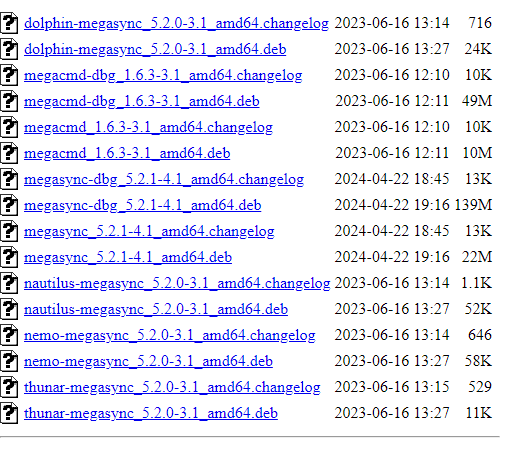
I messed with some stuff and figured out that if I don't have the shares use the cache drive, everything is fine. Makes sense since the error kept talking about a sync error with the drive. I also heard back from Mega support. I'm not sure they bothered to look at the logs I sent, but they mentioned the app is out of date. I verified by looking at the current versions.
-
I figured out that if I create a new folder I instantly get that message. It's not as critical now that I know I can reenable after a while (usually 1-3 hours).
-
And now all seems fine. Any idea what was happening?
-
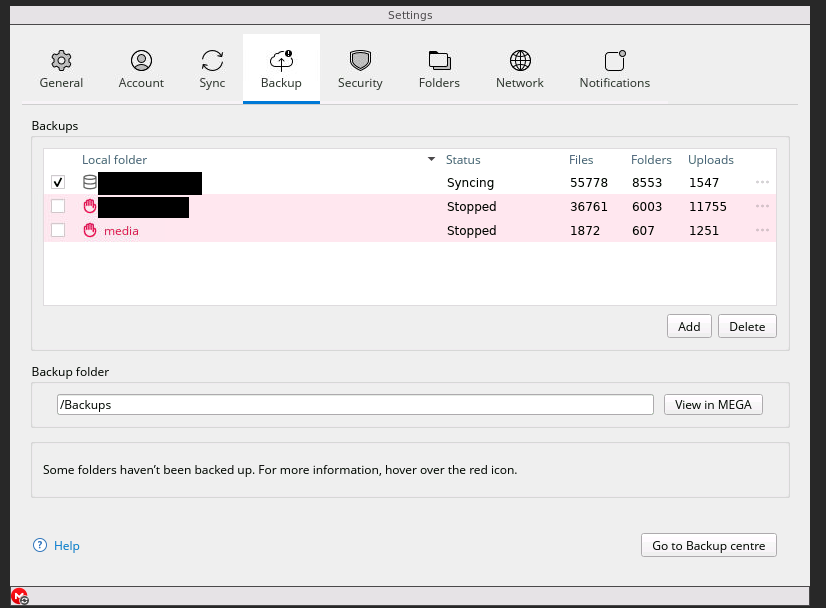
Within the app. I can still use the drives no problem outside of the app. Now, this is really weird. It seems like its only effecting one drive at a time.
-
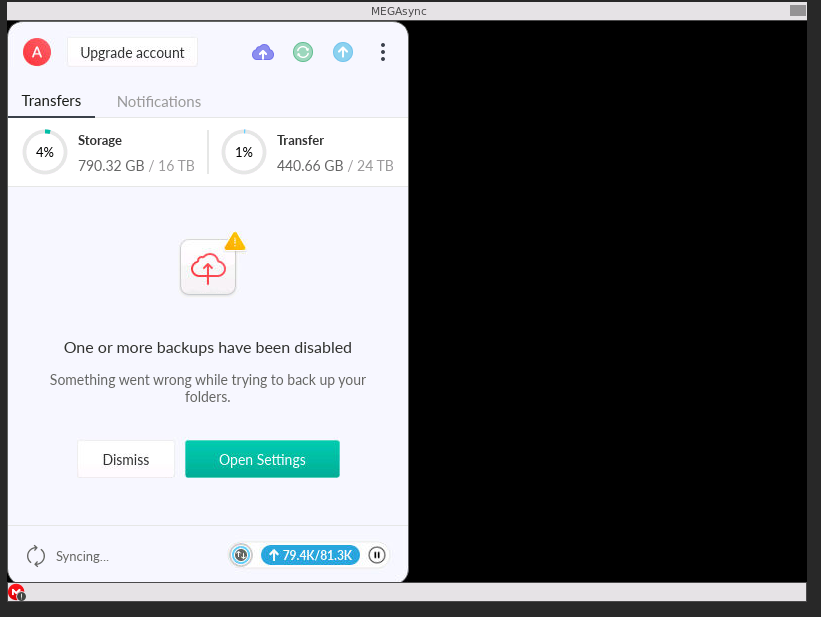
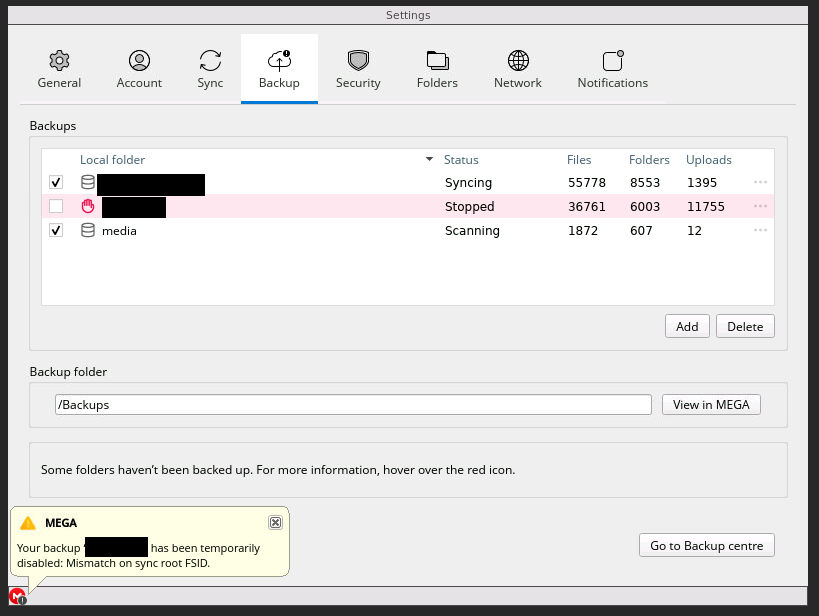
Unraid was updated a few days ago. No changes were made to share settings. And now 2 of my 3 drives are getting disable with the same error.
-
Mounted and shared by SMB.
-
Occasionally one of the other drives will be disabled (i never looked to see why) and I would reenable and all is good. However, the media drive is the only one with this issue and today is the first day this issue has come up. I've been updating my media drive heavily over the last few weeks so I have been monitoring the app consistently.
-
I have been getting this sync error. I have already tried to delete and add the backup again. I even logged into my Mega account and deleted everything and started over. As soon as "media" start syncing it gets disabled. I have been running the app for months and this just started happening within the last few days.