wandering-ruling5911
Members
-
Joined
-
Last visited
-
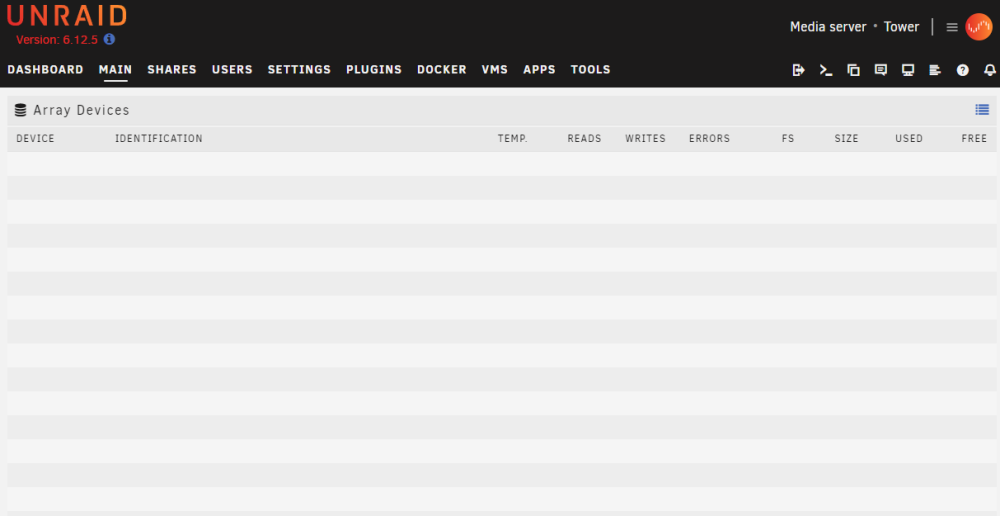
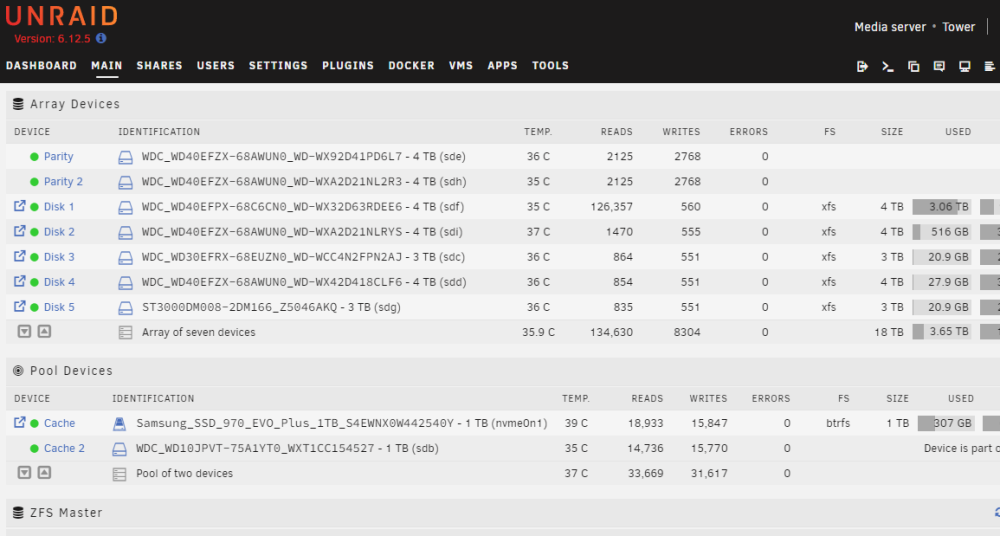
I'm hoping someone can make some sense of this query. I’ve successfully setup a domain name using cloud flare, duckdns, and Nginx Proxy Manager for my Unraid and its services. The issue is that when I log into my Unraid GUI through my domain, my array devices (under Main) do not show as shown below. However, when I log into my Unraid GUI through my Lan IP addresses, it shows the arrays devices like normal as shown below. This is what I intended to see with the domain setup. To confirm, Unraid drives are working fine and are accessible through my NextCloud and mapped drives. Other bacground: I am currently running Version 6.12.5 I have tried different browsers with the change. I have disabled any ad blockers with no change. I have attached the logs below, but there seem to be no issues (from my limited experience) that point to a specific issue or issues. Any ideas would be greatly appreciated. Logs.docx