





valerymartyshko
Members
-
Joined
-
Last visited
-
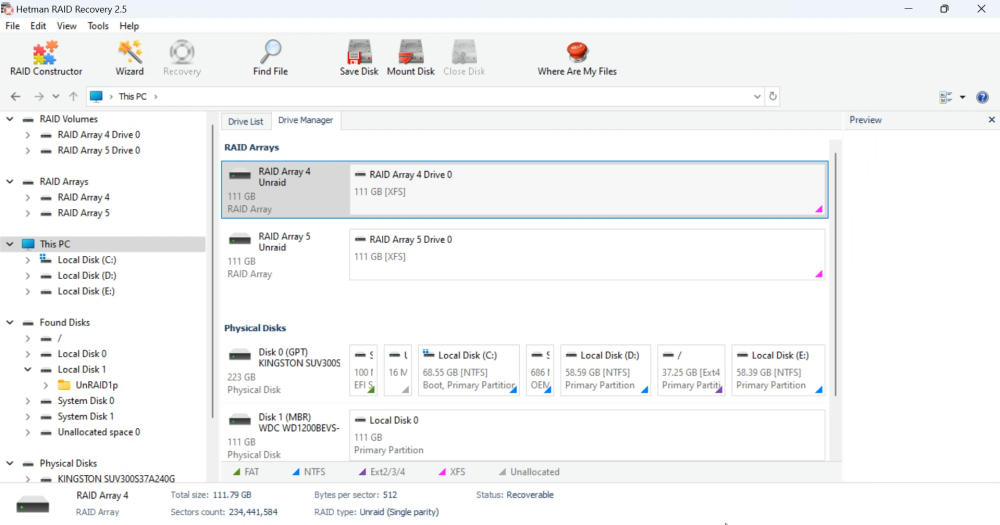
this is what it looks like:
-
The method described in this article looks logical and correct. But I could not restore the system. As my array was created with one parity disk, the information is stored in its original form on two another disks. I take the disks out of Unraid OS storage system and connect them to a Windows computer. Installed Hetman RAID Recovery and ran the raid constructor in it. When I gave all the parameters I know, I saw the preview of my array. I scan and unfold it, program show its folders .
-
trial
-
I don`t have a current backup and don`t know which disk is parity. Perhaps it is possible to connect my drives to some kind of utility to recover (save) data from them?
-
Hi! How to Recover Data when a hard disk is down and the operating system on the boot device is damaged, a part of the data becomes inaccessible since it is located on the parity disk? Are there specific tools or methods recommended for data recovery from a crashed disk array in Unraid OS?
