axafax
Members
-
Joined
-
Last visited
-
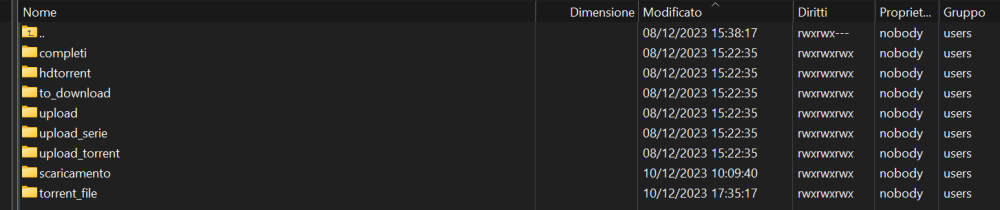
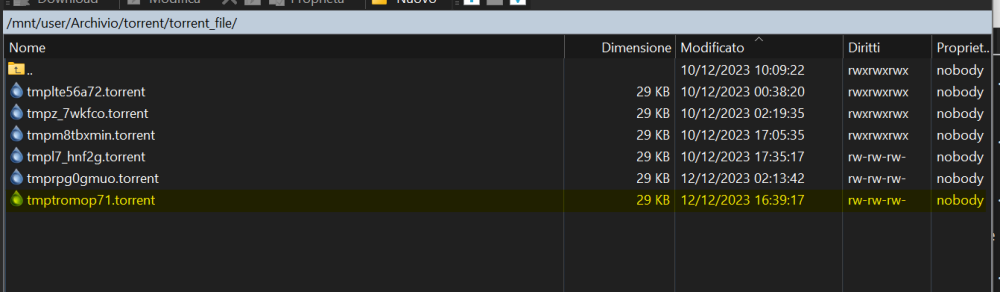
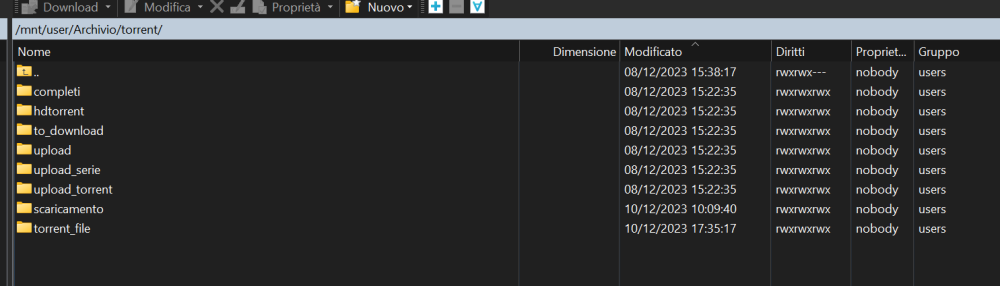
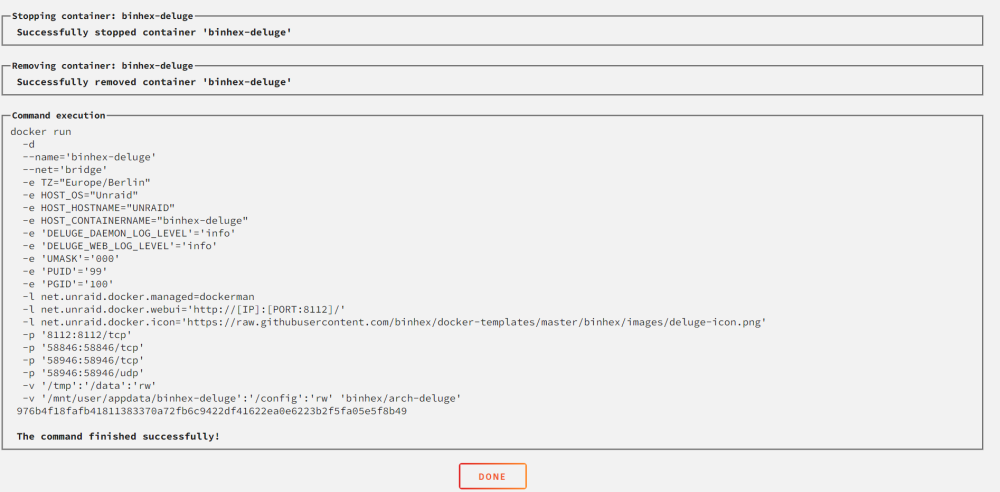
In the meantime, thank you. I confirm that the folders exist (in this image you can also see the absolute path) I tried using the tmp folder. I tried both setting the /data variable and the absolute path. Always the same behaviour is it possible there are some bugs? should I try using an earlier version? Thanks again

-
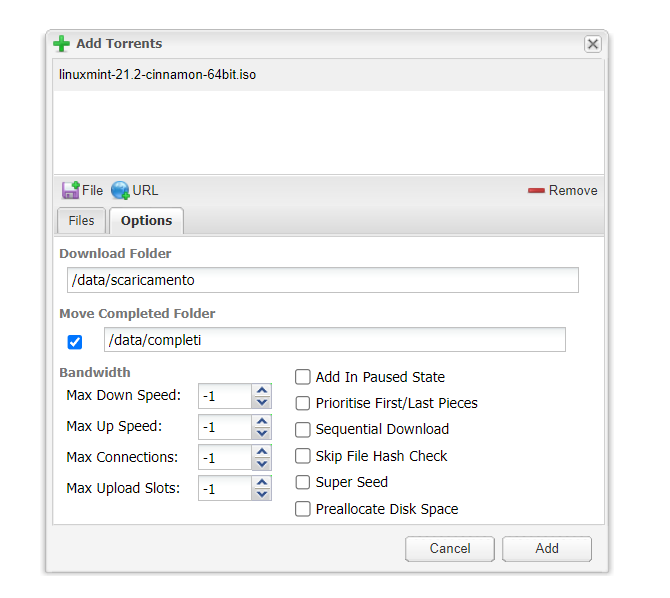
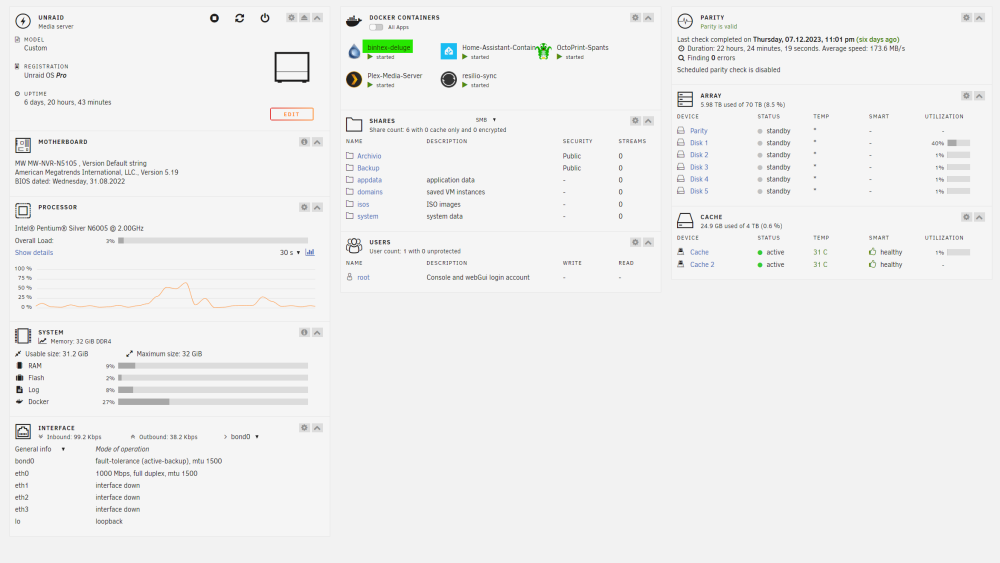
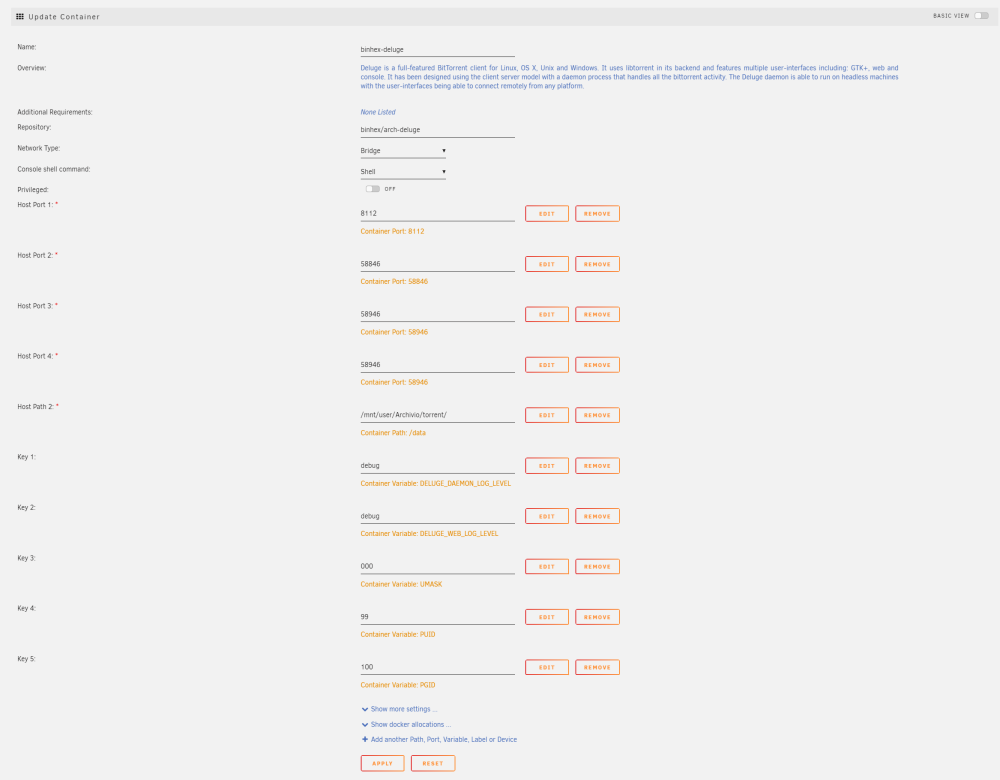
always download 0 % Hello everyone. I am setting up the new NAS with UNRAID. It is a "small" machine with low power consumption. I opted for a machine with a lot of cache (2x4T in raid1) 4Tb to allow the disks to stand-by as much as possible The machine is this one and I installed these dockers With some swearing I get all the dockers working but deluge seems to work perfectly but the download of any file remains at 0 (image 2) I check the paths ... all fine (image 3-4-5) Especially since the file ".torrent" is written in the correct folder ... so ... it's all correct isn't it!?! I set the docker log level to debug and there is absolutely nothing supervisord.logdeluge-web.logdeluged.log Guys I don't know what to do anymore. Thanks in advance