Skip to content
View in the app

A better way to browse. Learn more.

Unraid

A full-screen app on your home screen with push notifications, badges and more.

To install this app on iOS and iPadOS
  1. Tap the Share icon in Safari
  2. Scroll the menu and tap Add to Home Screen.
  3. Tap Add in the top-right corner.
To install this app on Android
  1. Tap the 3-dot menu (⋮) in the top-right corner of the browser.
  2. Tap Add to Home screen or Install app.
  3. Confirm by tapping Install.

Gee Gee

Members
  • Joined

  • Last visited

Everything posted by Gee Gee

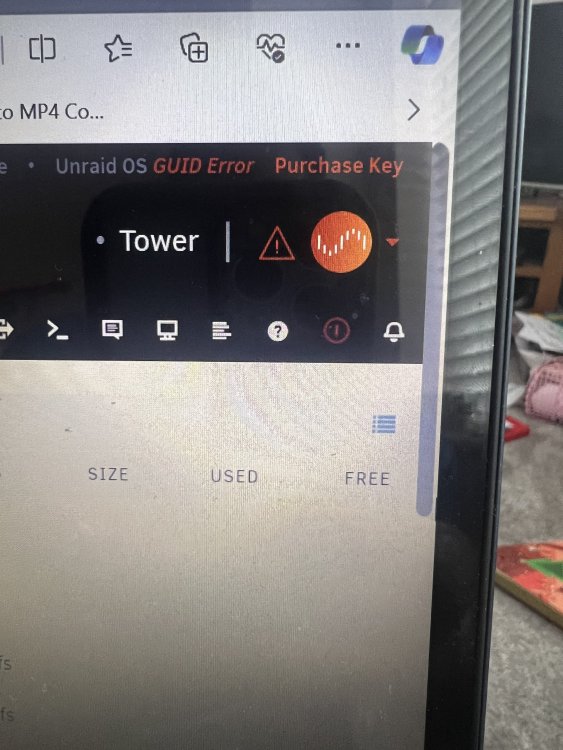
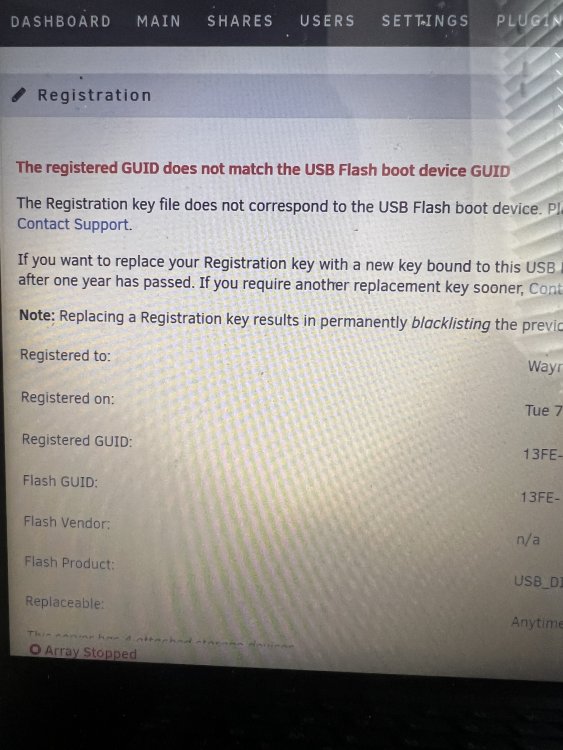
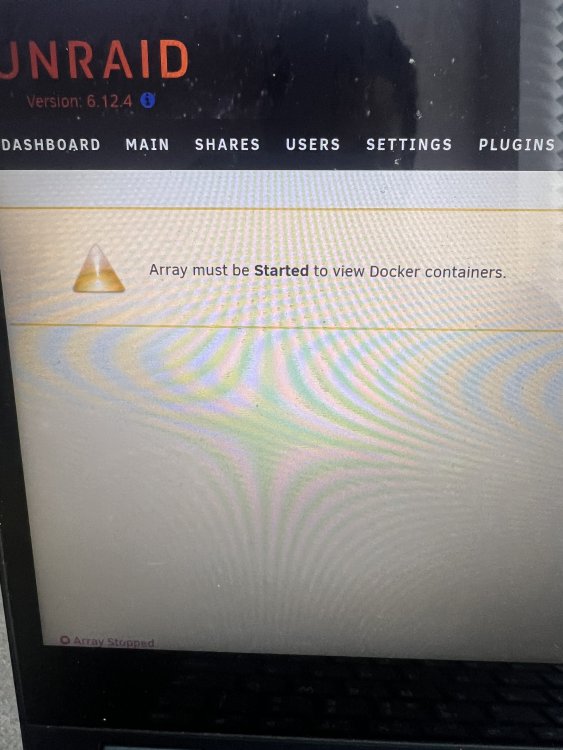
  1. I am new to the Unraid game but had a trail period of Unraid then went too upgrade paying for a licence. When I tried to add this via the GUI i got errors which then stopped my array and said the registered guid does not match the usb boot device guid. I can now not get into my shares and am worried I am going to lose the data on my drives if anyone can help resolve I would be so grateful I have attached screen shots below.
Account

Navigation

Search

Search

Configure browser push notifications

Chrome (Android)
  1. Tap the lock icon next to the address bar.
  2. Tap Permissions → Notifications.
  3. Adjust your preference.
Chrome (Desktop)
  1. Click the padlock icon in the address bar.
  2. Select Site settings.
  3. Find Notifications and adjust your preference.