TDD_INDY
Members
-
Joined
-
Last visited
Everything posted by TDD_INDY
-
one for sure was proxmox->debian / ext4, probably both.
-
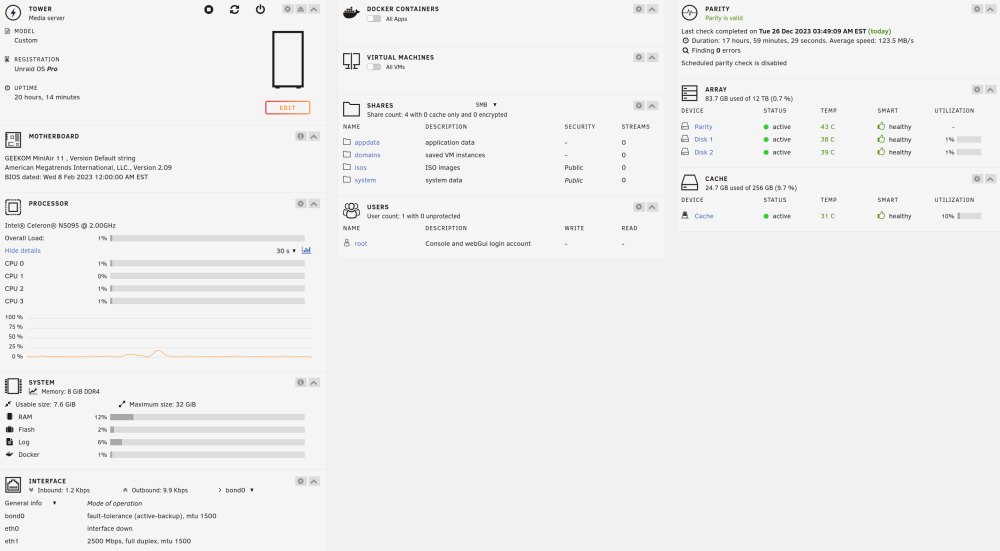
> So this should not happen anymore after the first reboot, you'd just need to do a new config and re-format the disks. Not sure if you saw that I did this already and as of this morning everything is up and running. I've rebooted twice once with the array started and not. All is working now. Fortunately for me, all of this was brand new, no data yet, so I had no data concerns, because looks like I would have lost data! >Now, you mention you don't need the data, but if you can please try this, since it happened before to users who needed the data, and I have no way of reproducing this issue, try >re-creating the old partitions with: ... >sgdisk -o -a 8 -n 1:1M:0 /dev/sdX Would this ruin the good state i'm in now? In recap me thinks this should be considered a bug? I mean considering while possibly an edge case, this should never happen, what can be done to make sure it doesn't? Also, something should be done to show better what is wrong, in this case size, i.e: most are using TB+ drives and as shown, it looked the same(6Tb) and further say exactly what was wrong? Wrong size, Wrong UUID etc ... For completeness, I'm attaching new diag as of this morning after successful parity-sync ... More than happy to provide more info if helpful , but I think it may be too it late? Thanks for at least providing a decent explanation of what happened, hopefully, something can be done in the future to prevent something like that. Maybe as a safety measure and before sync, and online of drives: require a reboot first? I will say that I'm impressed with this community support and responsiveness! Thanks again, and let me know if I can give any more help on this. -TD tower-diagnostics-anon-20231226-0530.zip
-
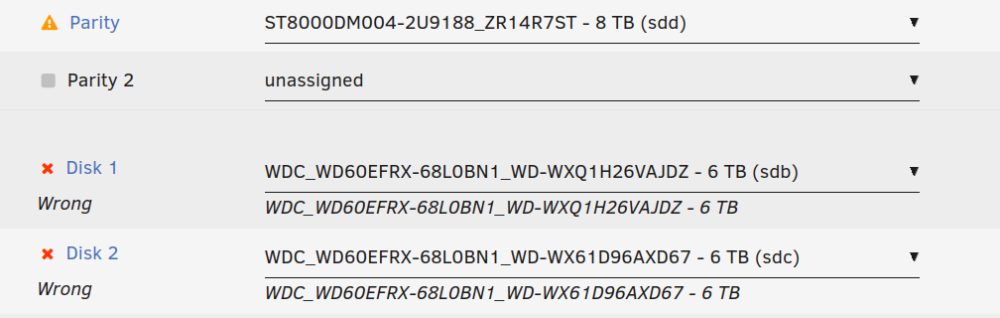
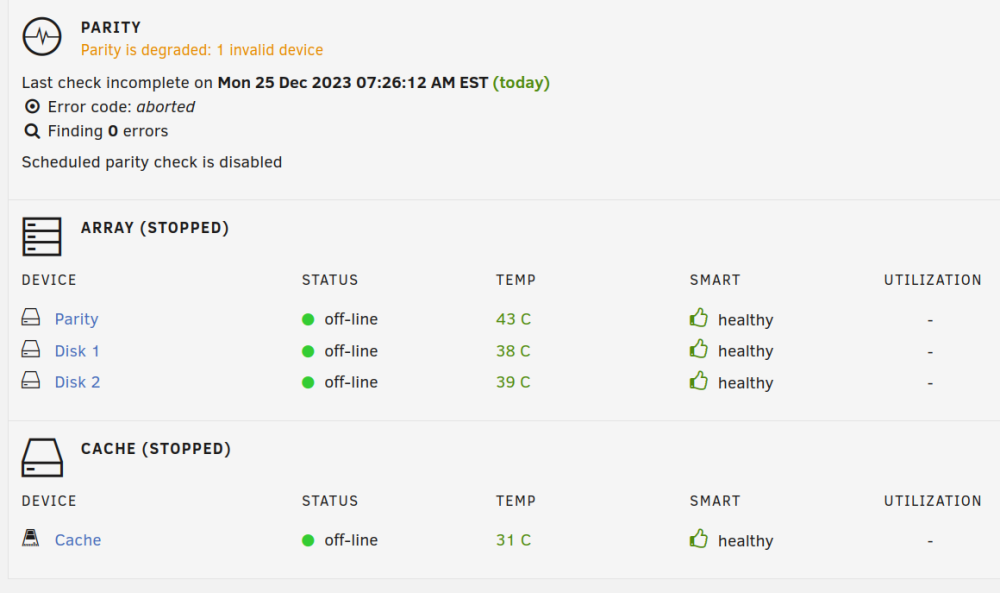
Nothing at all, again brand new install. I left it run over night letting the parity drive sync. This morning it was about 75% complete. The only thing I did was install the RTL8152 Drivers, which I needed because my Realtek 2.5 USB Nic was connecting at half duplex. It was working though and still is. Because it required a reboot to take effect, I did so. As I said I even took the step of pausing the parity sync. Doubt that should have mattered though. After the reboot, it was in the state shown. My concern is how that happened, and what it even means? Why was it saying wrong drive but showing the right drive. In the end I just went to new config, I did say Preserve current assignments but that didn't help and even had to reformat them. I'm letting it run parity-sync once more take another day ... I also rebooted right after and nothing broke, as a noob, it just makes me concerned that nothing really made sense here, its like it was complaining that the config was wrong when as far as I can tell it wasnt. Super strange that nothing shows up via the diag either.
-
attached tower-diagnostics-anon-20231225-0834.zip
-
I'm running brand new install UnRaid pro Version 6.12.6 2023-12-01. This is a completely new install, I'm not concerned about data loss, but i am concerned why this happened. I was about 75% completed with parity sync, but wanted to reboot, not sure If I really needed to, but stopped the sync process then rebooted. Pretty simple right? When it came back up, low and behold the array was not running and I had the wrong disk issues as shown in the attached. Even stranger the selected disk and the "wrong label" match exactly! Everything looks fine. For those that will point to it being the usb flash I doubt there's anything wrong with it, It's a new Samsung 32 gig flash and the system shows no errors anywhere. But who knows? So again, just trying to figure out how, a new install could ever have this happen after a simple reboot. Thanks -TD