





DrOffice
Members
-
Joined
-
Last visited
-
Vielen liebe Dank! Wird sofort umgesetzt. Hab noch einen schönen Abend.
-
Hey, sorry. Das mit der .log Datei war wohl etwas sinnbefreit. Auch auf die Gefahr hin wieder was falsch gemacht zu haben, Anbei die Diagnostics. (wusste nicht genau, welche Datei evtl. benötigt wird. Daher lieber alles. Danke vorab aber schonmal für eure Antworten. - nein ich benutze nicht mehrere Netzwerkkarten - HPEliteDesk ist mein "Server" ... wenn man so mag - Ich nutze keinen USB-Stick als Array. - den Guide zu Macvlan lese ich mir sofort durch. tower-diagnostics-20240212-1932.zip
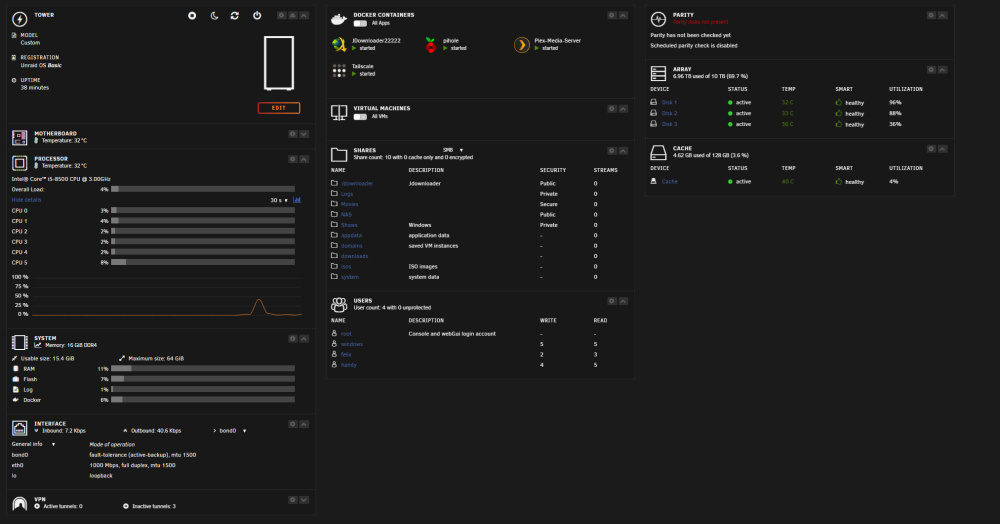 Hey, ich habe seit längerem das Problem, dass mein Server immer wieder crasht. Ohne ersichtlichen Grund. Aufgrund meiner Laienhaftigkeit werde ich auch nicht wirklich schlau aus den Logs. Evtl. kann mir ja einer von euch helfen... oder zumindest auf die Sprünge helfen. Danke im Vorfeld. syslog-192.168.50.113.log

