





Cpt.Hardy
Members
-
Joined
-
Last visited
Everything posted by Cpt.Hardy
-
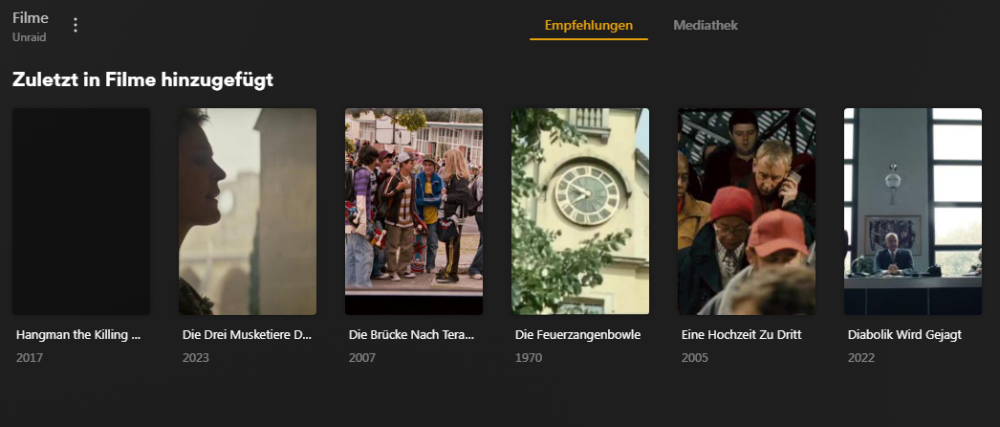
ok, jetzt läuft PLEX mit der ersten Mediathek für Kino-Filme und der Suchvorgang wird wohl ein paar Stunden laufen. Die ersten gefundenen Filme haben jetzt aber kein offizielles Cover, was muß ich denn jetzt noch konfigurieren?
-
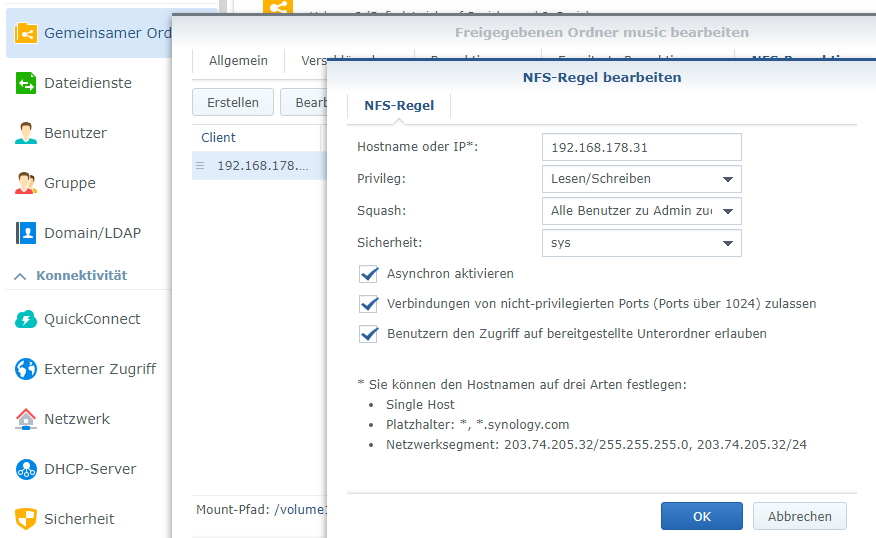
Puhhh, jetzt hat es funktioniert, hatte noch ein Typo im Pfad. So nachdem ich jetzt weiss, wie ich die Mediatheken einbinden kann und bevor jetzt lange Suchläufe starten noch die finale Frage: SMB oder NFS. Wurde oben ja schon zu Gunsten von NFS beantwortet. Das habe ich bisher auf meiner Diskstation aber nicht gemacht, da ich nur SMB brauchte. Ist das denn für die Diskstation egal, wenn die jetzt beide Protokolle bereitstellen muss (performance-technisch)? Eine NFS-Freigabe sieht auf der Diskstation hann zB so aus ....
-
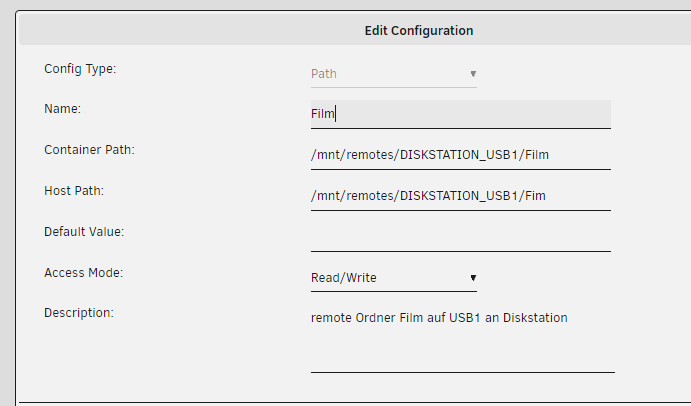
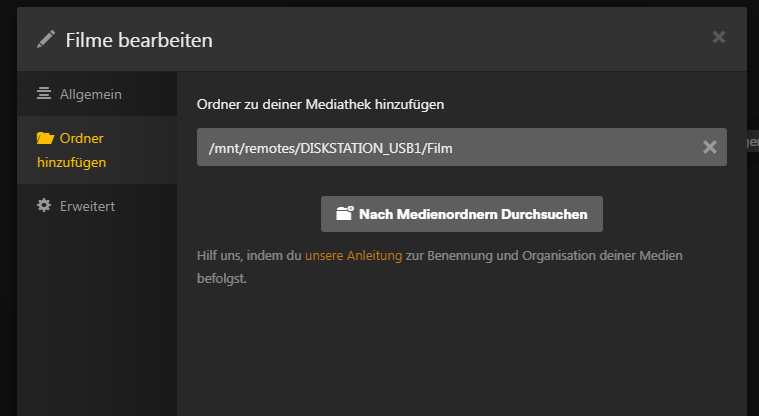
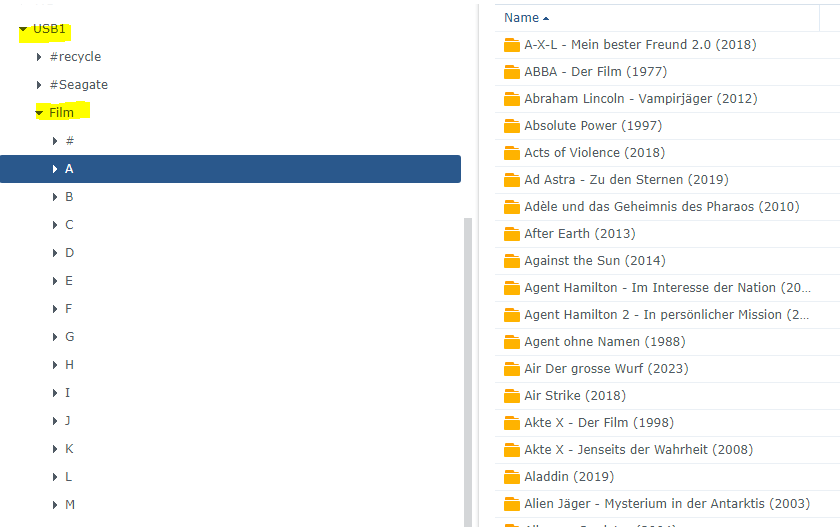
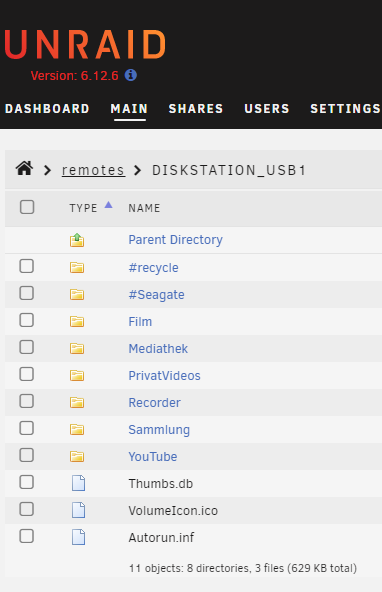
also habe ich den remote Ordner erstmal removed und dann wieder neu eingestellt, denn automount ging ja nicht. um das Problem kann ich mich später kümmern, wenn der Server mal läuft, wird es eh wohl nicht oft rebootet werden. in den settings von PLEX sieht es dann jetzt so aus: PLEX ge-restartet und zumindest kann jetzt der Ordner ausgewählt werden. trotzdem sagt PLEX es sei ein leerer Ordner, mein Ordner "Film" hat weitere Unterordner ... das war aber bisher auch kein Problem ....
-
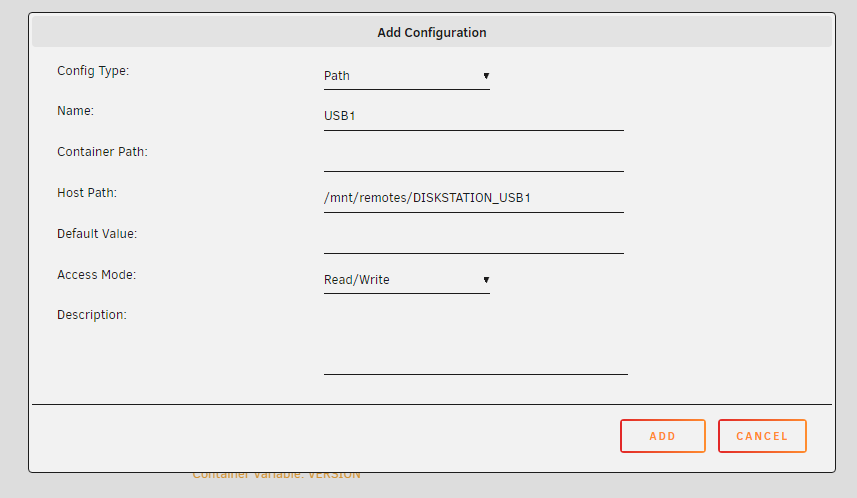
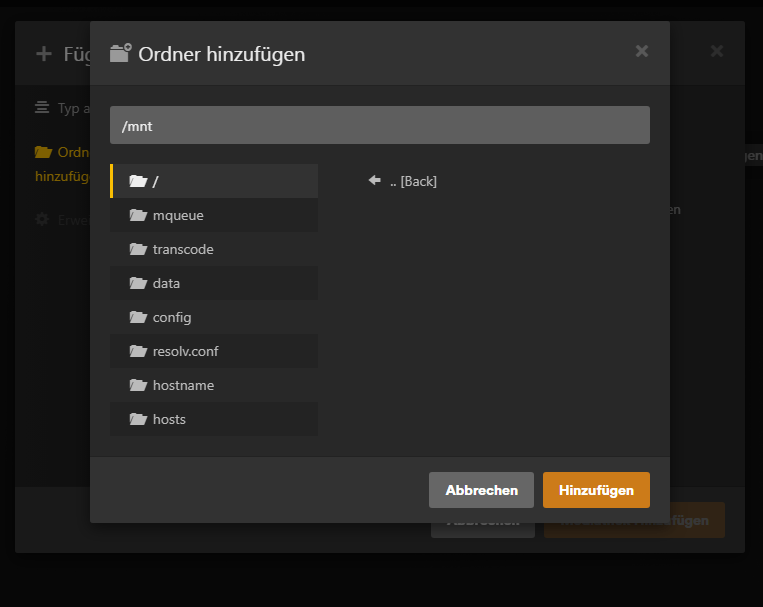
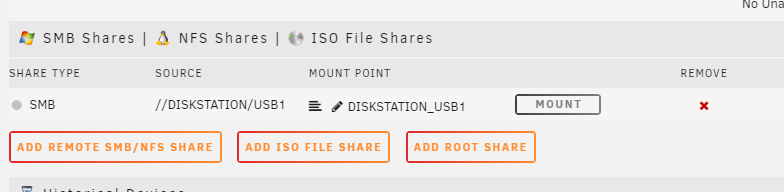
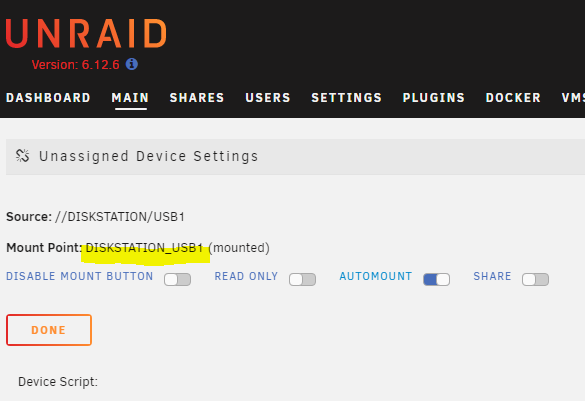
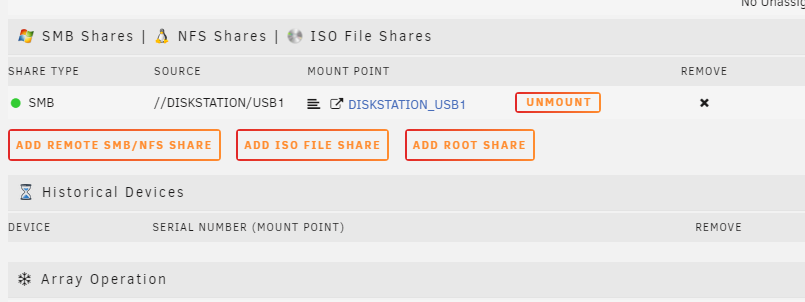
ok so richtig? PLEX sieht den Pfad trotzdem nicht ???? EDIT: und das mit dem automount des remote Ordners klappt auch nicht, nach einem reboot von unraid sieht es so aus. da wurde nichts automatisch gemountet, vielmehr ist der mount-button sogar ausgegraut. Hat das alles vielleicht was damit zu tun, daß ich mich noch in der Trial-Phase befinde?
-
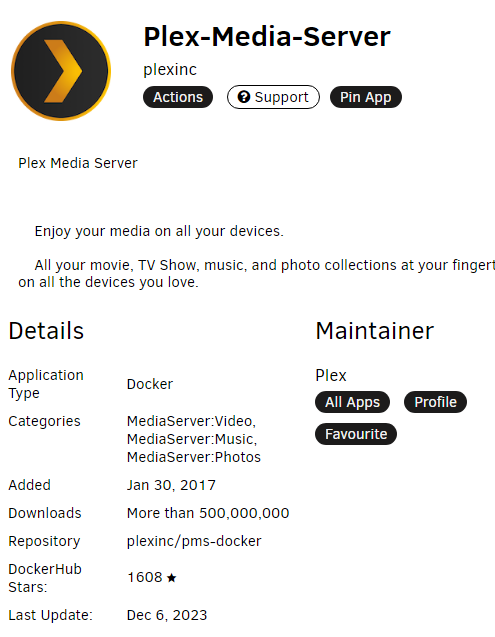
Habe jetzt die official Plex-Media-Server re-installed um einen remote Ordner zu mounten habe ich das an dieser Stelle gemacht: und das wäre wohl der Pfad dahin bisher nicht, wo mache ich das denn? und es soll ja auch nur ein Unterordner von dem gemounteten Ordner eingehängt werden und zwar "Film"
-
in der Tat habe ich NULL Docker Erfahrungen, die hier ist mein Erstkontakt
-
ja klar, hatte Probleme bei der Anmeldung und dem Post, danke für Löschen der Doppelpost. Werde alles nochmal neu installieren und melde mich wieder.
-
ich möchte PLEX auf meinen neuen UnRaid installieren und habe einige Fragen dazu: Basis für UnRaid ist ein lenovo ThinkCentre m92p mit I5 CPU und 512MB SSD 1. Welche App-Version nehme ich für den Server? Es gibt da ca. 5-6 unterschiedliche 2. Da PLEX nur lokale Ordner in die Datenbank aufnehmen kann, müssen meine 2 NAS-Ordner, die sich auf einer Diskstation DS216j befinden, als remote Ordner eingebunden werden. macht man das als SMB oder als NFS share oder ist es egal? 3. Habe testhalber einen SMB Ordner mal eingebunden, der ist nach jedem reboot von UnRaid aber wieder unmounted 4. in PLEX (also in einer docker Umgebung) sollte so ein remote-Ordner den Pfad "mnt/remotes/Diskstation_USB1/Film" haben, wohl gemerkt liegen die Filme auf einer an der Diskstation angeschlossenen USB Platte. Am Windows-PC lautet der Pfad jedoch "Diskstation/USB1/Film" Im UnRaid-desktop kann ich diesen remote Ordner öffnen und die Dateien dort auch sehen 5.) im provisorisch intallierten PLEX kann ich diesen Pfad nicht auswählen und wenn ich ihn manuell eingebe sagt PLEX "leerer Ordner" und findet keine Filme wo habe ich denn einen Denkfehler?

