





Fusss
Members
-
Joined
-
Last visited
-
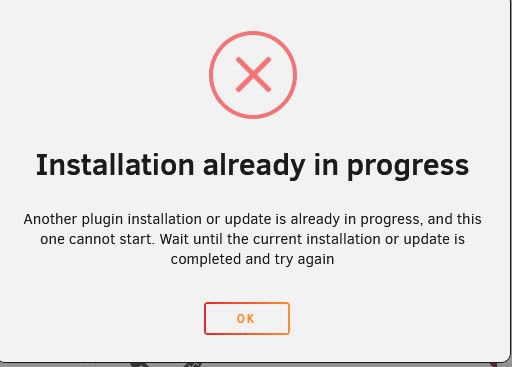
at the moment I cannot install appdatabackup....I will try later again.
-
I could install adguard and minecraftserver again. How can I do a backup of adguard and the minecraft server? I need a backup for the childrens minecraft in case I have to reinstall all again.
-
I enabled docker and now it seems like i can install again...i will try
-
okay...then i change directory to what?
-
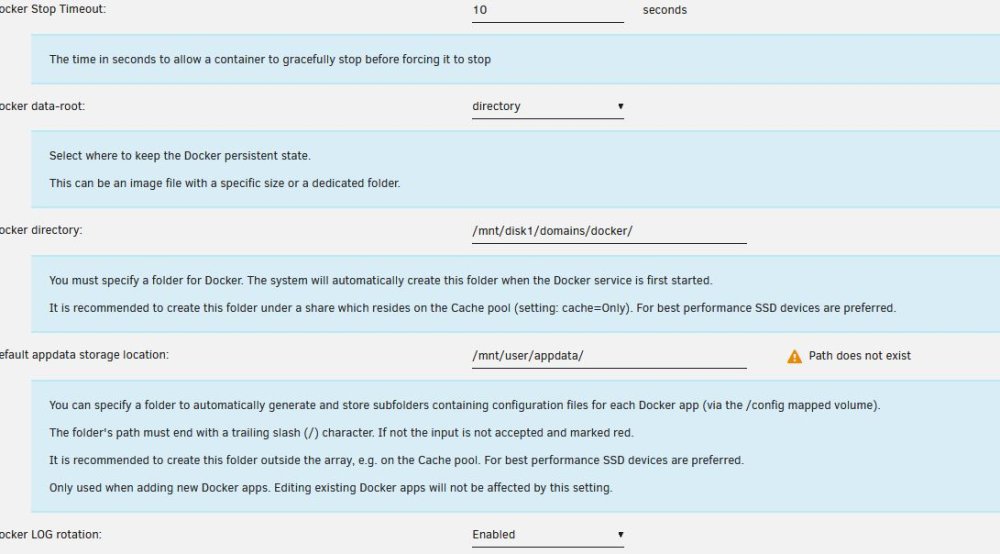
i stopped the array and put reset in docker settings....then apply. Now it looks loke this..
-
and what should i take as"Default appdata storage location:"?
-
-
what would be a valid path?
-
Okay, diagnostics is now attachedfusssserver-diagnostics-20240110-1746.zipFusss joined the communityHello, I intalles a minecraft server and Adguard Home and all worked fine. Then I installed macinabox and this didi not worked as my cpu is to old. After the unsuccessfull install of machinabox all other installed apps stopped working. I could noch uninstall macinabox so I formated the data disk und restartet the Unraid OS usb stick. since then I am unable to install new apps. The community plugin is installed. Please help. Thanks Jens

