JayDV8
Members
-
Joined
-
Last visited
Everything posted by JayDV8
-
I would like to put up a kind request for a SCUM 1.0 server docker. If anyone, more capable than me, would help make one, I'd be eternally grateful! ❤️ As I'm sure a lot of other peeps would be as well! 🙏
-
Hi all Seems like I fixed it, I ran a "new config" then I could create a new cache pool, with one drive. I then copied the files to the array. Deleted the cache pool with the old drive in it. Then I created a new pool with the new WD Red drives.
-
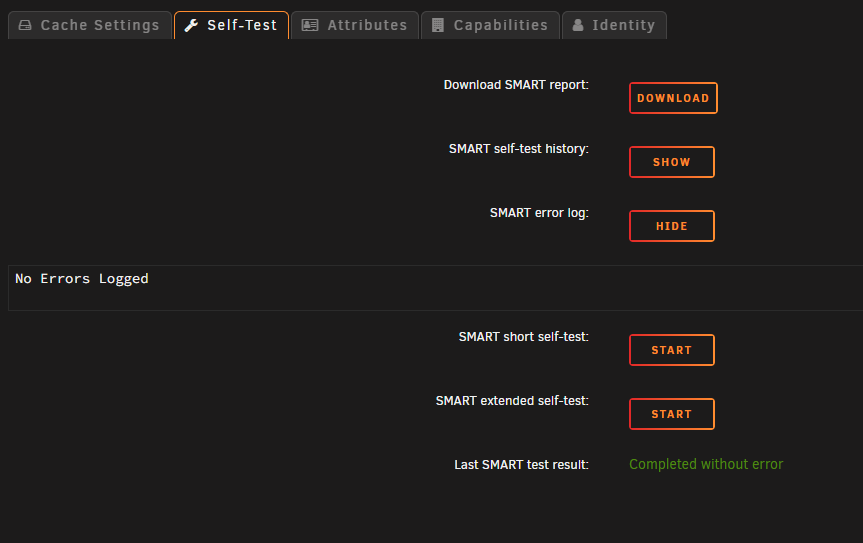
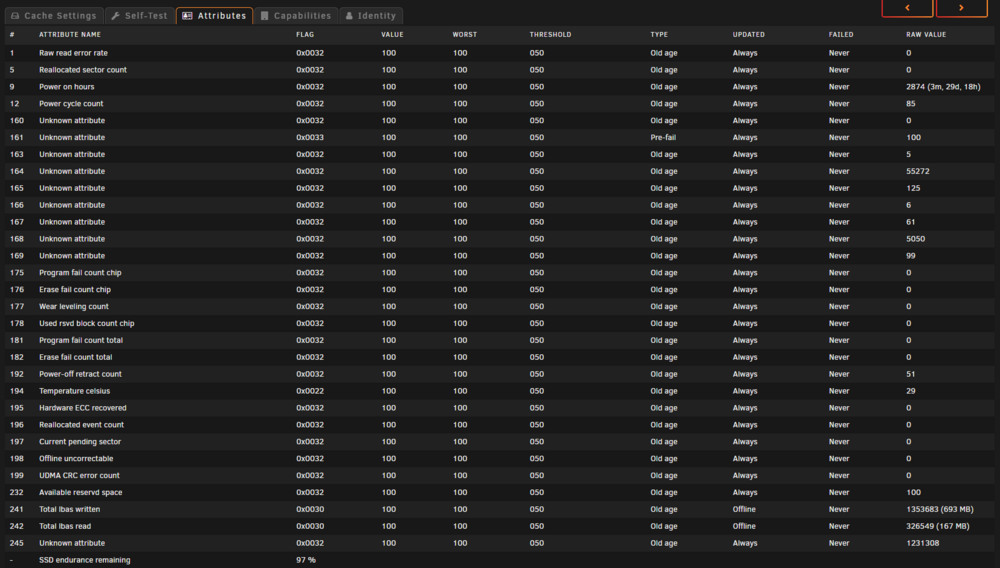
Ran a SMART test on the TeamGroup drive that keeps getting notified as missing SDI, no errors.
-
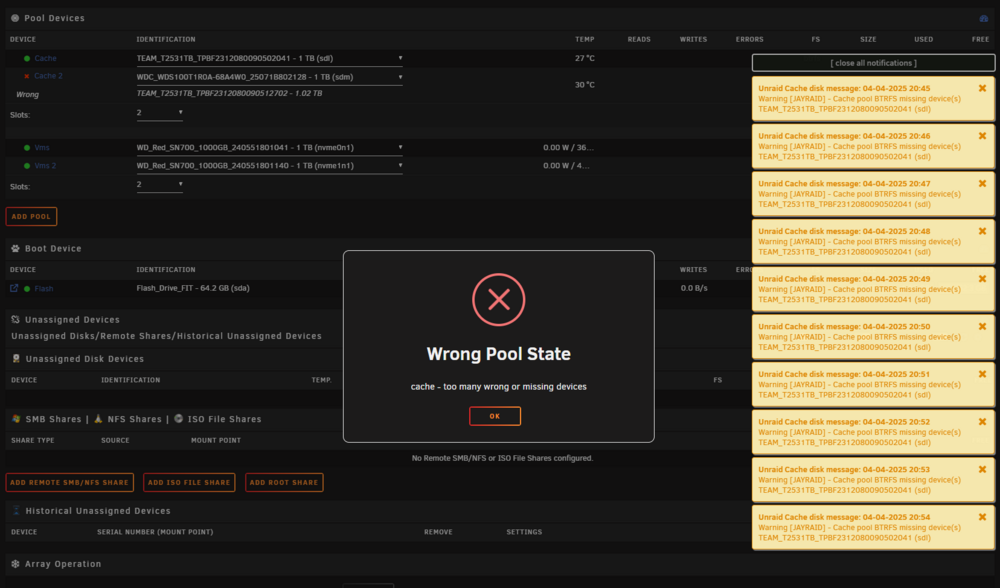
I manually shut down my server for a planed power outage. When I powered on the server again, one of my SATA SSDs was gone (TeamGroup CX2). Shutdown the server again. Took it out and it's totally dead. I then replaced it with a WD RED SA500 drive, powered on the server, and I'm now stuck a place where I cannot start the array, because I says "Wrong Pool State - cache: Too many wrong or missing devices". I keep getting popups that the disk from the pool, which should still work (marked green by the GUI), is missing. I stuck at this stage and don't know how to proceed, I've tried the few solutions I could find (my google-foo is not the strongest). Anyone have any ideas?