marco.us
Members
-
Joined
-
Last visited
-
I had an issue with the Posteria container. When the sync runs it would change the permissions on the connected folders from nobody to sshd. I tried to add the env variables for PUID and PGID, UMASK, but that didn't change. Any advise?
-
I installed the plugin but I am not able to connect to my Plex Server. How can I troubleshoot?
-
I tried again after taking a break and discovered that this piece was incorrect. Now it's working as expected. AuthorizedKeysFile .ssh/authorized_keys
-
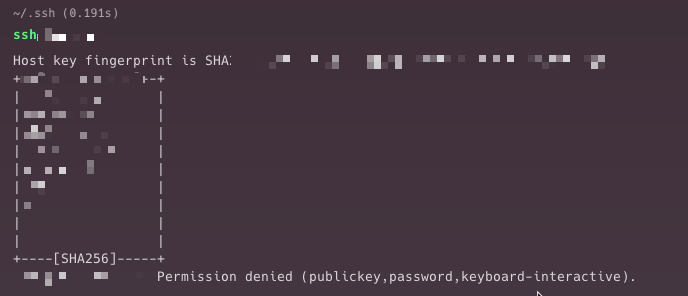
Hello, I have done this million of times on many different systems but still failing brutally. What I have done: Created id_rsa.pub Copied id_rsa.pub into authorized_keys over my unraid server chmod 700 /root/.ssh chmod 600 /root/.ssh/authorized_keys Edited /etc/ssh/sshd_config to accept keys restart ssh It still ask the password or if I try to connect using the key gives me Permission denied (publickey,password,keyboard-interactive).