Skip to content
View in the app

A better way to browse. Learn more.

Unraid

A full-screen app on your home screen with push notifications, badges and more.

To install this app on iOS and iPadOS
  1. Tap the Share icon in Safari
  2. Scroll the menu and tap Add to Home Screen.
  3. Tap Add in the top-right corner.
To install this app on Android
  1. Tap the 3-dot menu (⋮) in the top-right corner of the browser.
  2. Tap Add to Home screen or Install app.
  3. Confirm by tapping Install.

Basgev

Members
  • Joined

  • Last visited

Everything posted by Basgev

  1. is there some one who can help me with this issue i have.
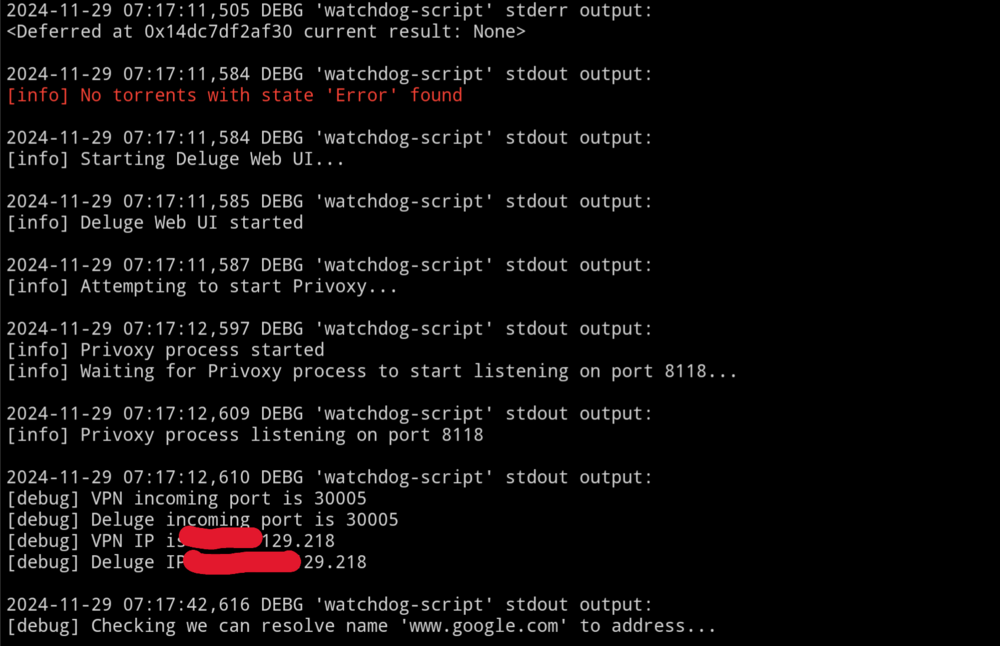
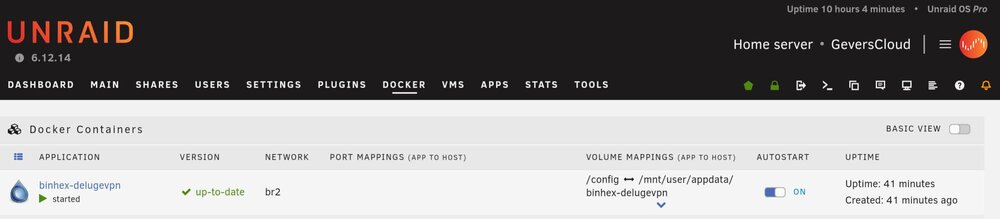
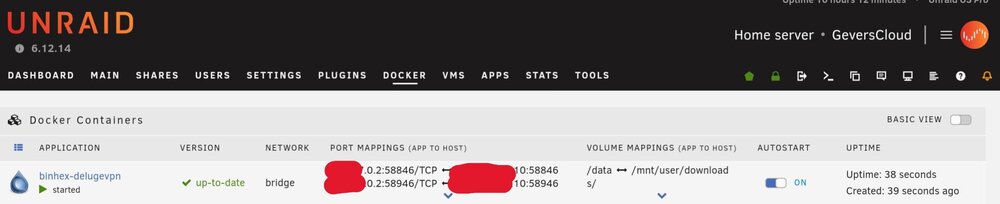
  2. Hi all, I have a strange problem with my delugevpn container for the webui and getting a IP address. If I connect the container with the Bridge network (192.168.50.0/24) everything works fine. But if I use a costume network like custom: br2 -- Name (192.168.70.0/24), The container will not get an IP address and there is no port mapping. The vlan are configured the exact same way and het the same firewall rules. And other containers in the same vlan work fine. Is there and config that I missed to configure? using: unraid 6.12.14 wiregaurd config
Account

Navigation

Search

Search

Configure browser push notifications

Chrome (Android)
  1. Tap the lock icon next to the address bar.
  2. Tap Permissions → Notifications.
  3. Adjust your preference.
Chrome (Desktop)
  1. Click the padlock icon in the address bar.
  2. Select Site settings.
  3. Find Notifications and adjust your preference.