nevane
Members
-
Joined
-
Last visited
-
I just tried another USB stick, the oldest one i was able to find, and it finally boots without unplugging it. How bizarr is this?
-
to enable CSM i have to install an external gpu, i think this is not the right setting with "Legacy OS Support for USB 2.0 devices" disabled I can't use my USB keyboard any longer to do stuff in the UEFI. I had to reset the cmos to have again my usb keyboard available in the uefi
-
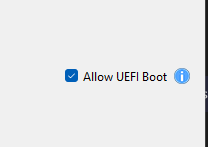
I already flashed the newest version of the UEFI. Now it is running on 7.03 My mobo ist: Mainboard H610M-HDV/M.2 R2.0 https://www.asrock.com/mb/Intel/H610M-HDVM.2 R2.0/index.asp I already tried with fast boot enabled and disabled, same result. I already followed this article: https://docs.unraid.net/unraid-os/getting-started/advanced-bios-config/ What do you mean with "are you booting uefi?" this option? if you mean this, yes it was ticked.
-
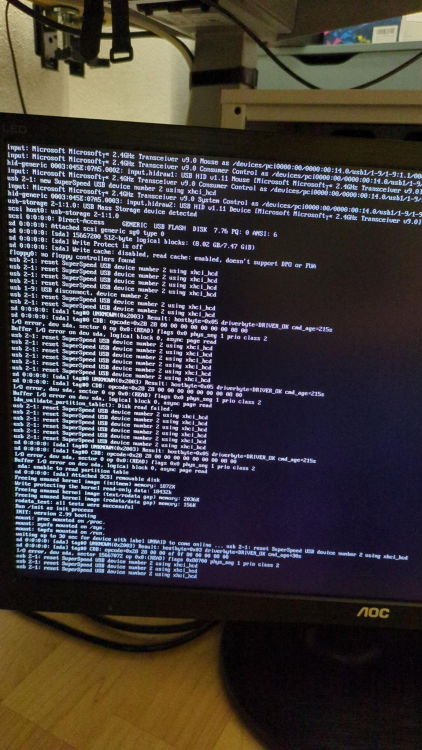
Hello guys, hopefully somebody in here can help me with this. My friend convinced me to go for unraid for my server replacement. I was really struggling but finally i managed to get it running, but what I have to do to get it running can't be the solution. I already tried multiple different USB sticks and USB Slots on the mainboard, always with the same result. unraid will never get over the screen on the photo, until I unplug and plug in the usb stick, after this it magically can move on. What can be done for this issue?