





StriggityStrack
Members
-
Joined
-
Last visited
-
I also tried that, below is the before and after of when I select the save button. I am going to sleep on this, restart my server tomorrow, and give it a fresh go when my head is on straight.
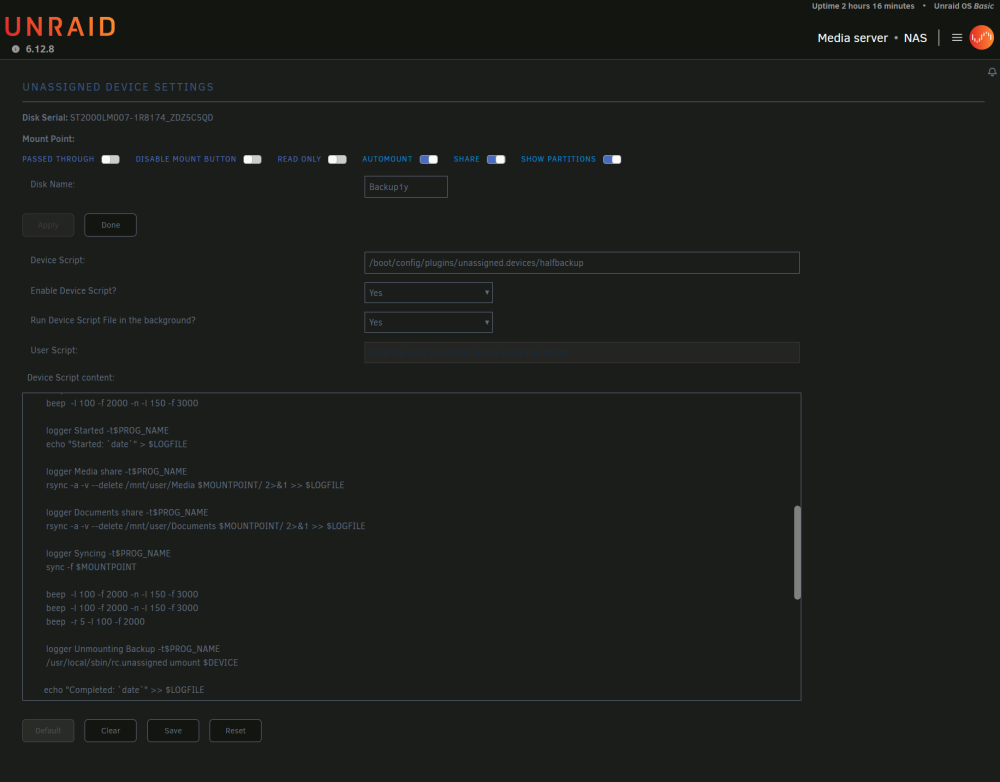
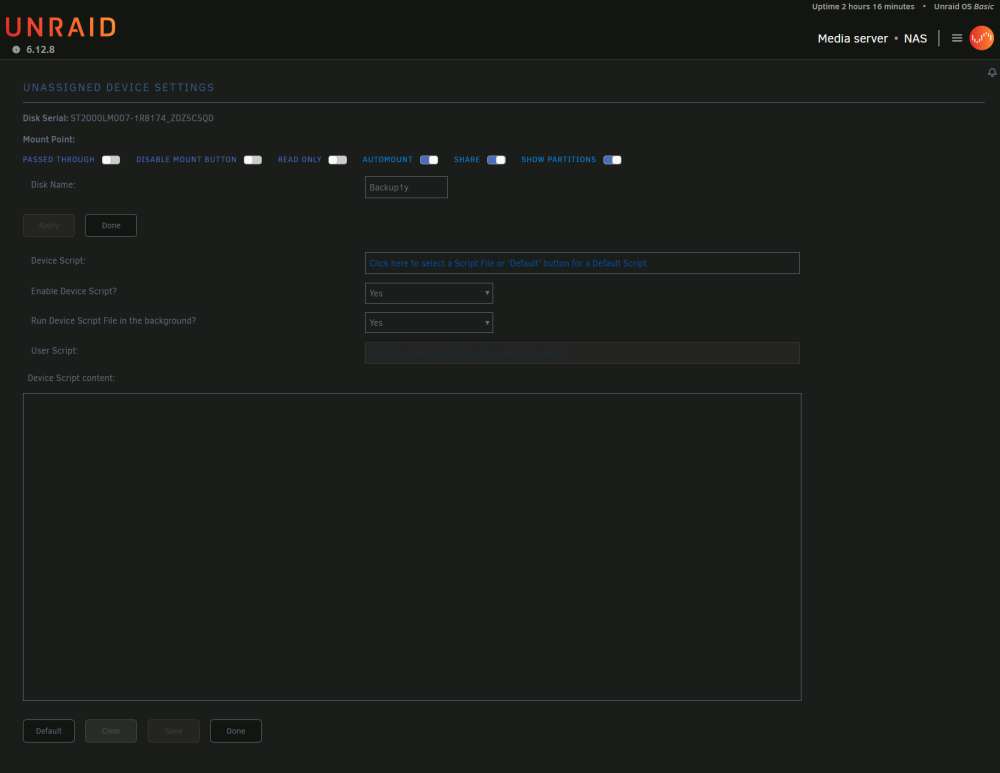
-
I checked my PHP settings and there is no log file. I have tried changing the script from the offline historical device section, when the drive is plugged in but not mounted, and also when I mount it. I have been at this for some time now and I feel like I am just making a dumb mistake. The only time I can invoke a log message is when I select "default", change the code, and then save. I get "Mar 18 20:28:09 NAS unassigned.devices: Warning: Cannot use '/boot/config/plugins/unassigned.devices/' as a device script file name." I also try changing the file name and then get "Mar 18 20:25:51 NAS unassigned.devices: Warning: Cannot use 'asdfasdf' as a device script file name."
-
I am having a weird bug on Unraid 6.12.8 where I cannot save or modify any of my scripts. When I go to save it merely flashes the screen and everything resorts back as if I had hit the reset button. The only thing I can do is delete a script. I am pulling my hair out and resorting to manually moving files.

