





Jimijangles
Members
-
Joined
-
Last visited
-
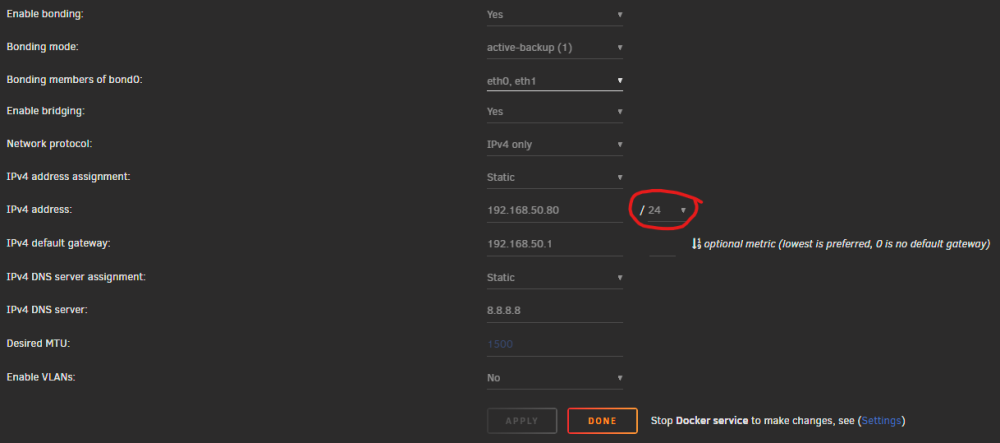
This was a huge help actually. After you brought this up, I remembered seeing a setting for it within Unraid's network settings. Also before changing anything I checked the IPs of the devices that were working and they were all under .126. I found the setting in Unraid again and changed it. See in the screenshot, I changed it from /25 to /24 and now all the other devices work as well, which have IPs above .126. Interesting. And yeah other routers I have used were either 192.168.0.1 or 192.168.1.1 but my current Asus router and the Asus router before this were 192.168.50.1 by default. Thank you both @itimpi and @Frank1940 for your time and assistance.
-
Alright...another update here before I try to get some sleep before my night shift. I pulled out a few more devices to try to connect with. Still all Windows and Android. I have an Intel NUC that can get to everything from both wired and wireless connection. A different laptop sees everything fine. Working and non-working devices are a mix of Windows 10 and 11 between both sides so the OS overall isn't the problem. And my father's phone can get to the GUI. But my phone, the other desktop PC here and my gaming laptop all cannot find the GUI/SMB. I'm not sure where to begin looking for differences here that would affect something like this. It seems like this extends beyond Unraid specific support but I don't know where to look. I greatly appreciate your guys' attention to my problem so far.
-
My router address is 192.168.50.1 and I can get to that from anywhere on the network.

-
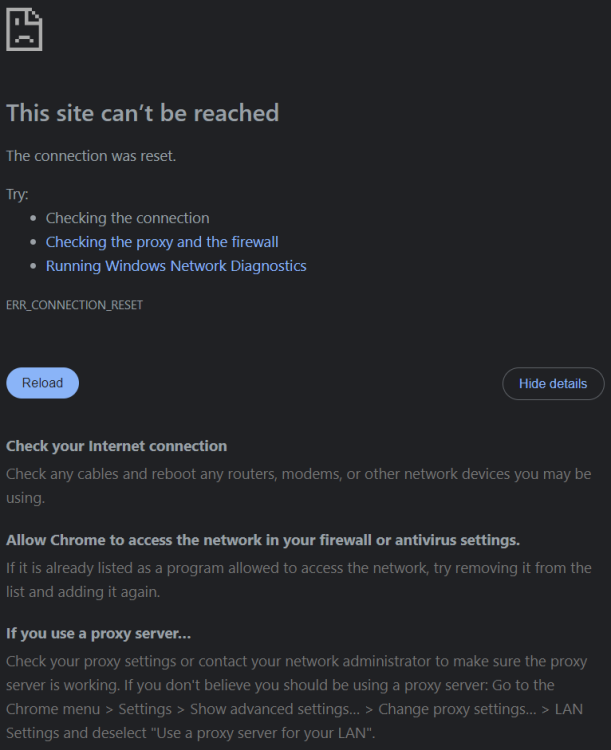
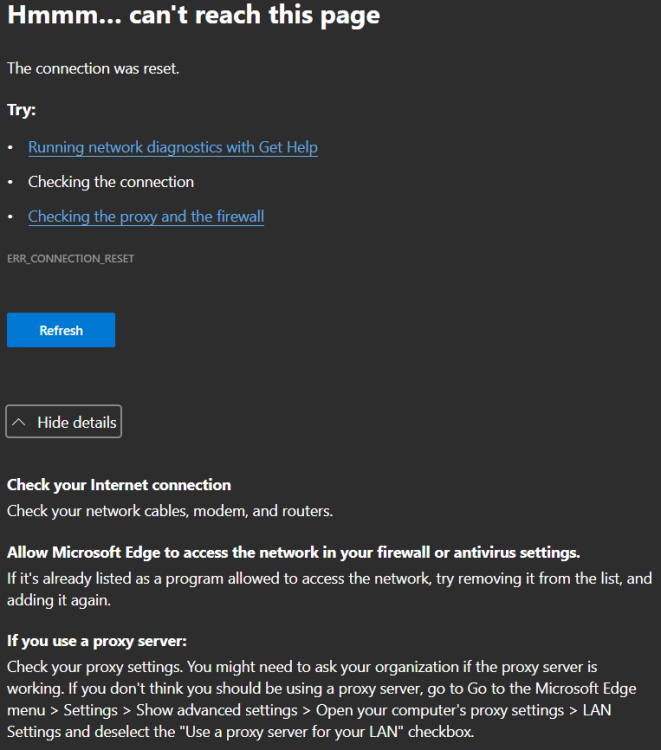
Tried in both Chrome and Edge with the same failed result. Screenshots attached.
-
I can ping the server from other computers without issue. I have adblockers on the computer than can currently access it, and it also works from multiple browsers. I turned off adblockers on another machine to try again and it seems to make no difference here. And yes I would much rather resolve the GUI issue first. I thought I had set up some shares requiring credentials but maybe I messed that up. I suppose I'll worry about that later.
-
One of the laptops I tried both wireless and wired and the other desktop here is only wired.
-
I recently set up Unraid for the first time, version 6.12.8, and I thought I did everything correctly since my main PC has full visibility and access to the server. I can successfully ping from other computers but the web GUI only ever loads on my main PC and the same for the SMB share. My main PC is the first one I connected to anything from so I'm not sure if that somehow matters. I have tried accessing via a couple laptops, another desktop and my phone all to no avail. IP and server name both allow connection from my main PC. For what it's worth, these are all Windows machines and Android phones. I've debated starting fresh since I don't have much on here yet but would really like to know the root problem either way. I've tried a few reboots, uninstalled the Unraid Connect app, different DNS, reboot modem and router. The only dockers I have are the standard Plex suite with some rr apps and DelugeVPN. But even if I stop everything I still can't get to the server from any other device here. My Linux knowledge is near zero so I haven't attempted anything advanced in that regard. I'm sure I'm missing some pertinent information here but the diagnostics file is attached. Any guidance is much appreciated. guac-diagnostics-20240320-0449.zip


