JDPerea
Members
-
Joined
-
Last visited
-
Hi I was thinking the same. Thanks Do you know when it will be released ?
-
Diagnostics attached diagnostics-20240412-1927.zip
-
Hi ich777 Booting into safe mode, and not blacklisting driver, leads to same behavior I deleted Radeon file, rebooted system, and tried again to install Radeon top. System freezes. Ping is also ko.
-
Hello I am trying to install radeon-top. But system freezes and becomes unresponsive "raw" boot leads to system hanged while loading amdgpu I tried to boot with option nomodeset. System boots, but when I try to install radeon-top, there is error message " cannot enbale module". Screenshot attached. I tried to blacklist driver by echo "blacklist amdgpu" to /boot/config/... System boots, but now I try to install Radeon Top and system freezes. Then, only way to proceed is to power off system CPU it's an AMD Ryzen 5 8500G - Radeon 740M I also tried to attach RX6600 GPU to it I know I should jump to Intel + Nvidia... but it's not feasible for some months Any ideas ? Hope there is a solution about it Regards Jose D Perea
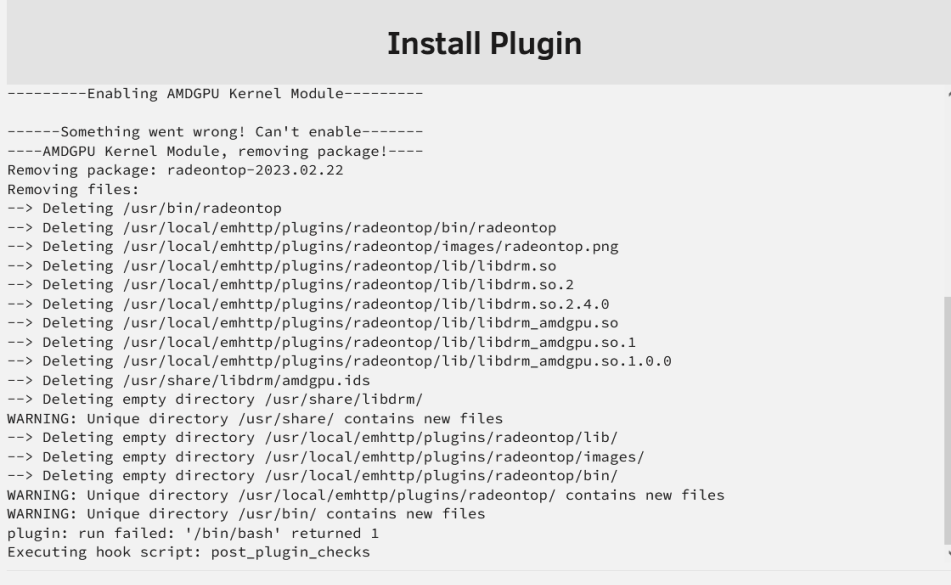
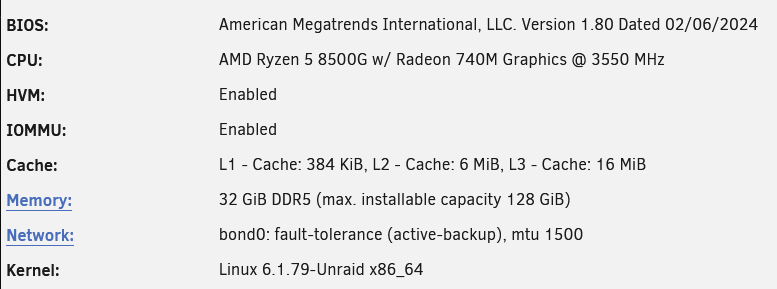
-
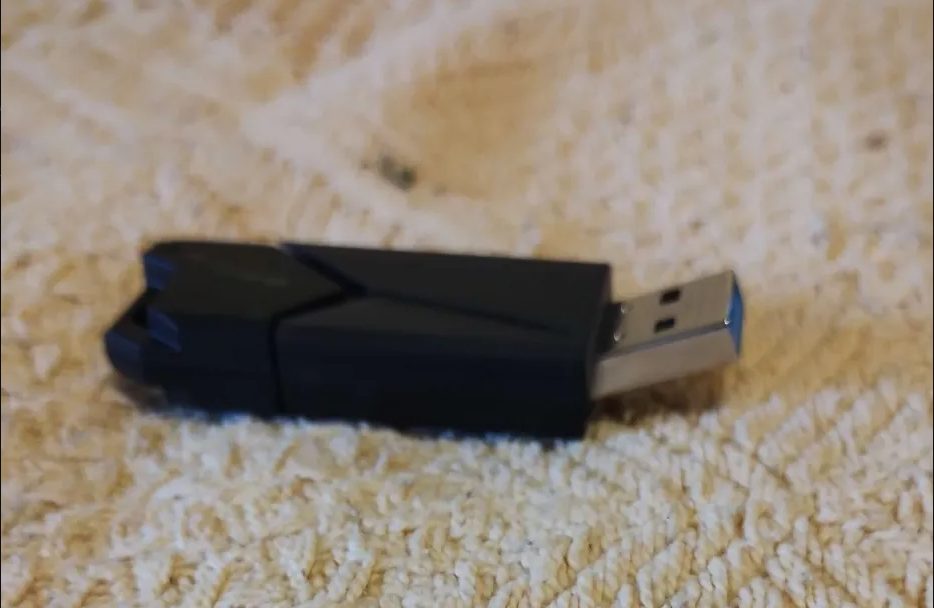
Hi everyone. Not sure how to escalate this issue. I was upgrading RAM and moved PC. After few attempts, I moved PC with usb attached. Didnt notice until I was ready to boot it... but then I saw something happened with the USB stick. Picture attached. Right now I am not able to recover any data from it. It's not detected by any OS I tried After installing unRAID in a new USB, I cannot get to recover key from old USB and move it to new device Any help will be appreciated Regards