Skip to content
View in the app

A better way to browse. Learn more.

Unraid

A full-screen app on your home screen with push notifications, badges and more.

To install this app on iOS and iPadOS
  1. Tap the Share icon in Safari
  2. Scroll the menu and tap Add to Home Screen.
  3. Tap Add in the top-right corner.
To install this app on Android
  1. Tap the 3-dot menu (⋮) in the top-right corner of the browser.
  2. Tap Add to Home screen or Install app.
  3. Confirm by tapping Install.

xiaofeizhu

Members
  • Joined

  • Last visited

  1. user0 是逻辑聚合目录,我的理解是数据还存在真实的硬盘里,只要重新构建这个逻辑目录是不是解决了。或者说可以借用命令把他拷贝出来。
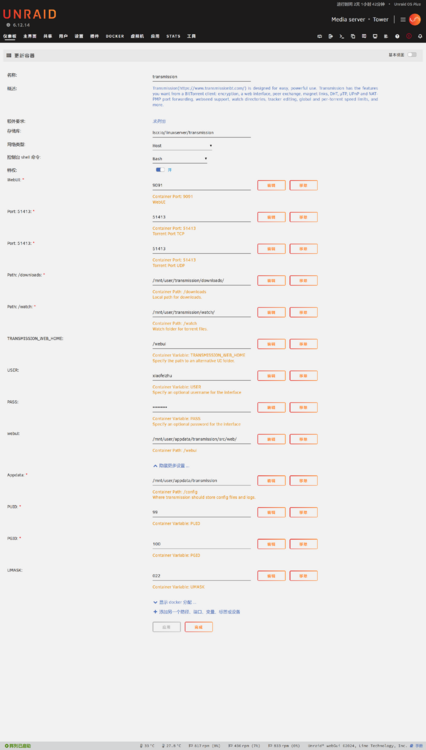
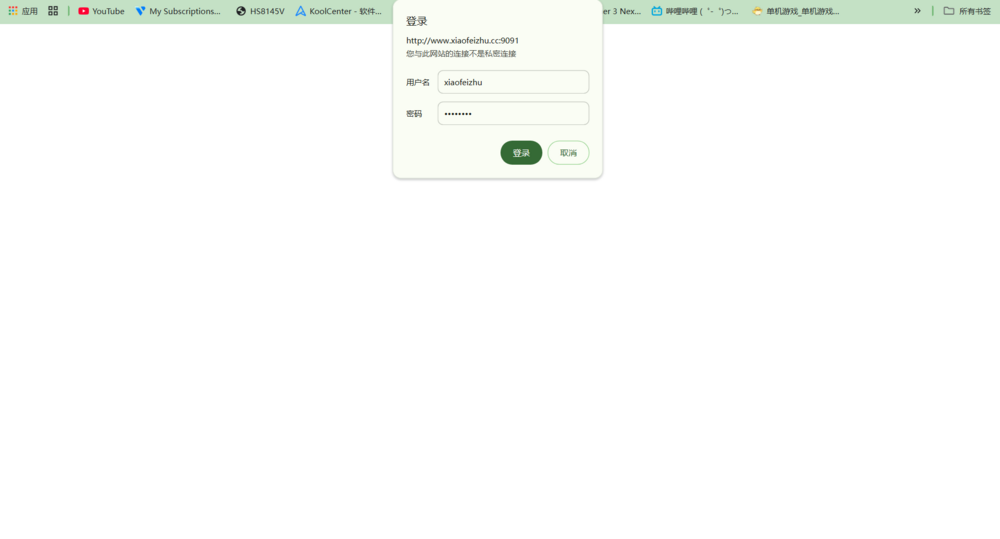
  2. 相关设定如图。已做外网端口,转发拜求各位大佬看看是怎么回事。
  3. xiaofeizhu changed their profile photo
  4. 按照这个教程部署失败,重启nginx后还是会改回原来的自签证书,求助。
  5. 这个是小雅安装脚本默认的安装目录,我改一下吧。
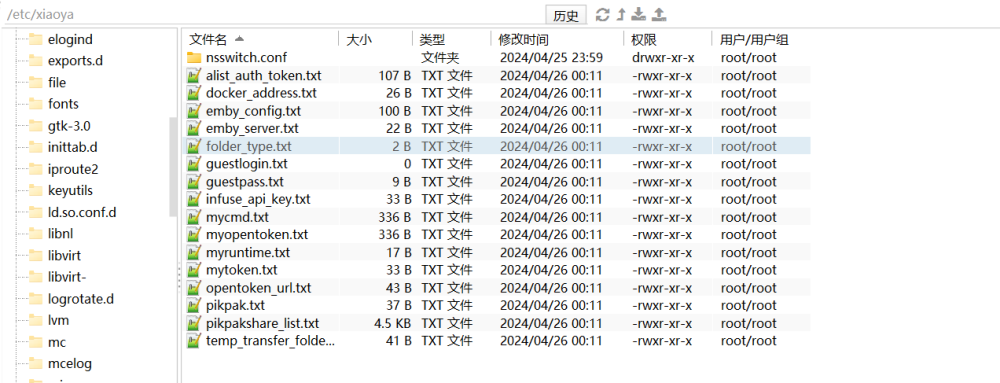
  6. xiaoyao这个目录是我自己创建的,但是每次重启下面的文件都不见放的是一个docker容器的参数资料,导致我的一个docker容器启动失败。 tower-syslog-20240425-1640.zip
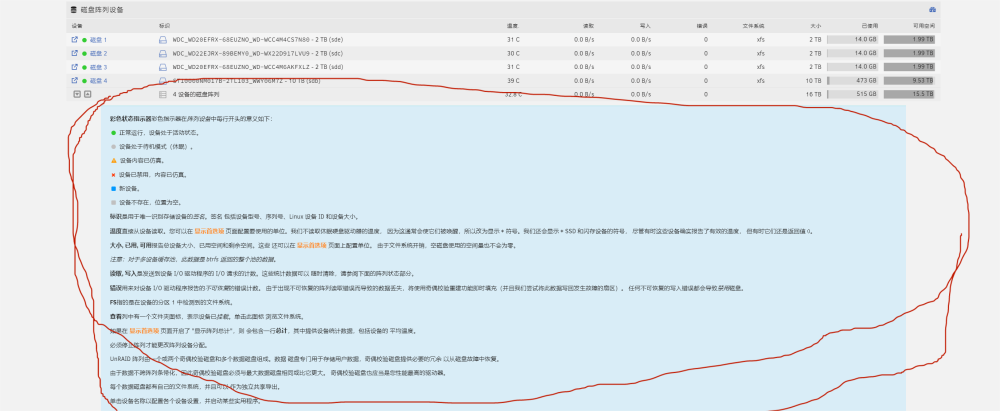
  7. 以前是默认手动打开的,现在全默认自动打开,占用太多版面了。怎么取消这个默认设置。有时候很令人恼火。
Account

Navigation

Search

Search

Configure browser push notifications

Chrome (Android)
  1. Tap the lock icon next to the address bar.
  2. Tap Permissions → Notifications.
  3. Adjust your preference.
Chrome (Desktop)
  1. Click the padlock icon in the address bar.
  2. Select Site settings.
  3. Find Notifications and adjust your preference.