





wollumeg
Members
-
Joined
-
Last visited
-
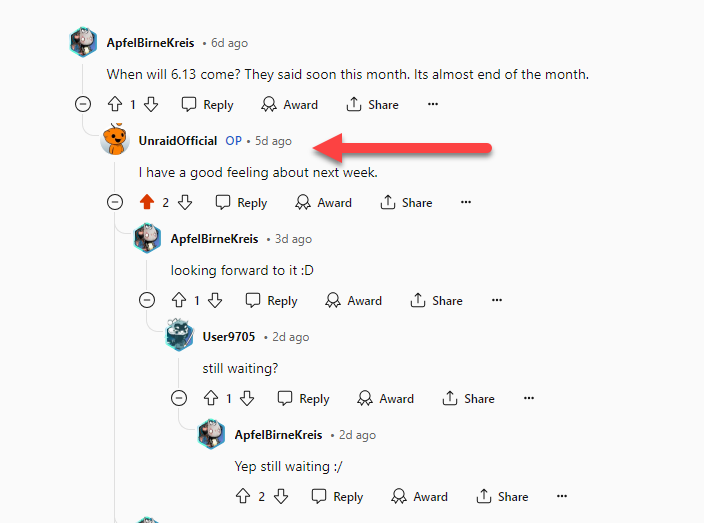
Wow starting looking at that and it seems like Unraid 6.13 (or version 7) will be release to public sometime this week https://www.youtube.com/shorts/M2oKb9iu4R0
-
I purchased 64 gb of aftermarket ram to load on my NAS right away. The unit comes with the Intel Core i5-1235U as CPU.For VMs if I go with your initial recommendation to have my 2 1TB NVMEs as Array Disk 1: NVME and Parity NVME could i store all my VM Vdisk and docker data on the NVME SSDs? I will look into photo prism docker and photo sysnc thanks for the recommendation!First off thank you so much for the detailed reply! The one question I have about the first recommended set up is regarding having 2 separate 3x14TB pools. If I am not concerned about having any data protection for the CCTV I am curious if that changes your recommendation here to be 1 x 14TB pool for CCTV and a protected 5 x 14TB for all other data? Or do you see any downsides to doing that?Hello, Prospective user here looking to set up my first NAS and interested in possibly using Unraid as the OS. I recently backed the 6 Bay DXP6800 Ugreen NASync on on Kickstarter. I have concerns about the new/untested software these units will be shipping with and found Unraid from doing research on good replacement OS. I have already purchased 6 14TB WD Red Pro HDDs and 2 1TB NVME SSDs which maxes out the available respective slots for this device. I was looking to get advice on how best to configure the various hard drives to best meet my use cases. I am hoping to use my NAS for plex, photo/file storage and access remotely, running surveillance cameras, recipe management, and possibly many other things once I dive in. A couple specific questions are had are: 1. Surveillance Storage: I plan to use my NAS for storing surveillance footage. To avoid the constant writes from the cameras negatively impacting the overall storage array, I am considering using one of the 14TB drives as 'unassigned' device for the surveillance data. I don't need parity or redundancy for this footage. Is having the surveillance drive as a separate 'unassigned' device a good approach for this use case? 2. Cache Pool: I only have the 2 1TB NVMe SSDs and no additional slots for future expansion. Would it be best to use these SSDs as a mirrored cache pool for the main 5-drive 14TB array? I plan to run Plex and a photo backup solution like Immich or Nextcloud via Docker. How should I best utilize these 2 SSDs? Should I format them as ZFS or BTRFS? 3. Main Array Configuration: For the other 5 14TB HDDs, I plan to set them up as the main array with 1 drive dedicated to parity/redundancy. Should I configure this array as ZFS or XFS? My setup is maxed out, so I don't plan to add more HDDs in the future. Does this affect your recommendations?
