




Skip to content
View in the app

A better way to browse. Learn more.

Unraid

A full-screen app on your home screen with push notifications, badges and more.

To install this app on iOS and iPadOS
  1. Tap the Share icon in Safari
  2. Scroll the menu and tap Add to Home Screen.
  3. Tap Add in the top-right corner.
To install this app on Android
  1. Tap the 3-dot menu (⋮) in the top-right corner of the browser.
  2. Tap Add to Home screen or Install app.
  3. Confirm by tapping Install.

stefan44

Members
  • Joined

  • Last visited

Everything posted by stefan44

  1. Ok, I double checked and my problem was caused by using the wrong path in the LXC settings (/mnt/user/...). I changed that and everything works fine. Thanks for your help.
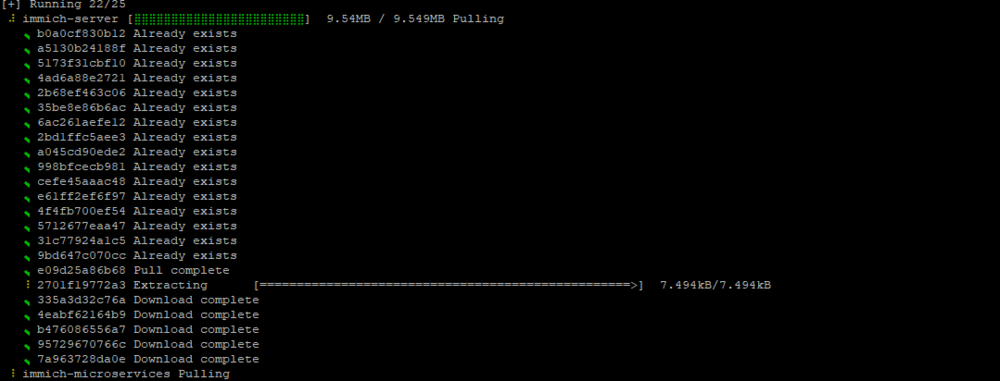
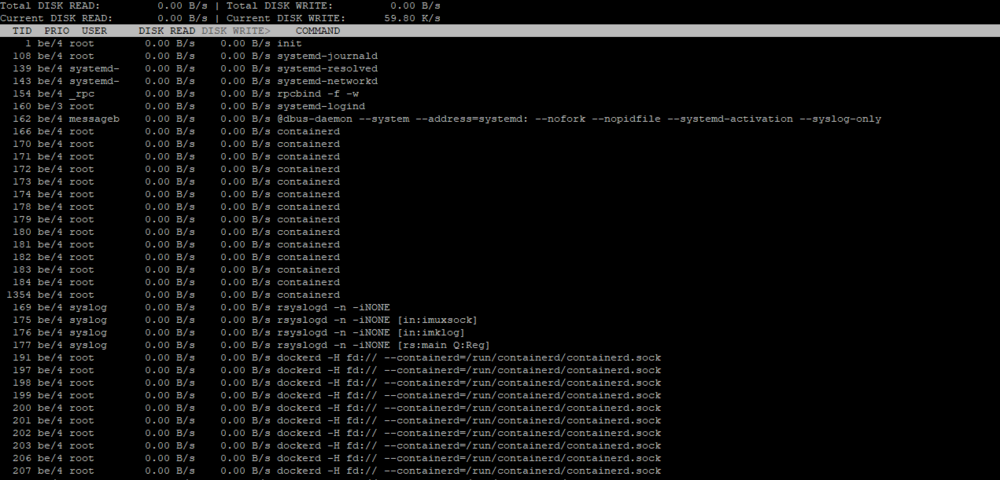
  2. Hi there, I have a problem with docker inside LXC containers - all extractions are very slow and it takes about 30 minutes to run docker container for the first time when it installs all dependencies. I didnt have this problem on regular VM using the same disk for system.
Account

Navigation

Search

Search

Configure browser push notifications

Chrome (Android)
  1. Tap the lock icon next to the address bar.
  2. Tap Permissions → Notifications.
  3. Adjust your preference.
Chrome (Desktop)
  1. Click the padlock icon in the address bar.
  2. Select Site settings.
  3. Find Notifications and adjust your preference.
