rodolfosb
Members
-
Joined
-
Last visited
Everything posted by rodolfosb
-
Thanks for the suggestion! I removed the CA Mover Tuning plugin and the move worked like a charm (being invoked from the main screen). Go figure. I'll re-install once my shares are adjusted.
-
Thanks for the directions. Posted there.
-
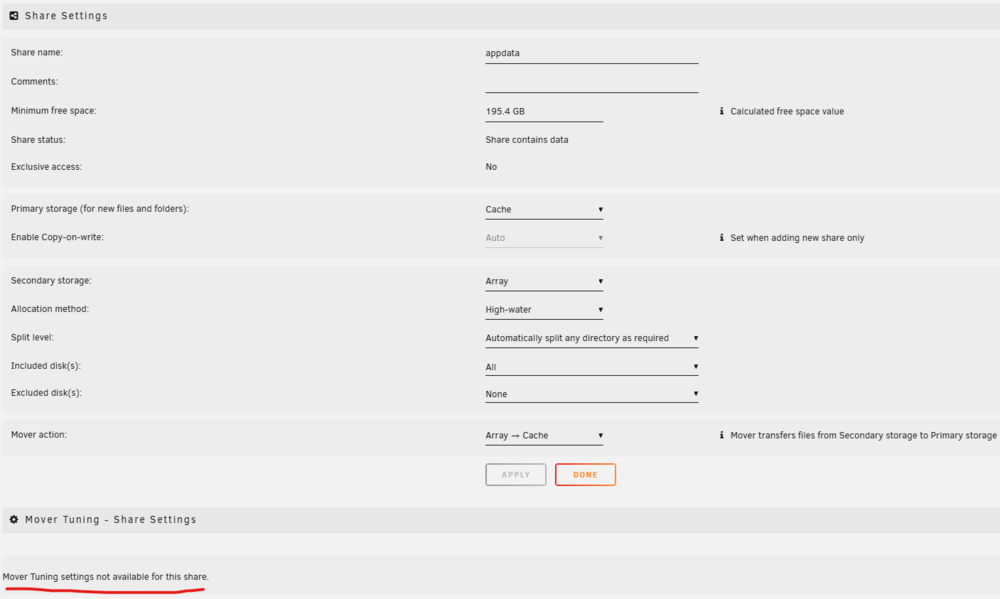
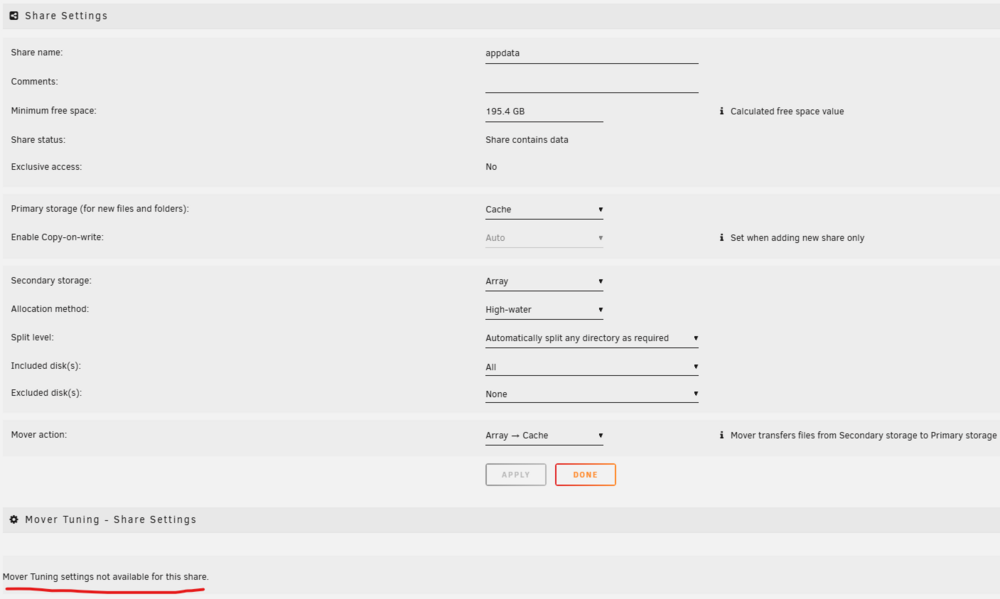
Hi All, hoping someone could help me with this issue I am having. I've just got a new SSD to add to my cache pool, going from 1 drive to 2 drives in btrfs raid 1. My single cache drive was using xfs, so I had to move the files out of the cache in order to format it and use as a cache pool. I adjusted all my shares as Primary Storage: Cache, Secondary Storage: Array, and mover action Cache -> Array. I invoked the mover and managed to empty the drive, create a cache pool and format to btrfs raid 1. Now that this is all done, I'm having issues moving the shares from the array back to the cache. For example (see image below), my appdata share is configured as Primary Storage: Cache, Secondary Storage: Array, and mover action Array -> Cache. However, this selection disables the "mover tuning - share settings" section. Invoking the mover on the main page does not move anything at all. I'm sure this is possible to do, but I can't quite figure it out. Any thoughts on how to resolve this? Edit 1: Both Docker and VM services are disabled. Invoking the Mover from the Main page, only returns a single line in the log. See below.

-
I've just got a new SSD to add to my cache pool, going from 1 drive to 2 drives in btrfs raid 1. My single cache drive was using xfs, so I had to move the files out of the cache in order to format it and use as a cache pool. I adjusted all my shares as Primary Storage: Cache, Secondary Storage: Array, and mover action Cache -> Array. I invoked the mover and managed to empty the drive, create a cache pool and format to btrfs raid 1. Now that this is all done, I'm having issues moving the shares from the array back to the cache. For example (see image below), my appdata share is configured as Primary Storage: Cache, Secondary Storage: Array, and mover action Array -> Cache. However, this selection disables the "mover tuning - share settings" section. Invoking the mover on the main page does not move anything at all. I'm sure this is possible to do, but I can't quite figure it out. Any thoughts on how to resolve this?