Skip to content
View in the app

A better way to browse. Learn more.

Unraid

A full-screen app on your home screen with push notifications, badges and more.

To install this app on iOS and iPadOS
  1. Tap the Share icon in Safari
  2. Scroll the menu and tap Add to Home Screen.
  3. Tap Add in the top-right corner.
To install this app on Android
  1. Tap the 3-dot menu (⋮) in the top-right corner of the browser.
  2. Tap Add to Home screen or Install app.
  3. Confirm by tapping Install.

feegee

Members
  • Joined

  • Last visited

  1. Grande Jorge! Now I can select USB as boot device. Kudos to you.
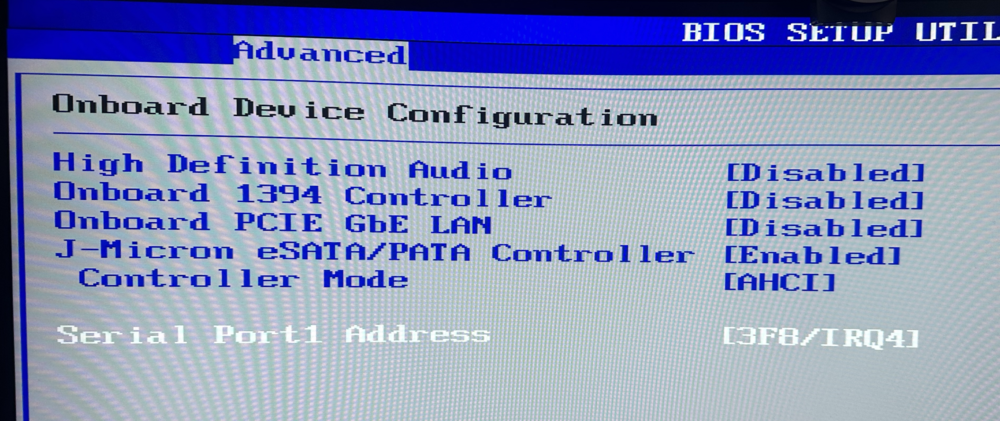
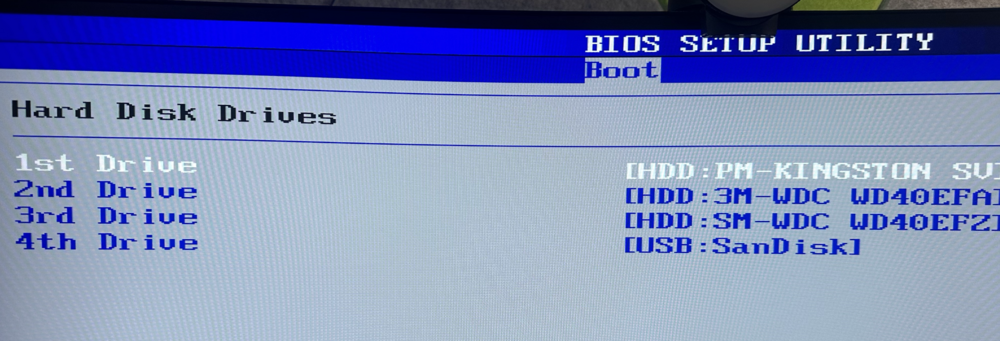
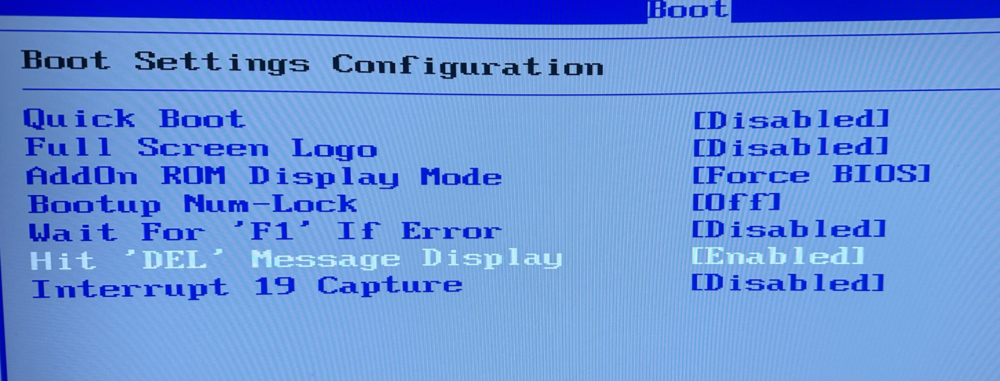
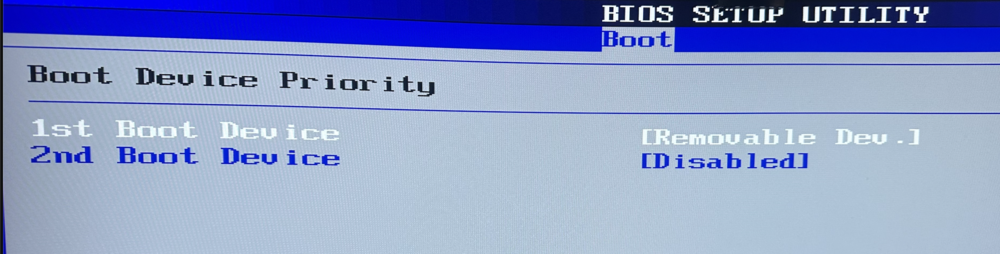
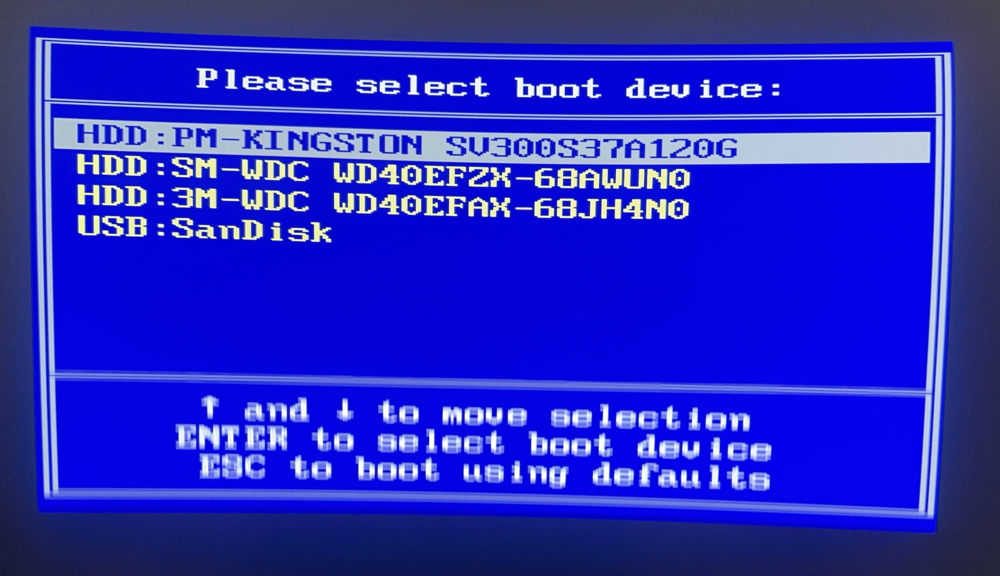
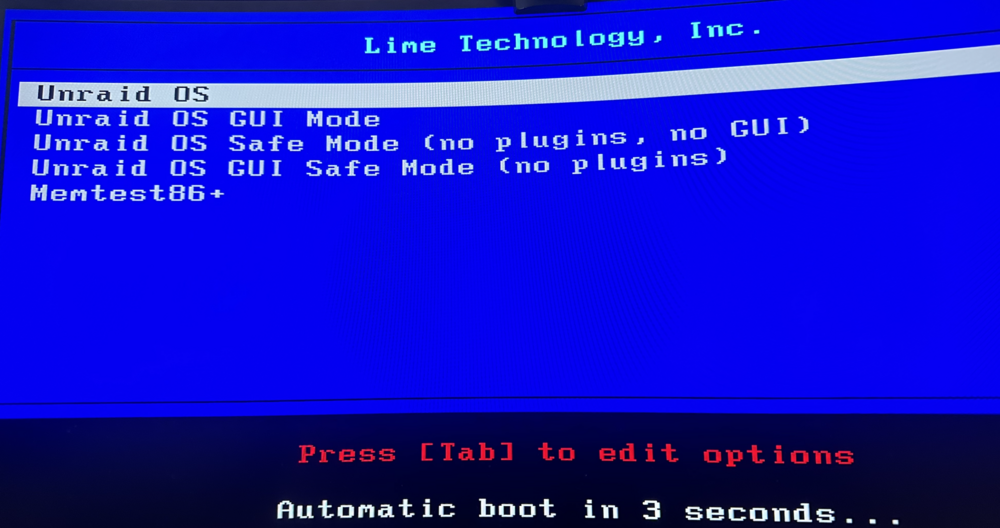
  2. Thanks Jorge, I have reseted the CMOS totally. Here are some photos from the BIOS when pressing f8, i get the menu, but it doesnt start automatically
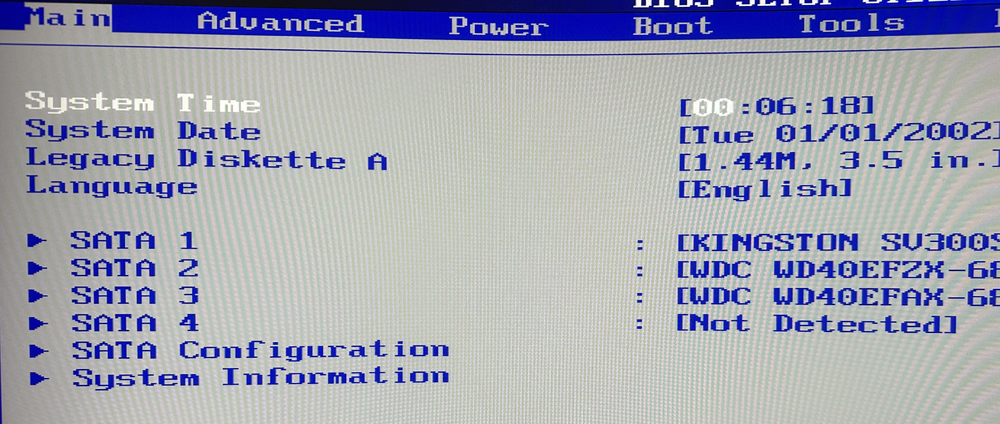
  3. Hi, I am a new UNRAID user seeking assistance with booting from a USB drive on a ASUS P5K motherboard. I have tried various methods, but I’m encountering difficulties. Could you please provide guidance on how to set up the boot process correctly? Specifically, I need instructions on configuring the BIOS settings and any additional steps required. I was able to install and run pressing F8, but I cannot find how to start automatically. (boot order do not work) Thank you for your time and support. I look forward to hearing from you soon.

Account

Navigation

Search

Search

Configure browser push notifications

Chrome (Android)
  1. Tap the lock icon next to the address bar.
  2. Tap Permissions → Notifications.
  3. Adjust your preference.
Chrome (Desktop)
  1. Click the padlock icon in the address bar.
  2. Select Site settings.
  3. Find Notifications and adjust your preference.