





Siege
Members
-
Joined
-
Last visited
-
@ich777 Well, after the mover did its thing. I was not able to get back to previous state. but it sounds like with the new settings I should not have a problem any more. I ended up removing the docker and deleting the folder and reinstalling the docker to get a new admin key. It's not like my ts server was overly complicated so this wasn't really a big deal. thanks again
-
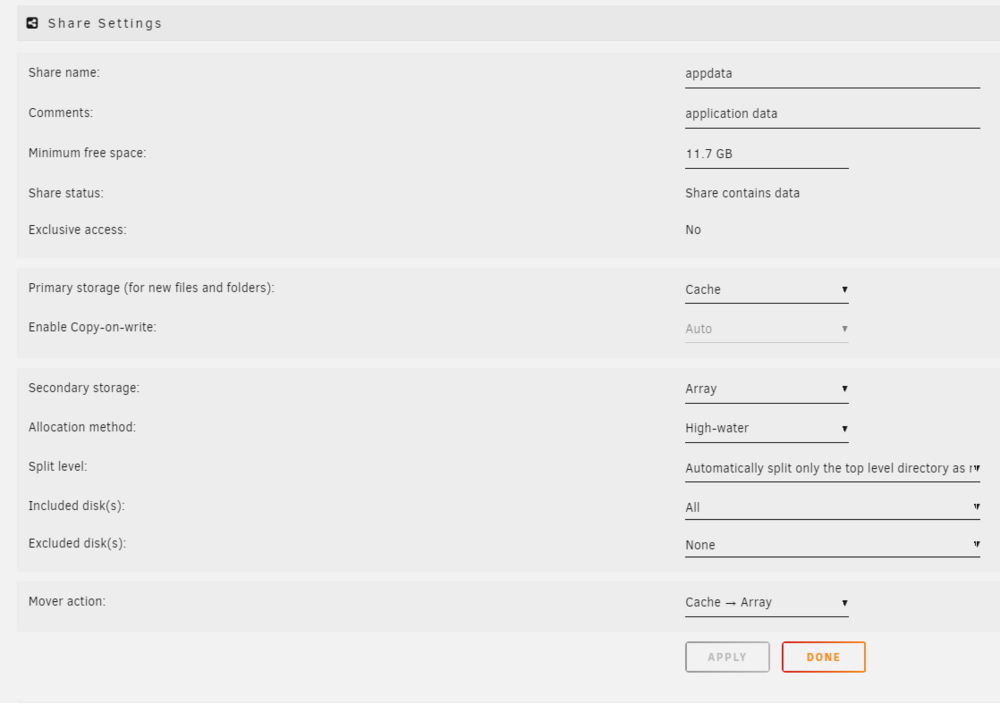
yeah my mover action is moving from cache to array. I am still new to unraid. thanks for the help. I will try out changing my mover action to Array => Cache and let you know how it goes. Prechange setting attached. I am kind of of new to this so If there are any changes I could make here to improve this set up please let me know.
-
Siege joined the community
-
My TeamSpeak3 container seems to have reverted to default. There are no channels and and my TS Client no longer recognizes me as the owner. Is there a way to recover my old state? I have my original privilege key but the client tells me that key is not valid.

