Daniel86
Members
-
Joined
-
Last visited
-
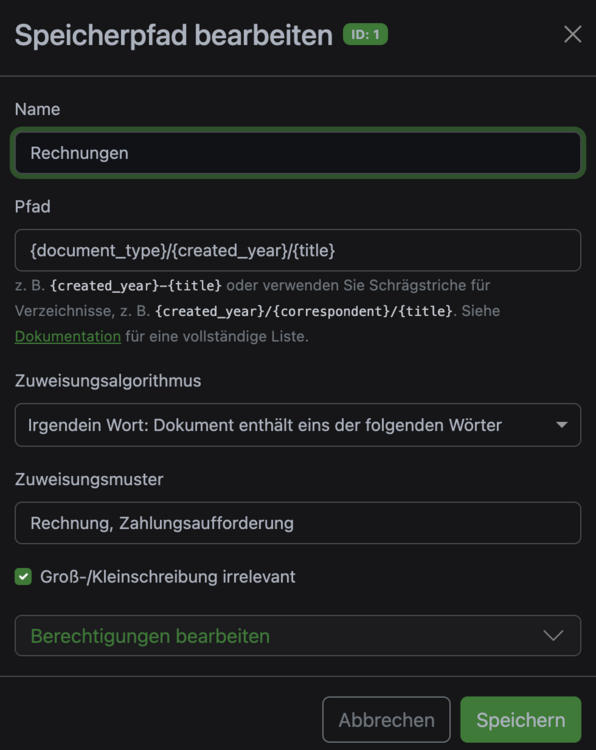
Das kann ich dir gar nicht sagen, habe aber gerade versucht es nur mit einem Wort, als ohne Komma, auch dort findet keine zuweisung statt.
-
Ja, genau OCR hat es erkannt, wird aber nicht markiert als "Rechnung" , bzw. in den Metadaten steht auch Rechnung Ich habe es nicht auf "Auto" stehen, sondern das es gleich erkennt, wenn Rechnung drin steht soll es das auch Markieren...
-
Hallo Zusammen Ich benötige euer wissen. Ich benutze seit kurzer Zeit Paperless ngx, bzw. ich möchte es eigentlich nutzen, komme aber nicht weiter. Ich habe Tags und Speicherpfade definiert, z.B. für Rechnungen, erkennen soll es "Irgendein Wort" names Rechnung, Zahlunsaufforderung. Dies wird aber nicht erkannt wenn ich das Dokument hochlade. Muss es also selbst zuweisen... Ich weis nicht was ich falsch machen. Könnt ihr mir da helfen